Anime PFP for Xbox — 24+ Free HD Pictures
Looking for an anime PFP for Xbox that still reads clearly when your profile pops into a party? This page is a gallery guide for picking an Xbox gamerpic, with the exact sizes: 512×512 minimum, 1080×1080 recommended, and a 25 MB file limit. Use it to compare styles, crop your image before uploading, and follow the console or app steps below to change your gamerpic without guessing. The picks lean cool and dark because the dashboard and friend tiles reward contrast, clean edges, and a face or shape that survives a small-size shrink.
Best Anime PFPs for Xbox
Hand-picked for how they look at 512×512 minimum (1080×1080 recommended).
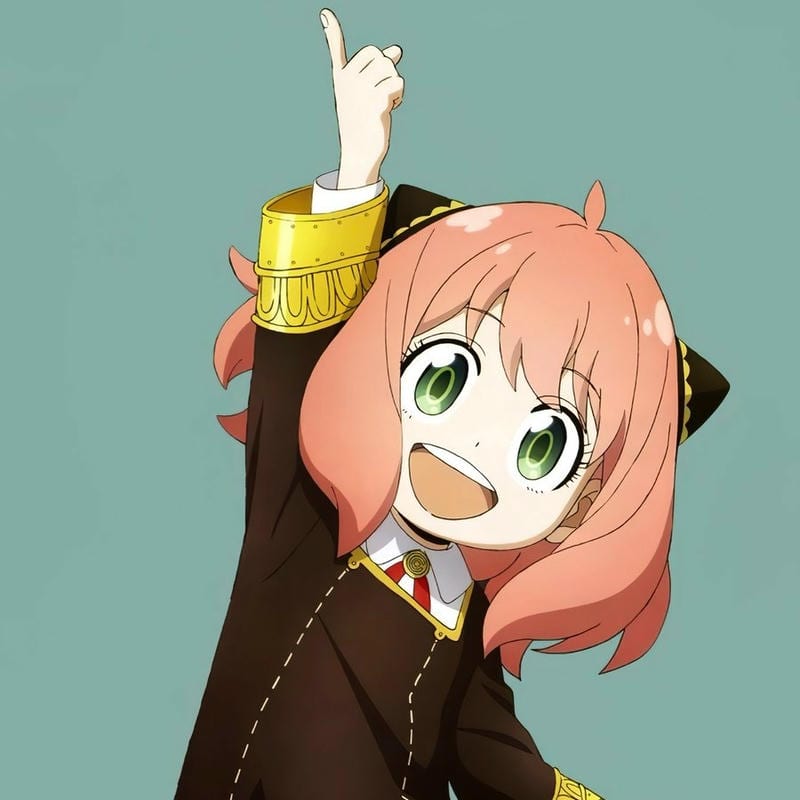
Anya Forger Cool PFP
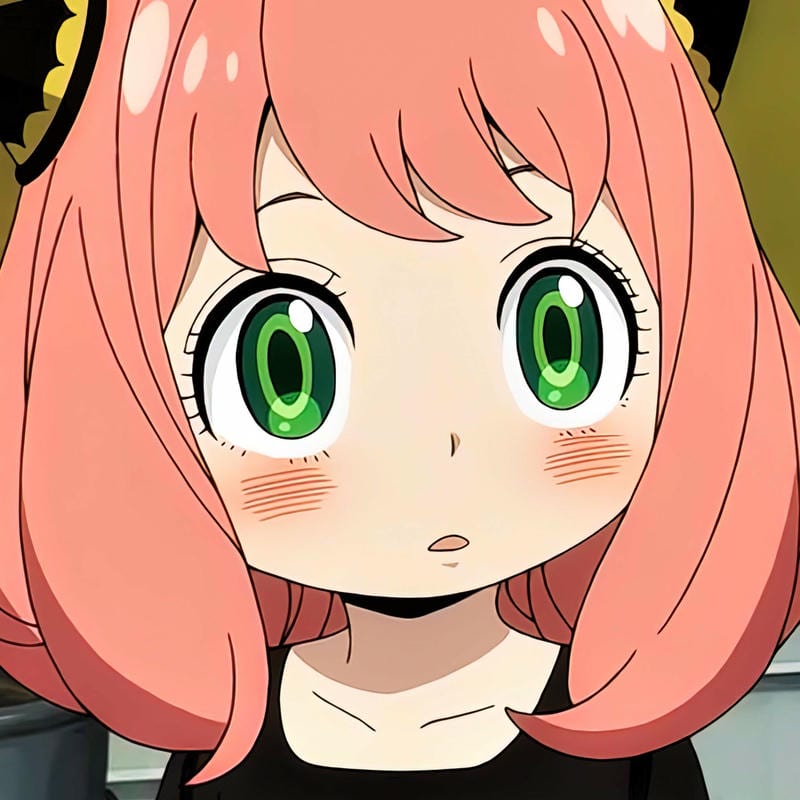
Anya Forger Cool PFP
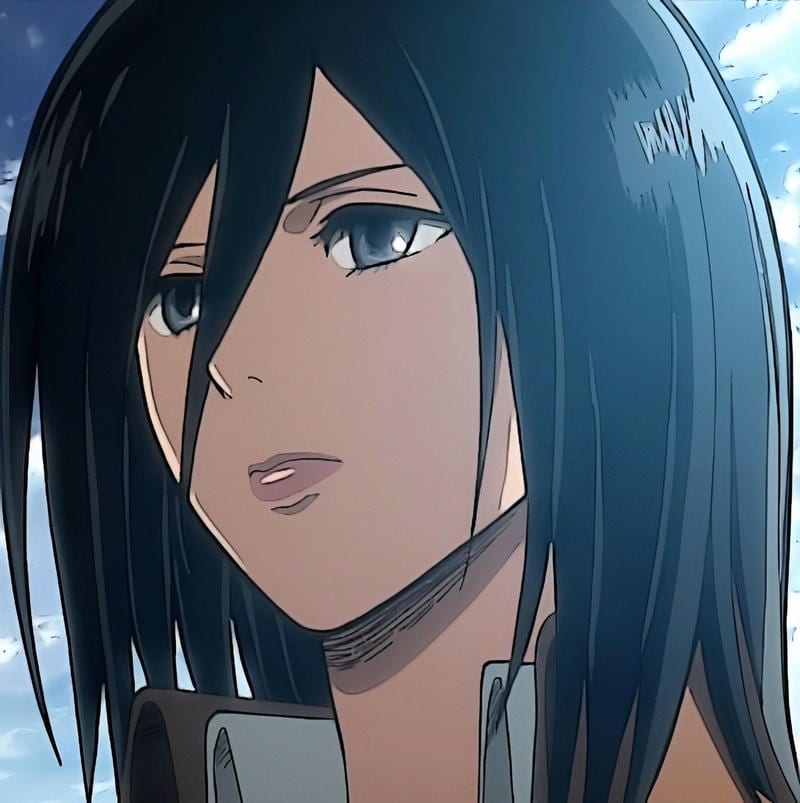
Mikasa Ackerman Cool PFP
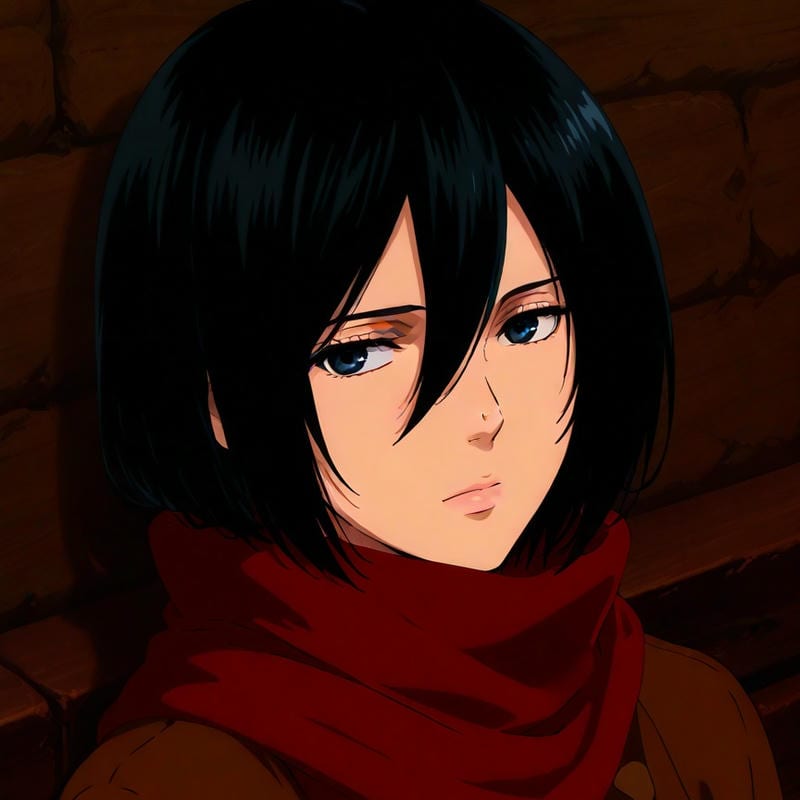
Mikasa Ackerman Cool PFP
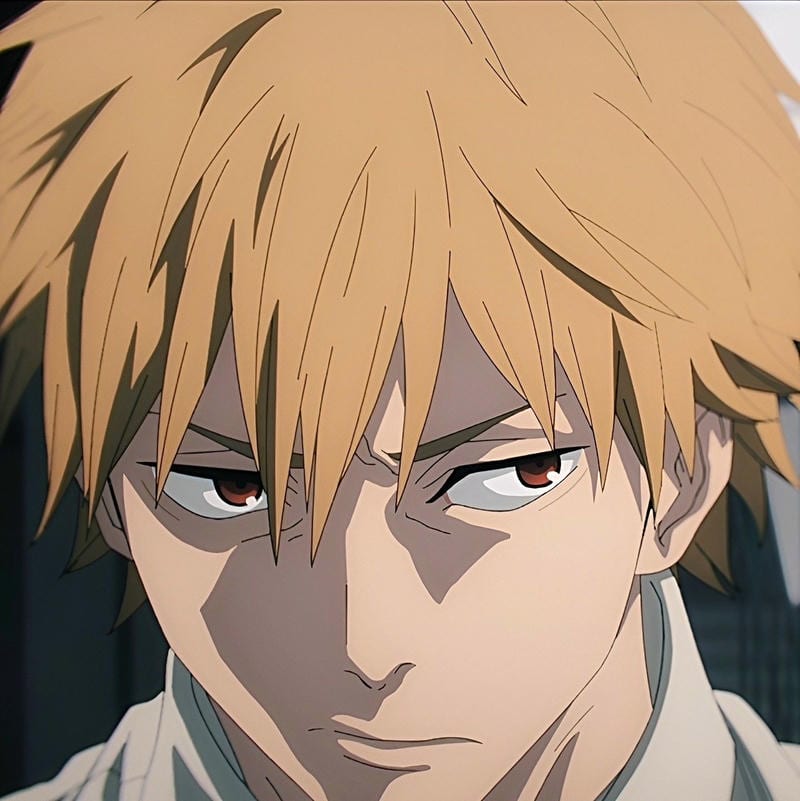
Denji Cool PFP
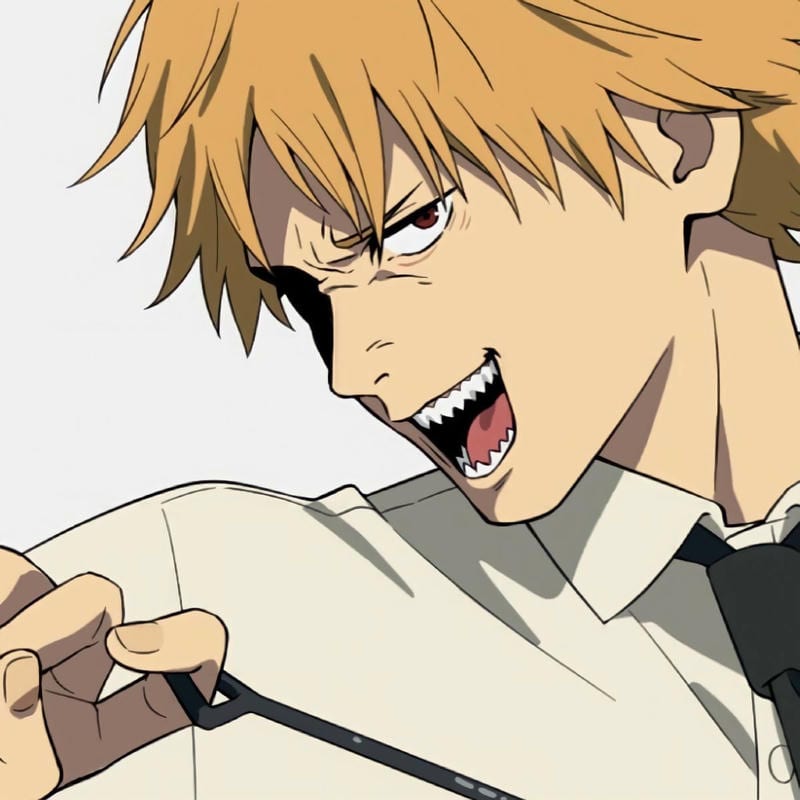
Denji Cool PFP
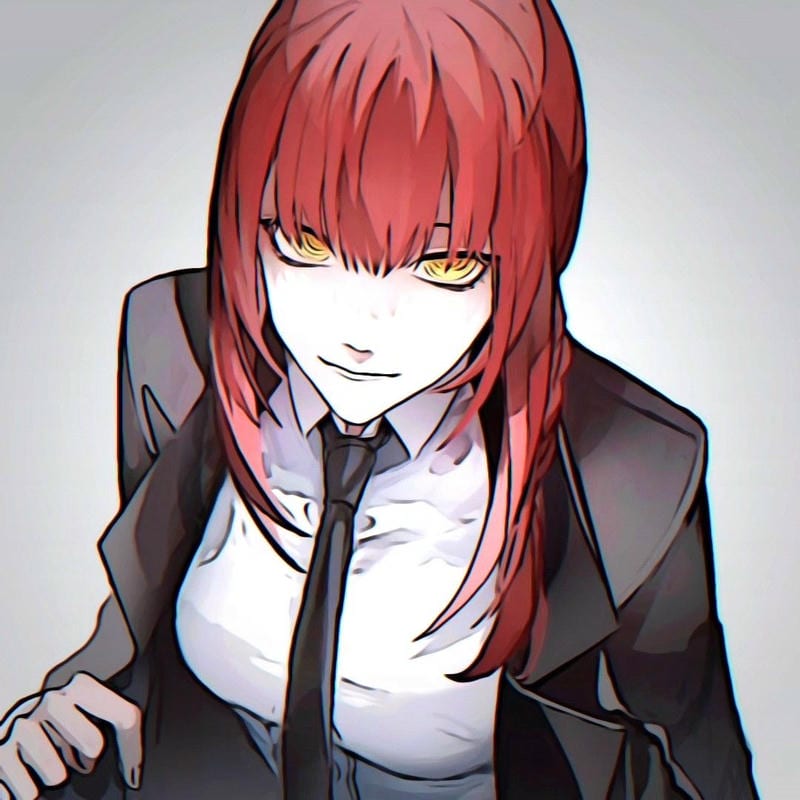
Makima Cool PFP
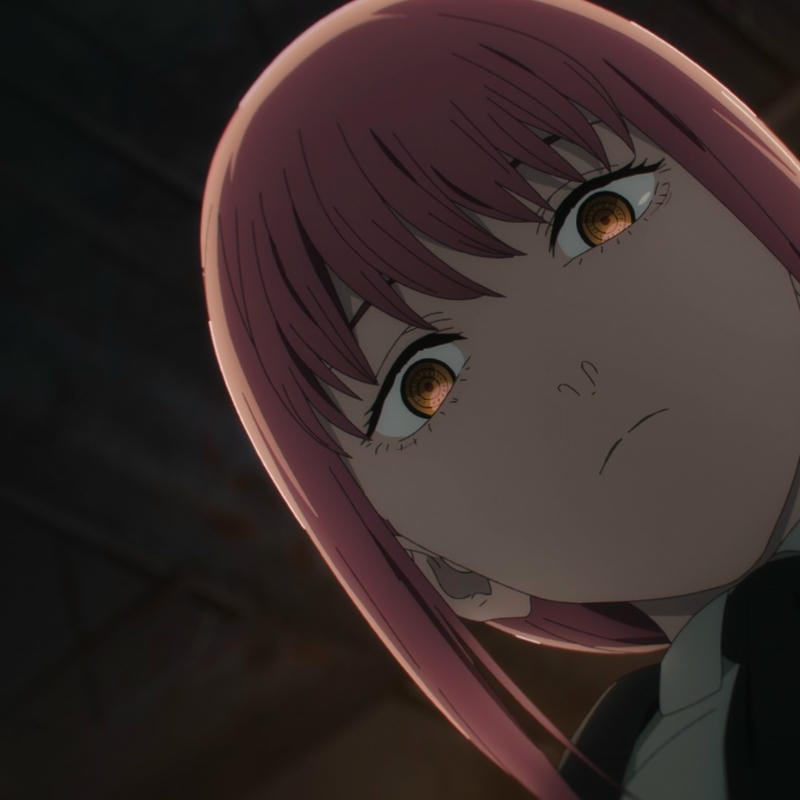
Makima Cool PFP
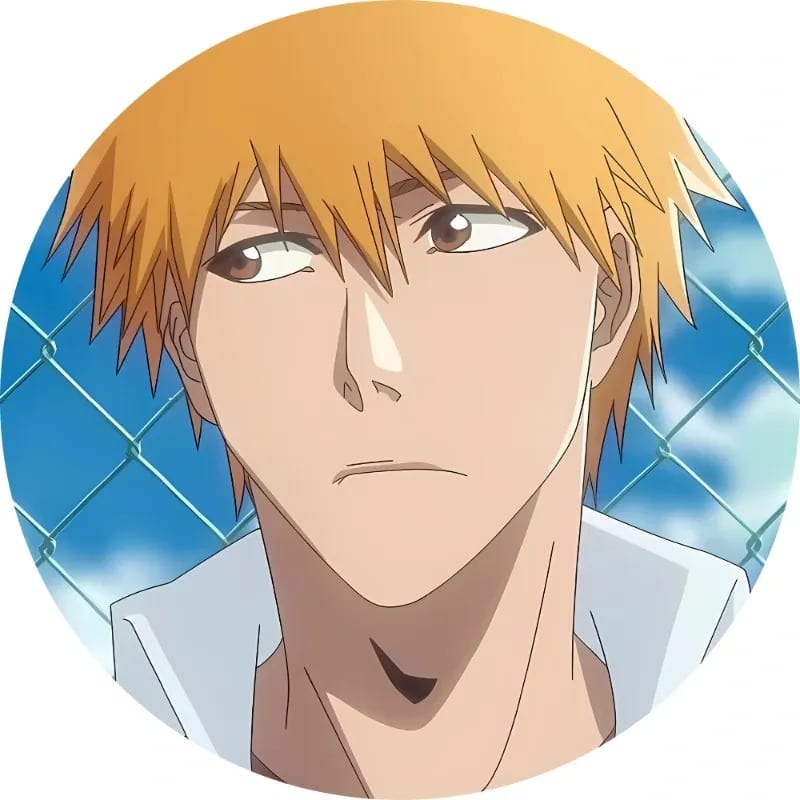
Ichigo Kurosaki Cool PFP
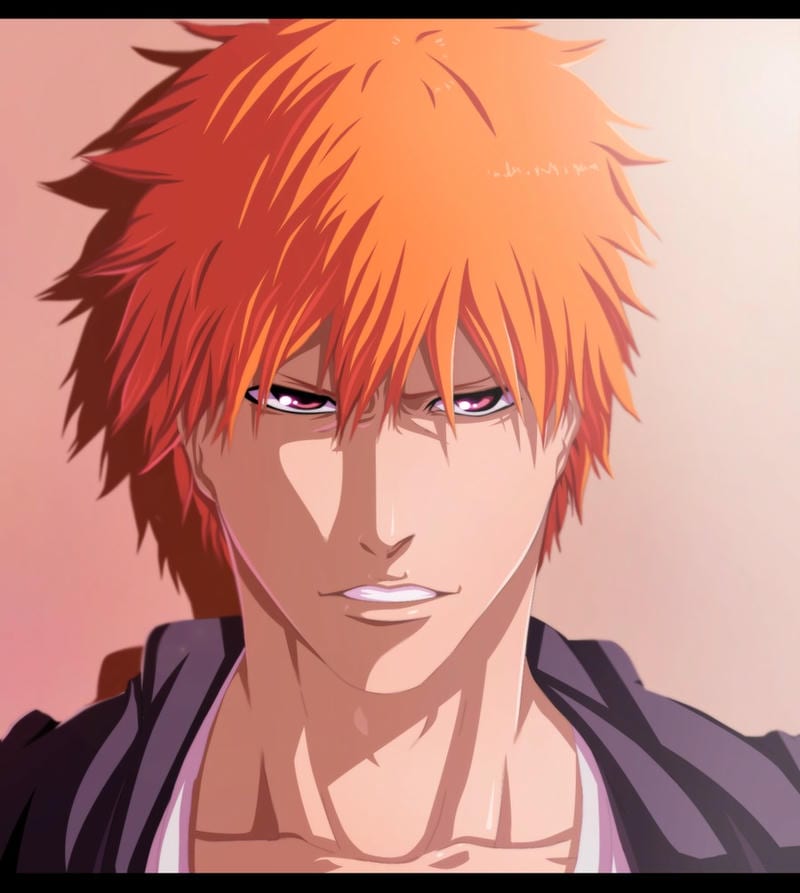
Ichigo Kurosaki Cool PFP
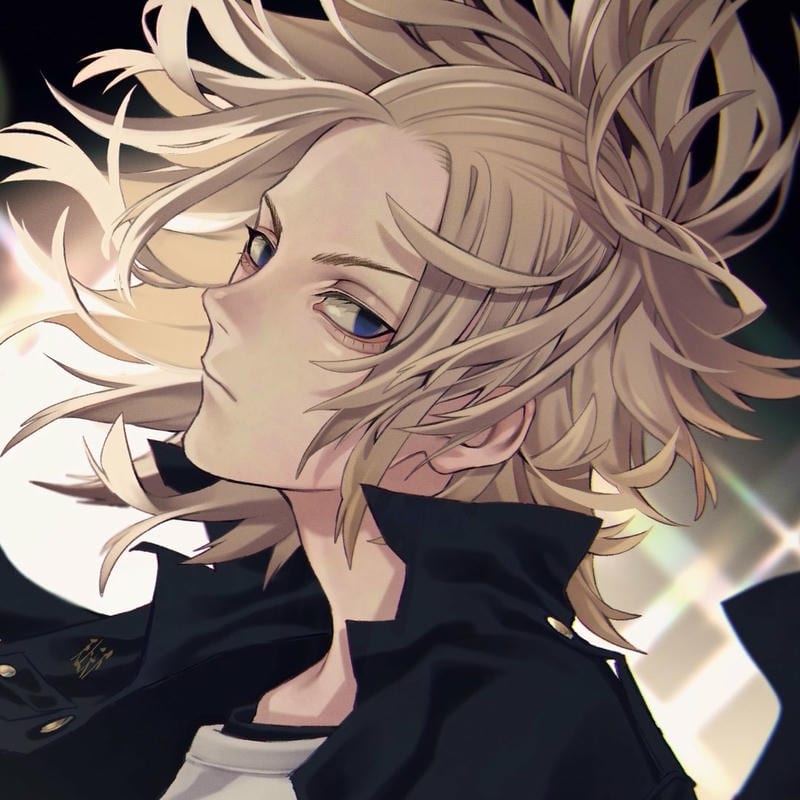
Manjiro Sano Cool PFP
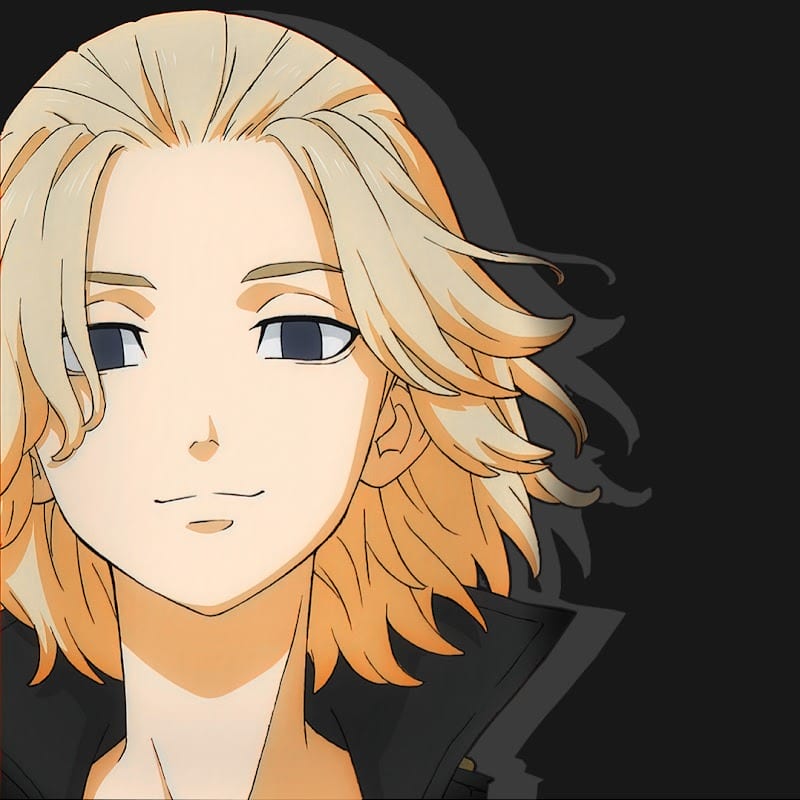
Manjiro Sano Cool PFP
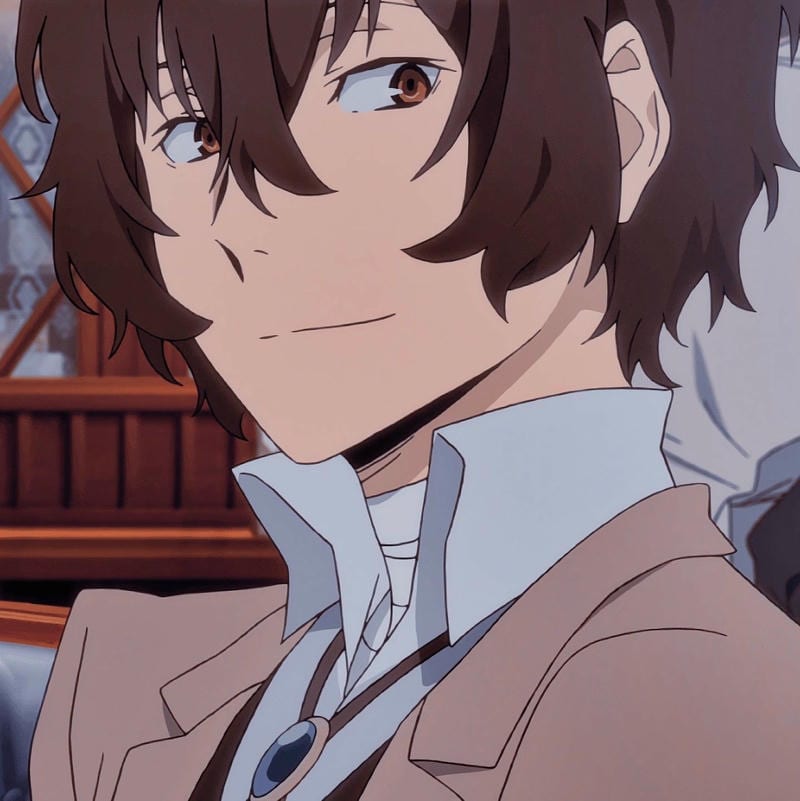
Osamu Dazai Cool PFP
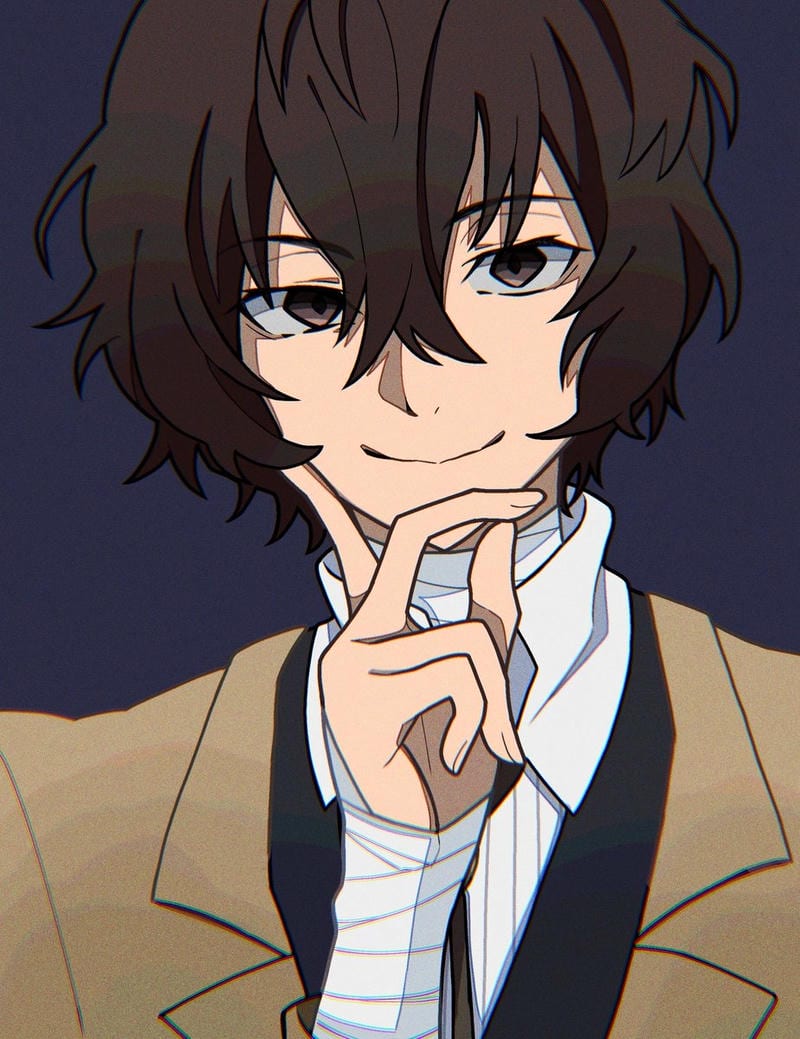
Osamu Dazai Cool PFP
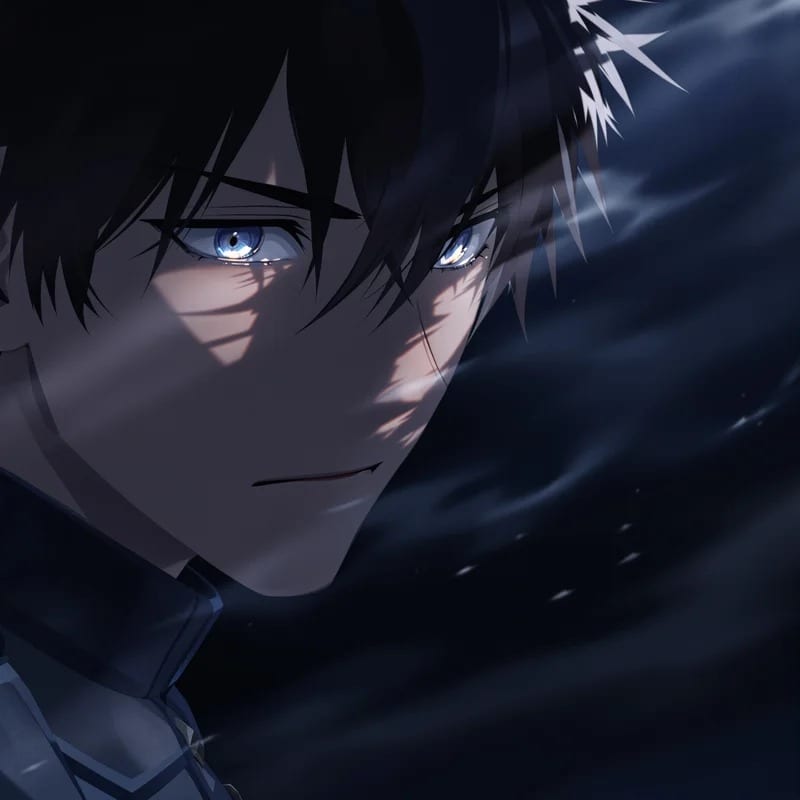
Sung Jin-Woo Cool PFP
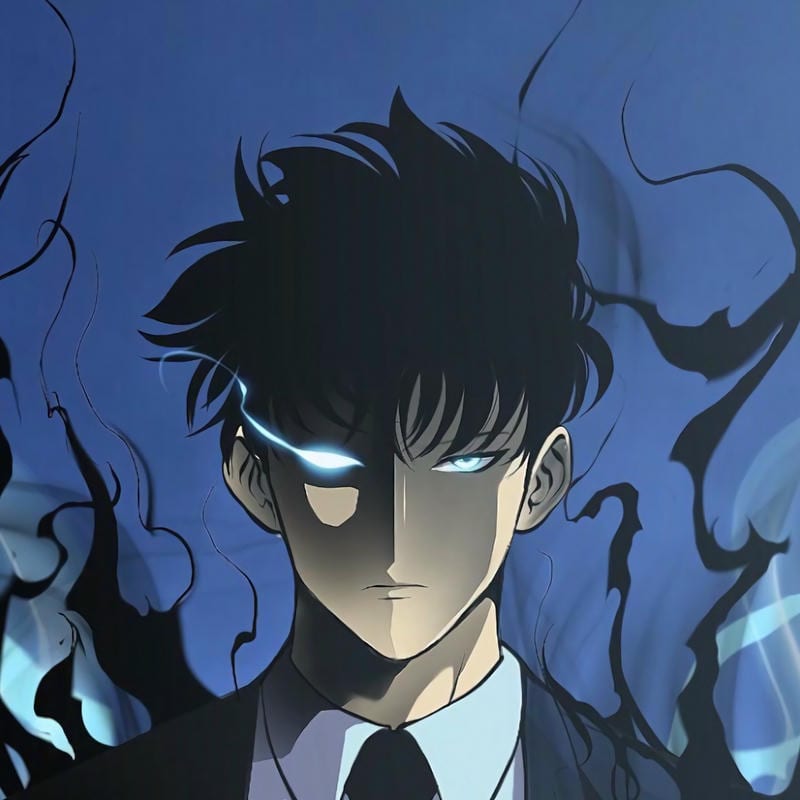
Sung Jin-Woo Cool PFP
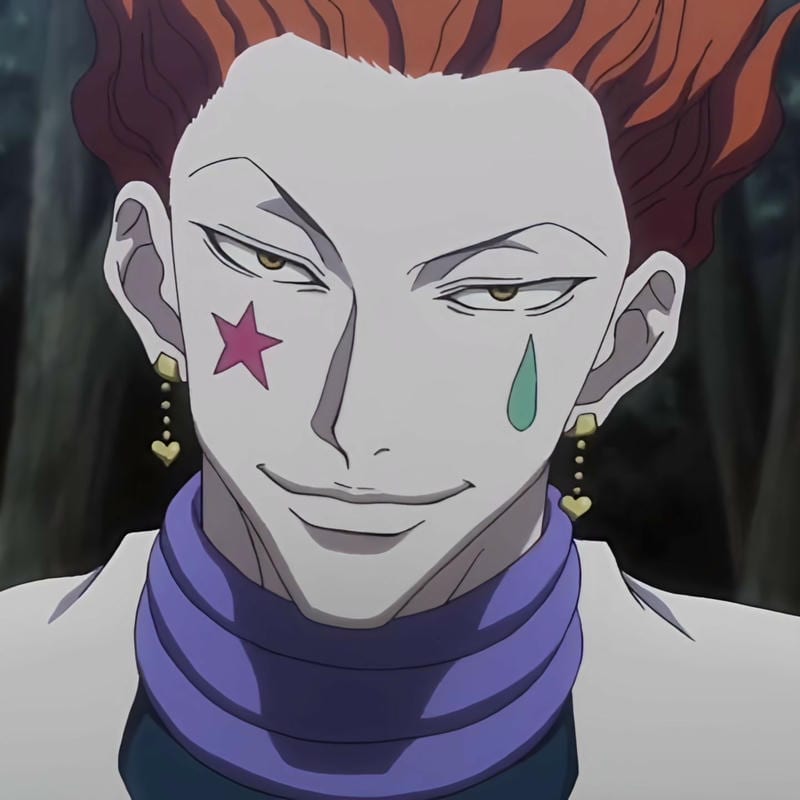
Hisoka Morow Cool PFP
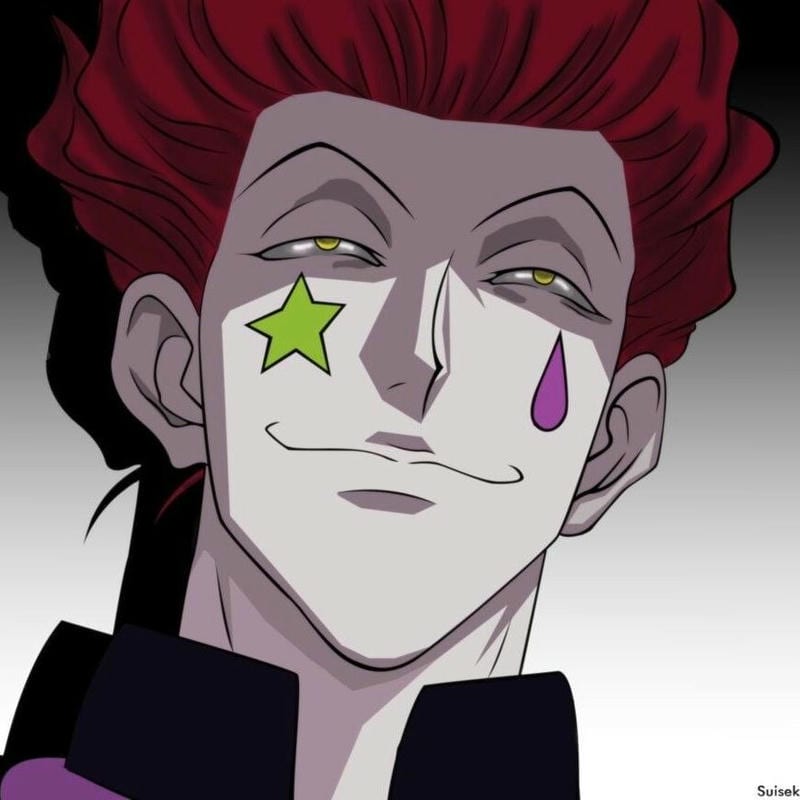
Hisoka Morow Cool PFP
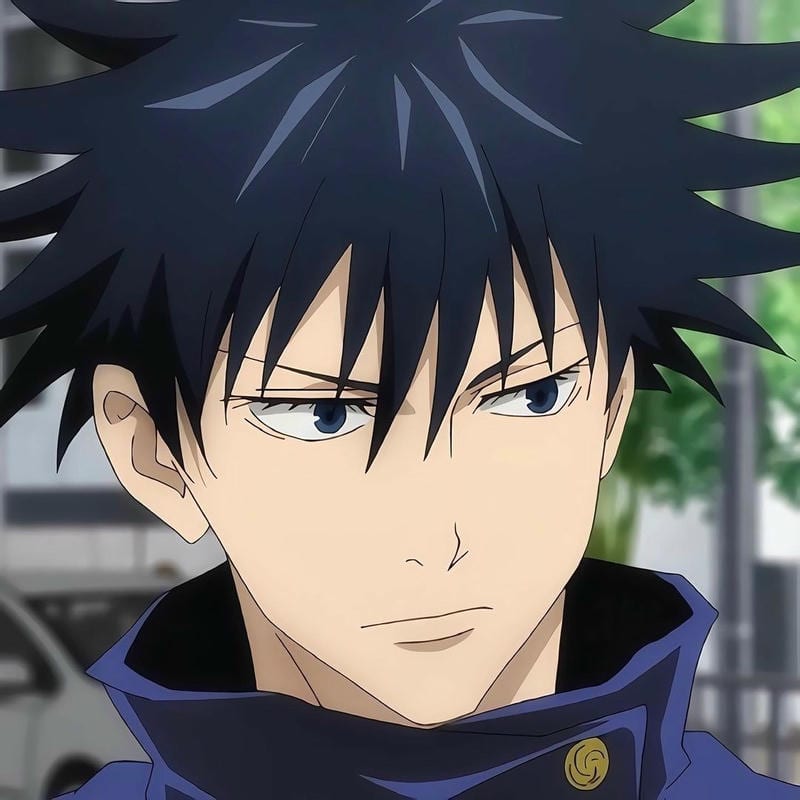
Megumi Fushiguro Cool PFP
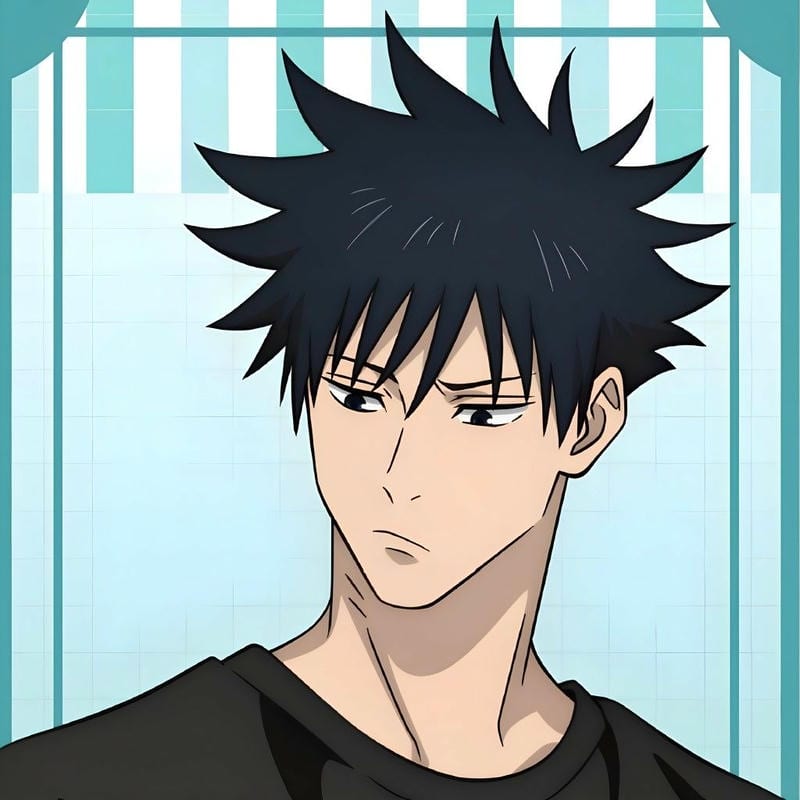
Megumi Fushiguro Cool PFP
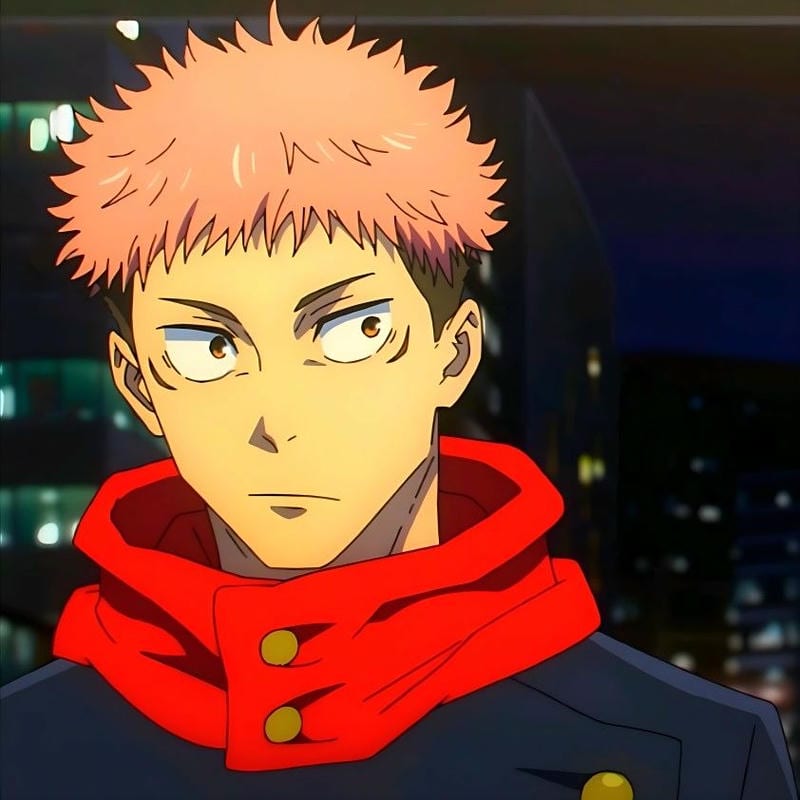
Yuji Itadori Cool PFP
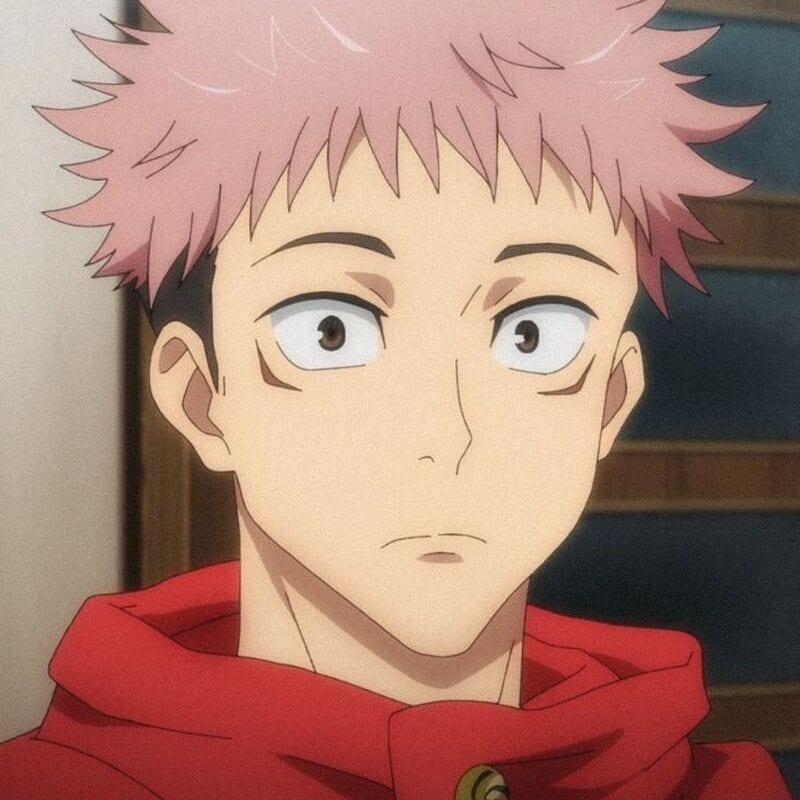
Yuji Itadori Cool PFP
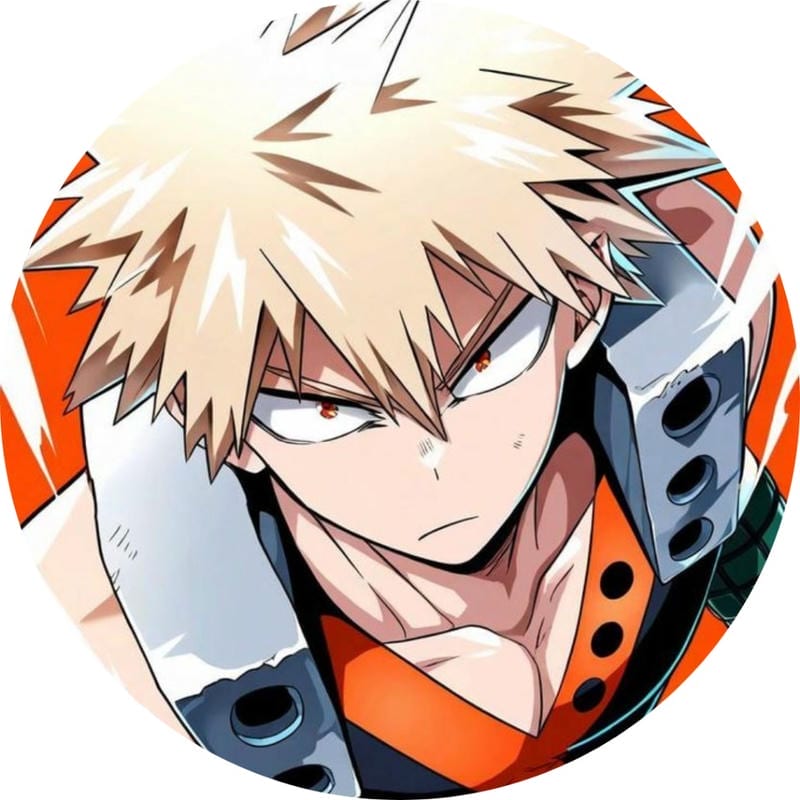
Katsuki Bakugo Cool PFP
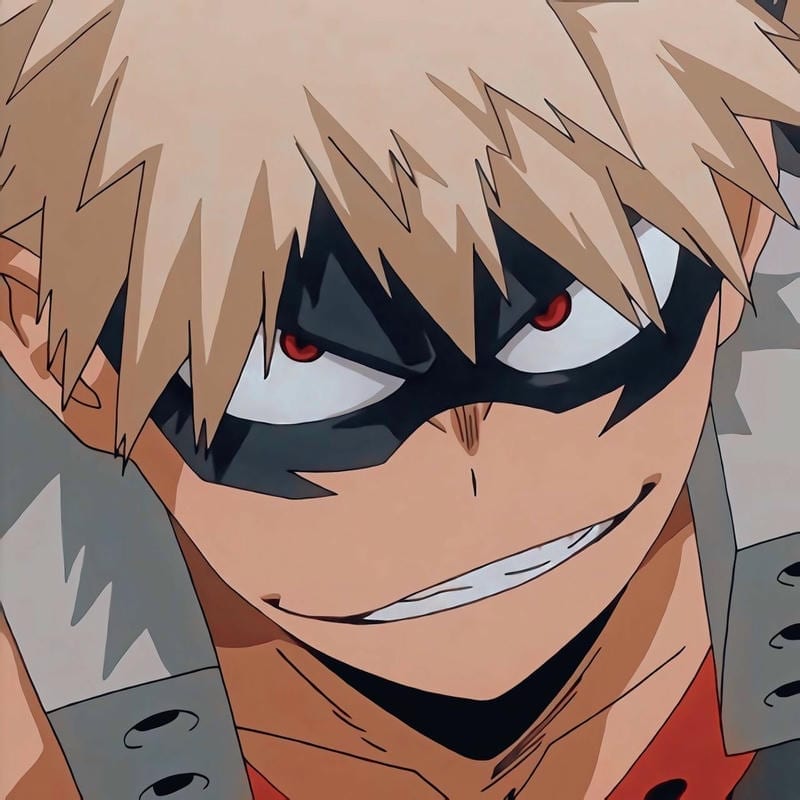
Katsuki Bakugo Cool PFP
An anime-style Xbox gamerpic has more room to breathe than a tiny chat avatar, because your gamerpic appears as a large tile in party and friends lists. That means line art, eyes, hair details, and moody lighting can survive instead of turning into a blob. Pick a clear focal point—face, mask, hood, or weapon—and keep the background simple enough to read at a glance.
For an anime look on your Xbox gamerpic, cool and dark edits fit the dashboard without fighting it. Strong contrast, a single character, and a background that stays out of the way give the tile a clean read. Avoid tiny text, cluttered group shots, and soft focus—those details vanish once the image scales down. The face or mask should still be obvious at a glance.
Xbox PFP size and crop guide
The Xbox gamerpic size rules are simple: start at 512×512 or larger, aim for 1080×1080, and keep the file under 25 MB. Crop tight around the face or main shape so the top and bottom don’t get cut off in the profile tile.
| What | Value |
|---|---|
| Upload size | Minimum 512×512; recommended 1080×1080 |
| Displayed size | Large tile in party and friends lists |
| File type | JPG or PNG |
| Animated avatars | Not supported |
How to change your Xbox PFP
- Open the Xbox console or Xbox app and go to your profile.
- Select Profile > Customize profile > Change gamerpic.
- Choose Upload a custom image, then pick your cropped file.
- Adjust the crop if the app asks, save, and check how it looks in party and friends lists.
Which anime styles work best on Xbox
For an anime Xbox profile picture, the strongest picks are the ones that stay readable when shrunk. High-contrast faces, single-character shots, and dark backgrounds with a bright accent tend to hold up better than busy group scenes. Close crops also keep the details from fighting the frame, so the face or mask is the first thing people notice.
A cool Xbox gamerpic can be moody without going murky: keep the eyes or silhouette sharp, then let shadows do the rest. If you want the tile to match the dashboard, lean into black, navy, neon, or muted tones instead of pastel overload. Simple shapes and clean edges stop dark edits from turning into a flat blob.
Xbox PFP FAQ
Use a minimum of 512×512, a recommended 1080×1080, and a file under 25 MB. Crop around the face or main shape so the large party and friends tile shows the important detail without awkward edges, and check the preview before saving.
Yes—the images on this site are free to download for personal use with no sign-up and no watermark. You can save a few options, test the crop on your profile, and swap them whenever you want a different look.
Stick to a still image for your upload, because animated avatars are not supported. A still image also keeps the face and detail sharp on the large party and friends tile without relying on motion.
Pick a character whose face, mask, or silhouette is instantly readable, then match the tone to the rest of your profile. Cool and dark styles suit the dashboard, but a bright cute pick can stand out if the background stays simple and uncluttered.
Change it whenever your current image starts to feel stale, not on a fixed schedule. Because the gamerpic shows as a large tile, a fresh crop or new anime style is easy to notice in party and friends lists, so rotate when you want a different mood.