Anime PFP for Instagram — 24+ Free HD Pictures
Finding an anime PFP for Instagram is mostly about picking a face that still reads when it shrinks. This page is a quick gallery guide for square PFPs: Instagram stores the upload at 320×320 and shows it at 110×110 next to posts and comments. Use it to compare styles, save a pick, and crop the face into the circle without losing the eyes. Pastel edits and centered close-ups usually fit the grid better than busy scenes, especially when the image has to work as a tiny avatar.
Best Anime PFPs for Instagram
Hand-picked for how they look at 320×320 (shown at 110×110 in feed).
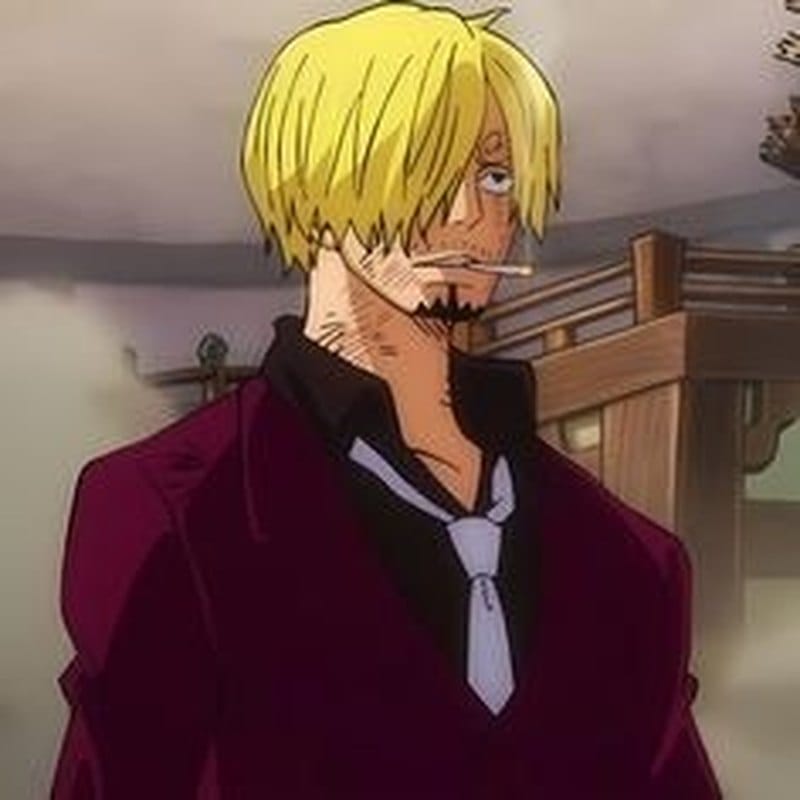
Sanji Aesthetic PFP
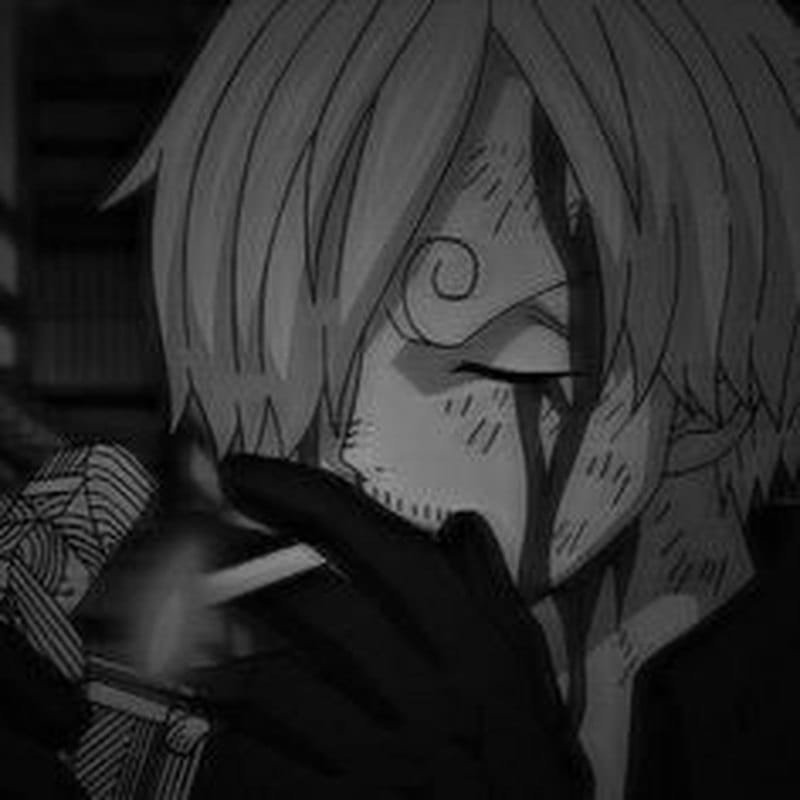
Sanji Aesthetic PFP
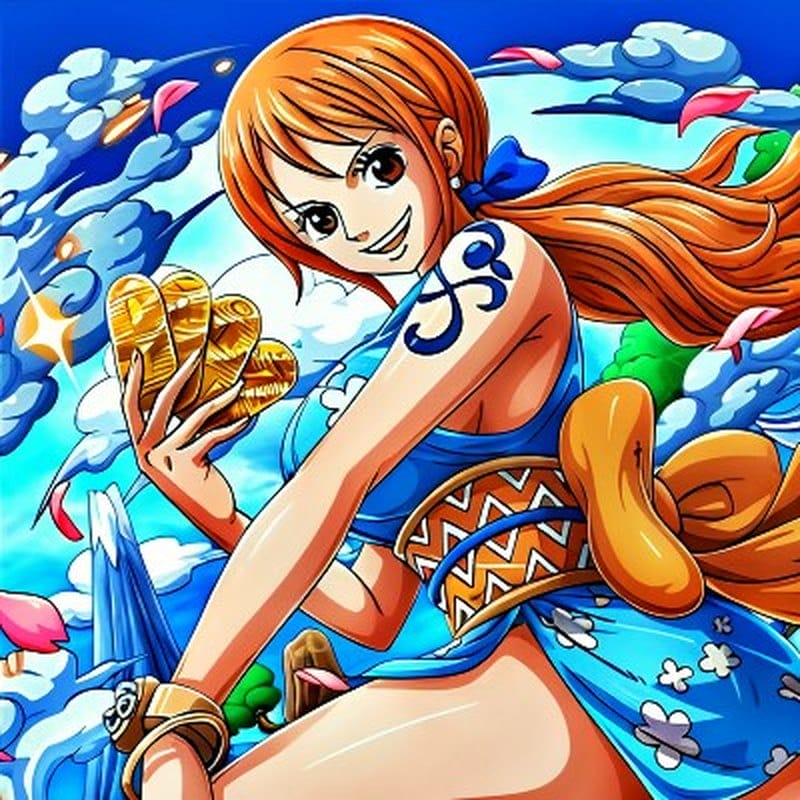
Nami Aesthetic PFP
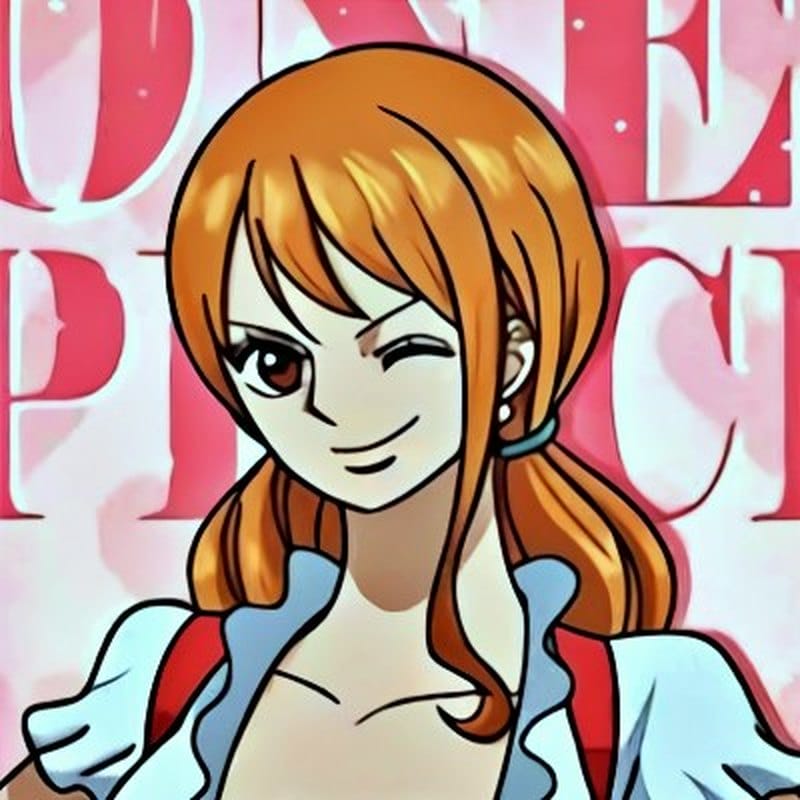
Nami Aesthetic PFP
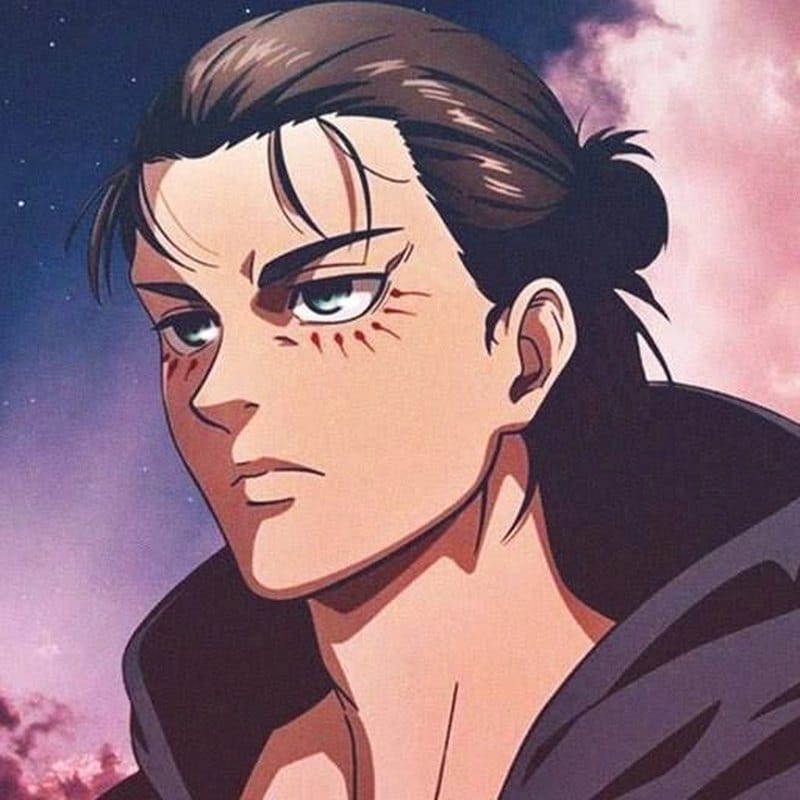
Eren Yeager Cute PFP
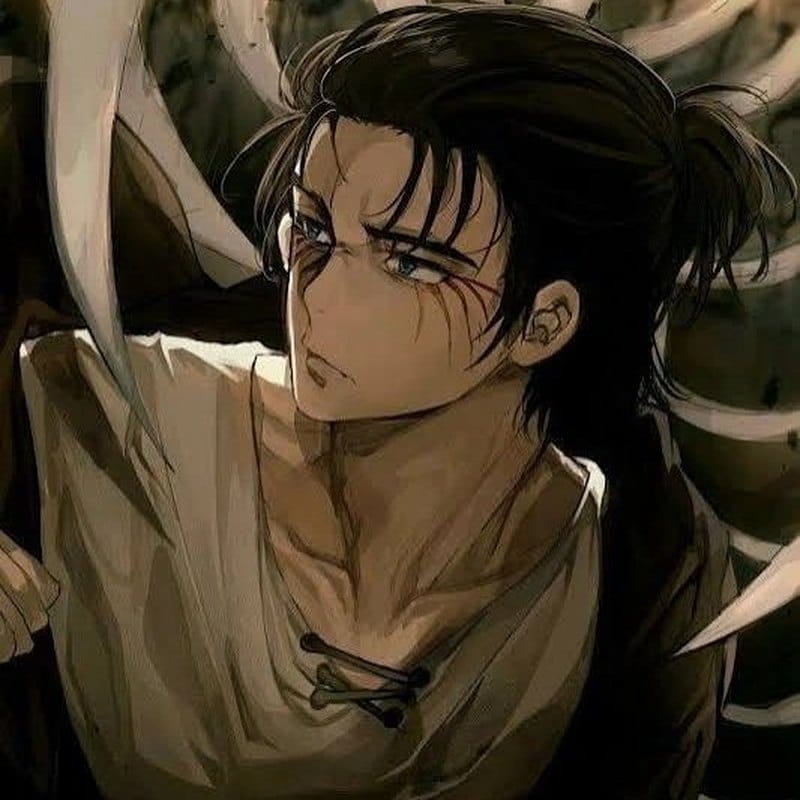
Eren Yeager Cute PFP
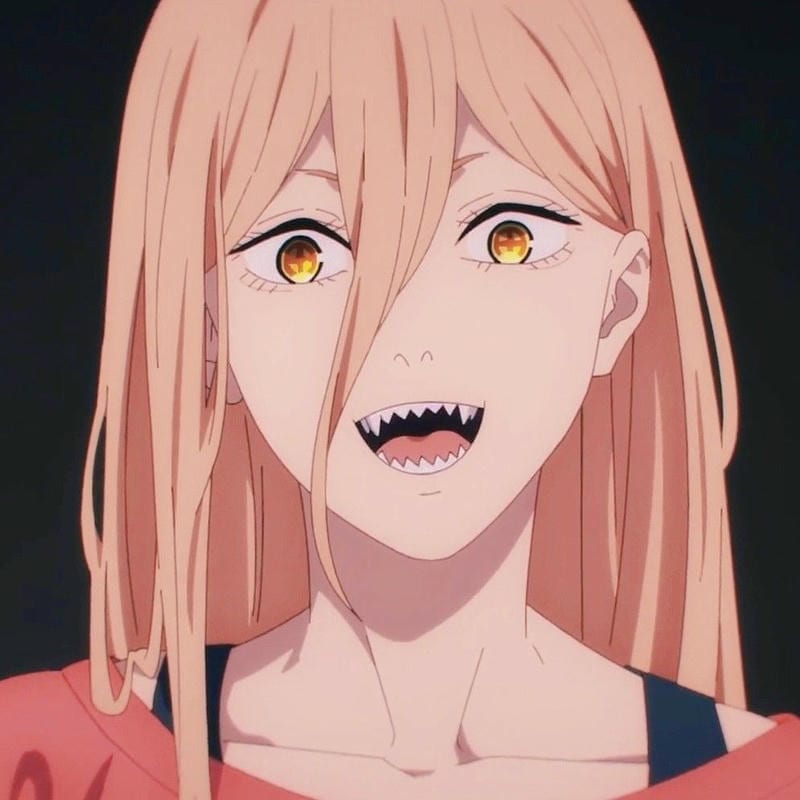
Power Aesthetic PFP
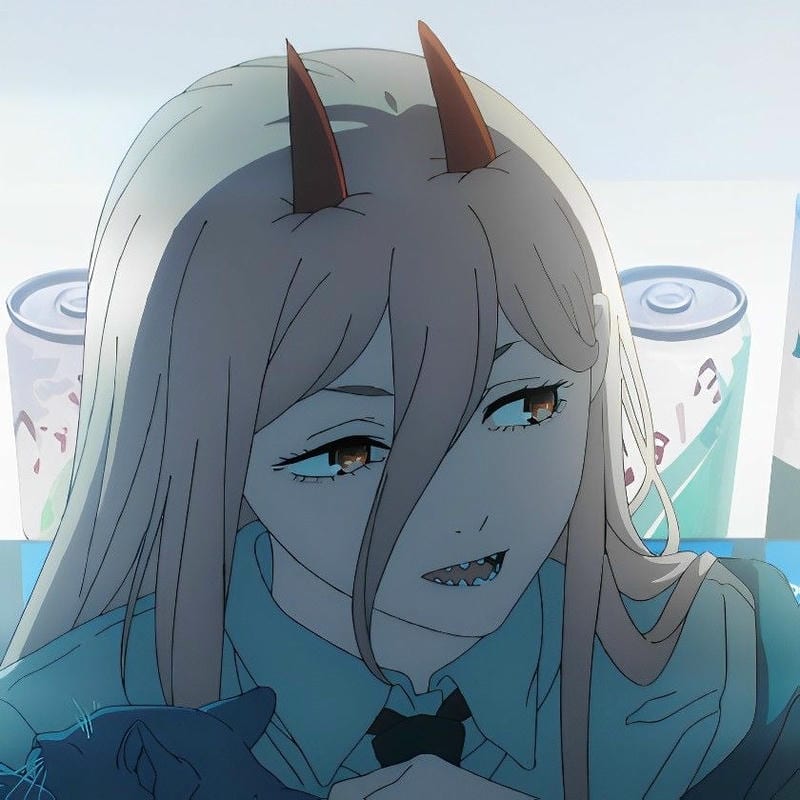
Power Aesthetic PFP
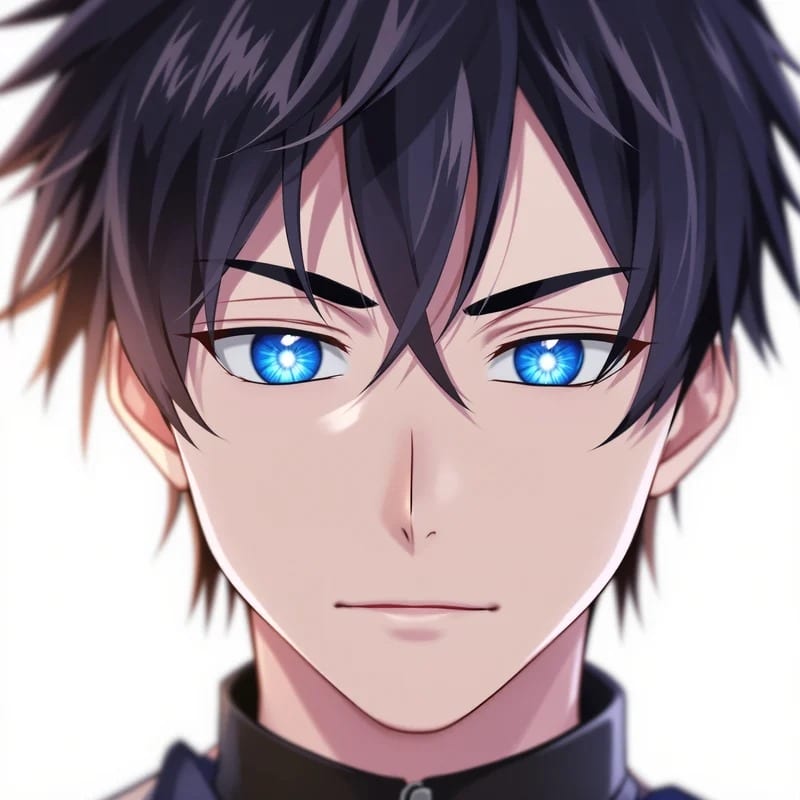
Isagi Yoichi Aesthetic PFP
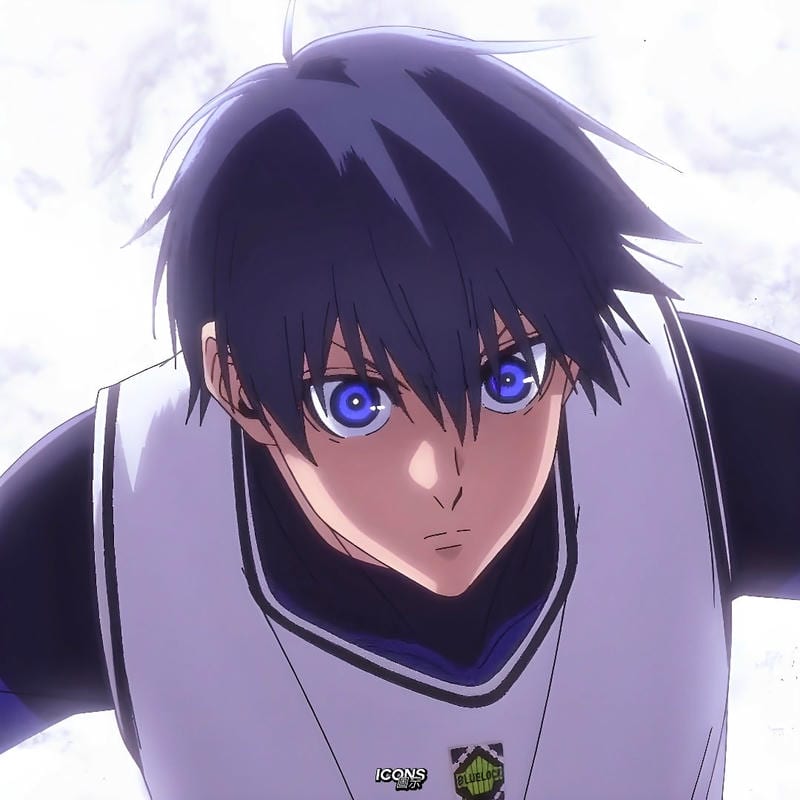
Isagi Yoichi Aesthetic PFP
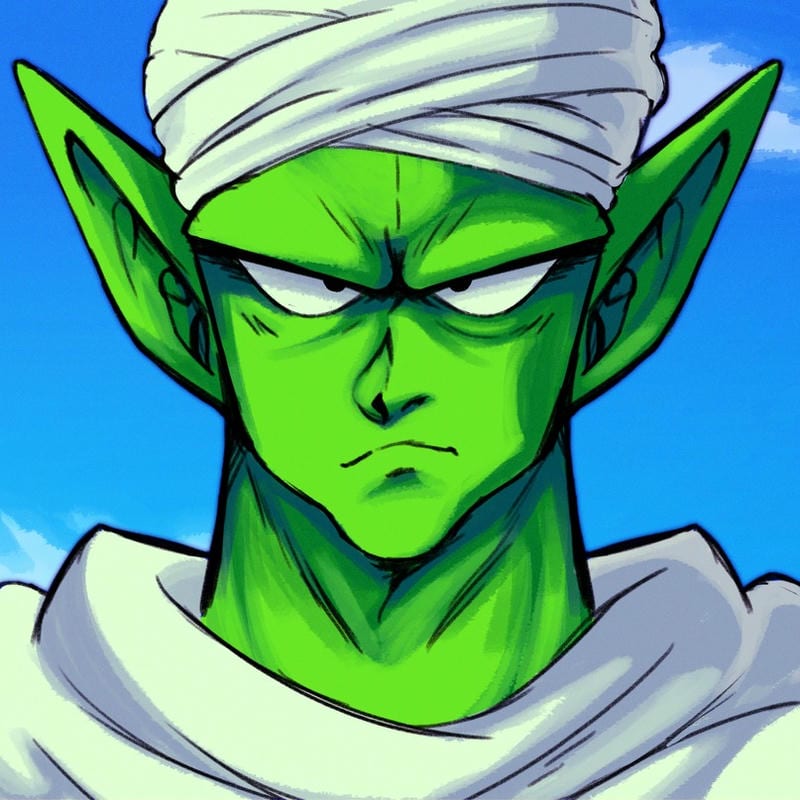
Piccolo Aesthetic PFP
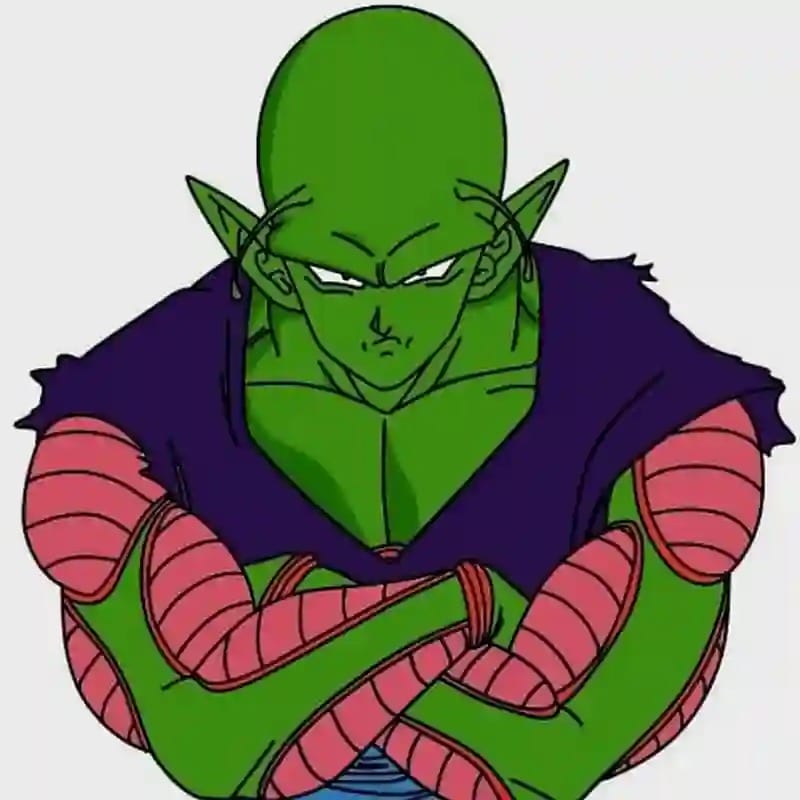
Piccolo Aesthetic PFP
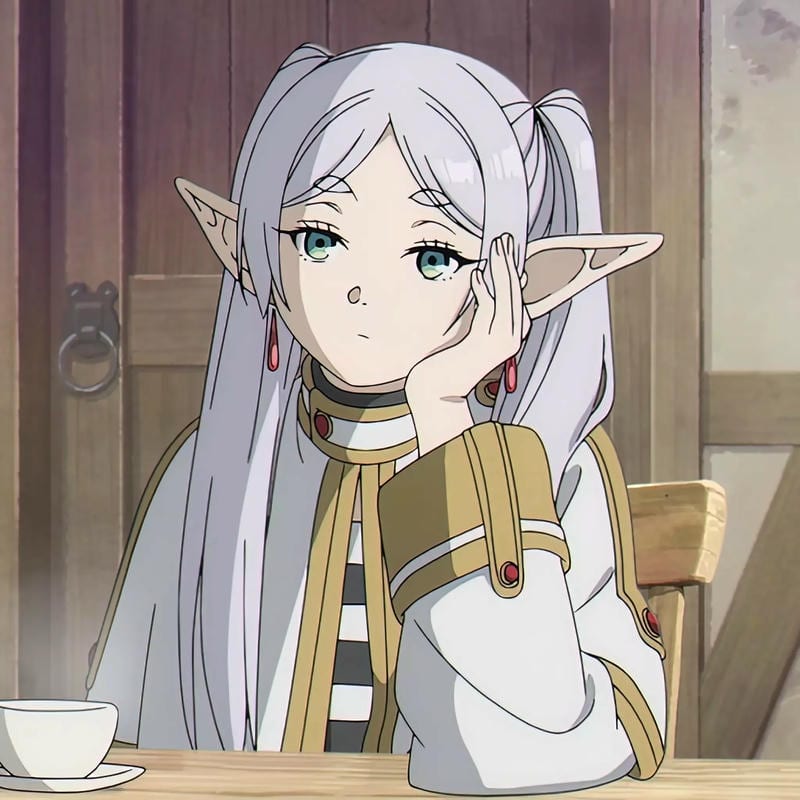
Frieren Aesthetic PFP
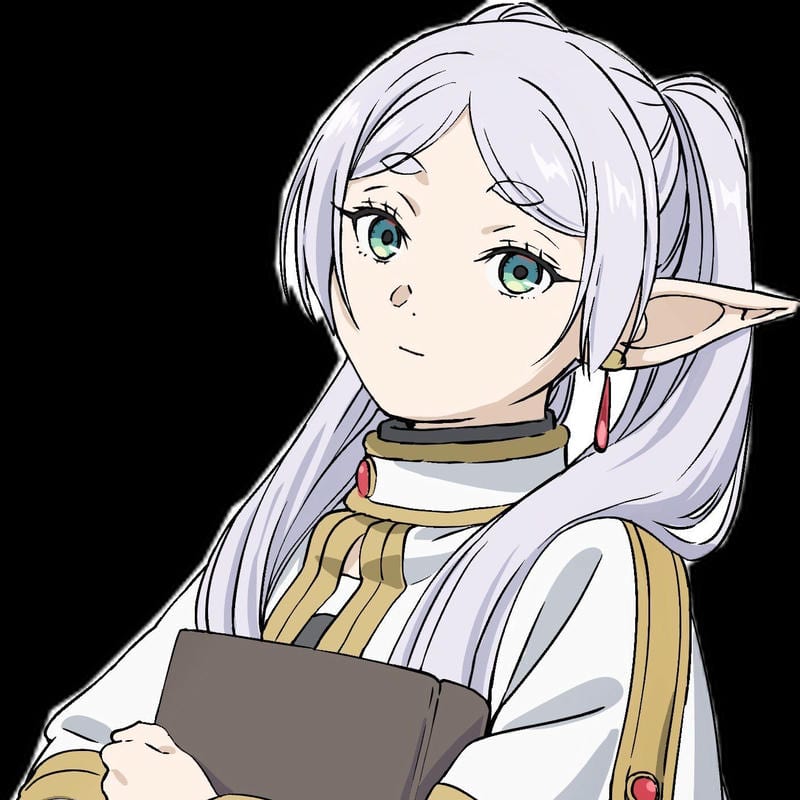
Frieren Aesthetic PFP
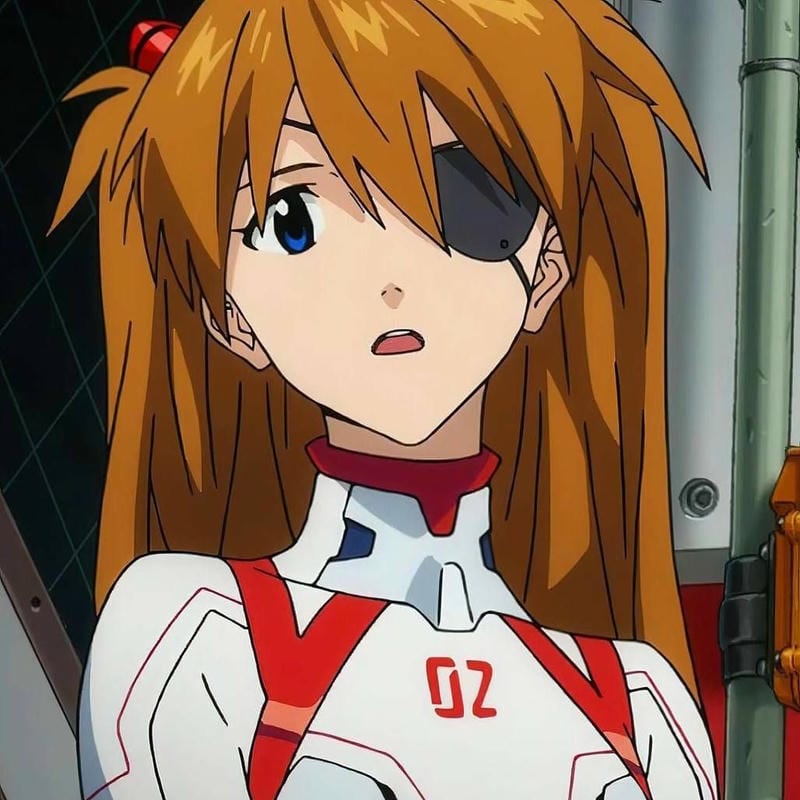
Asuka Langley Aesthetic PFP
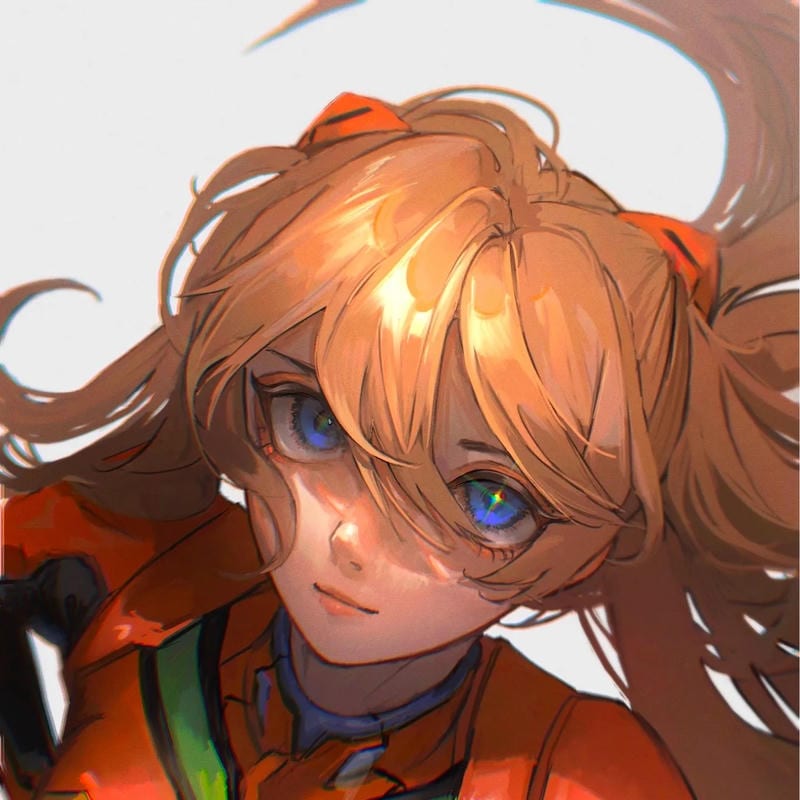
Asuka Langley Aesthetic PFP
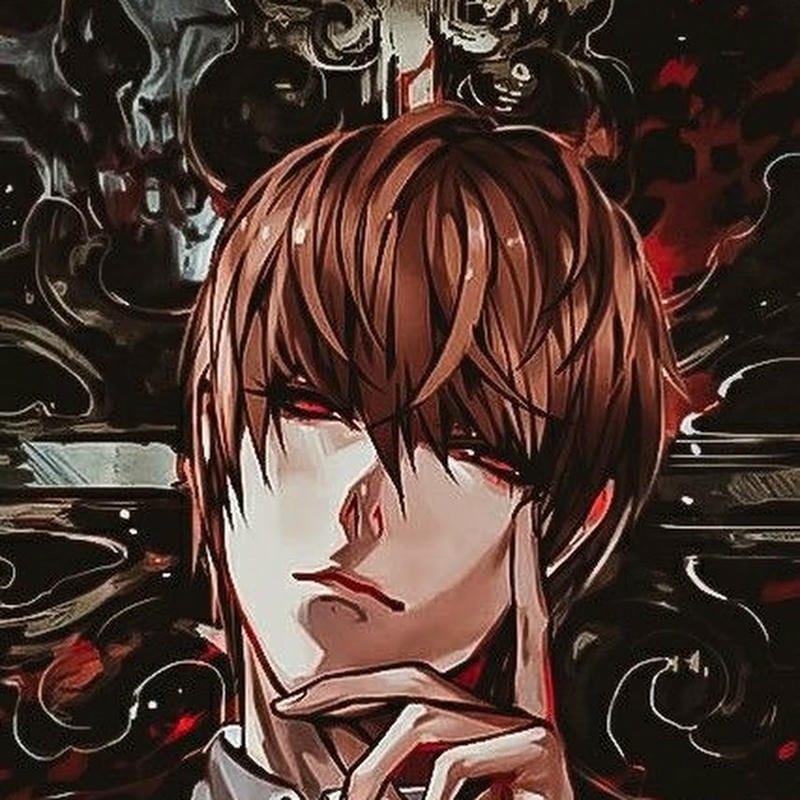
Light Yagami Aesthetic PFP
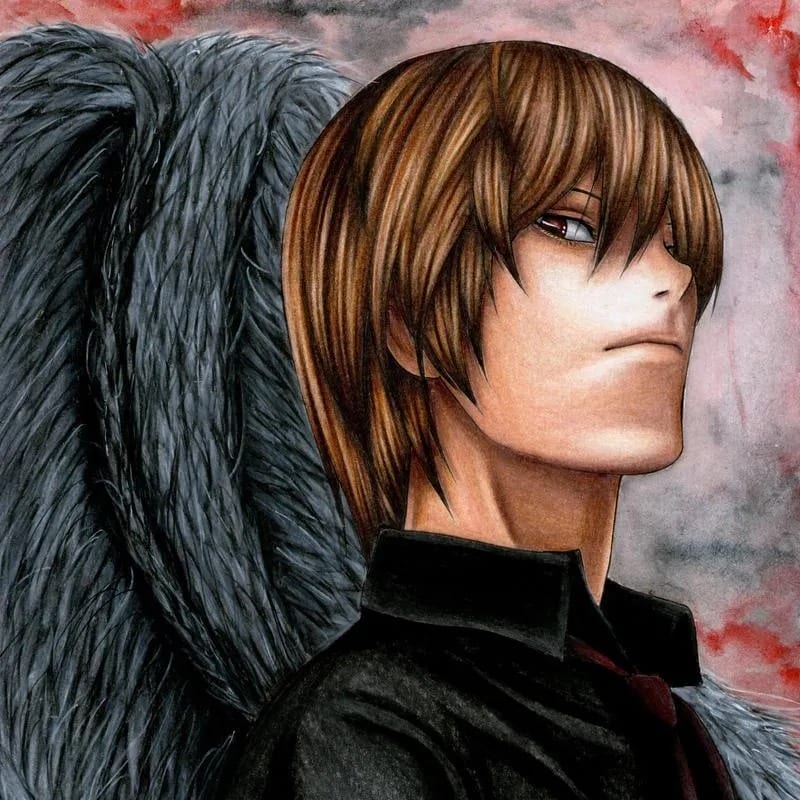
Light Yagami Aesthetic PFP
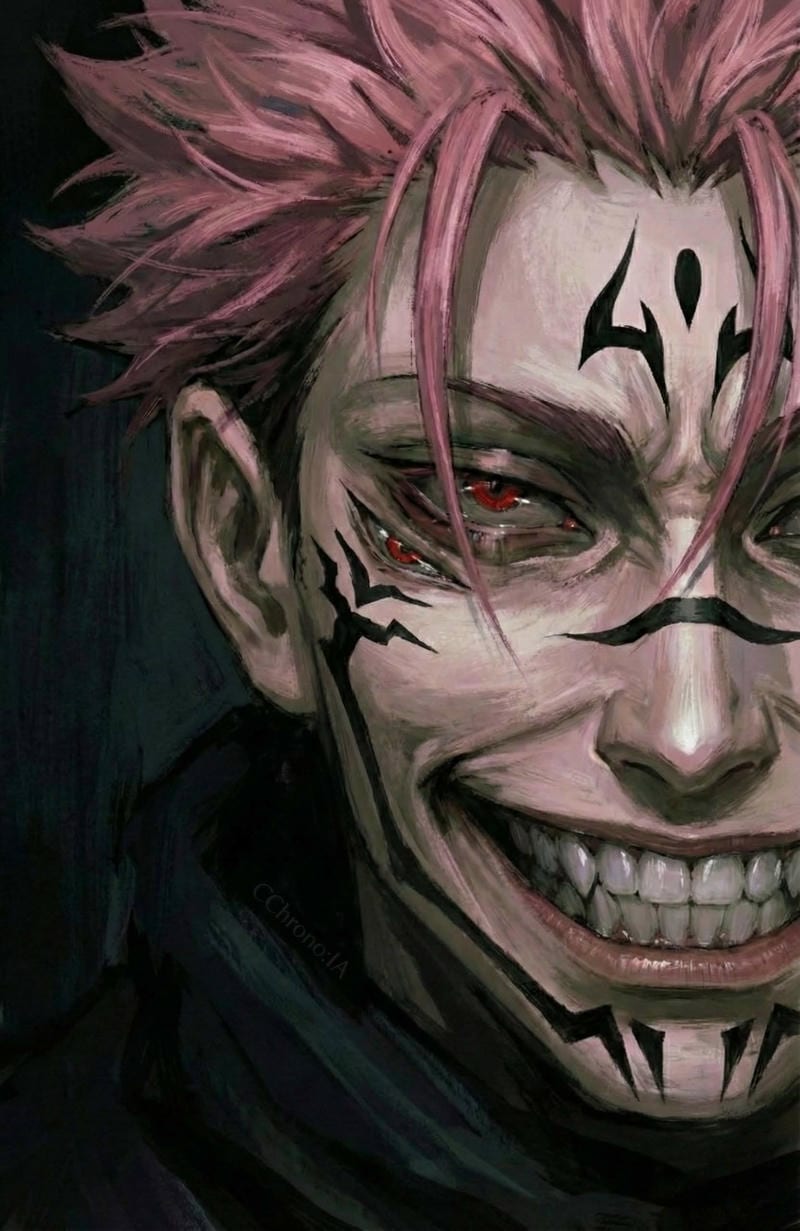
Ryomen Sukuna Aesthetic PFP
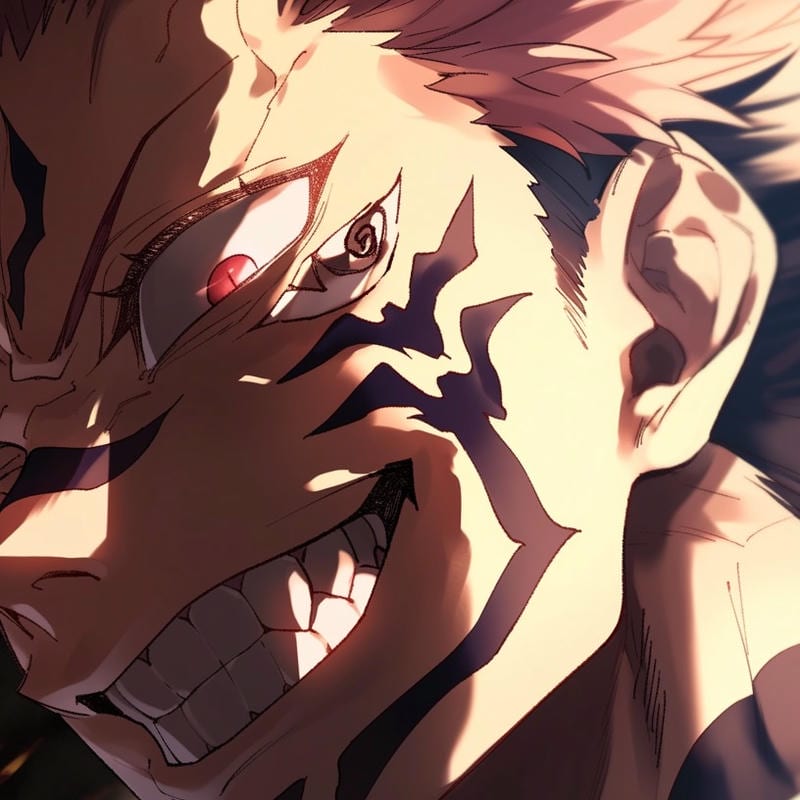
Ryomen Sukuna Aesthetic PFP
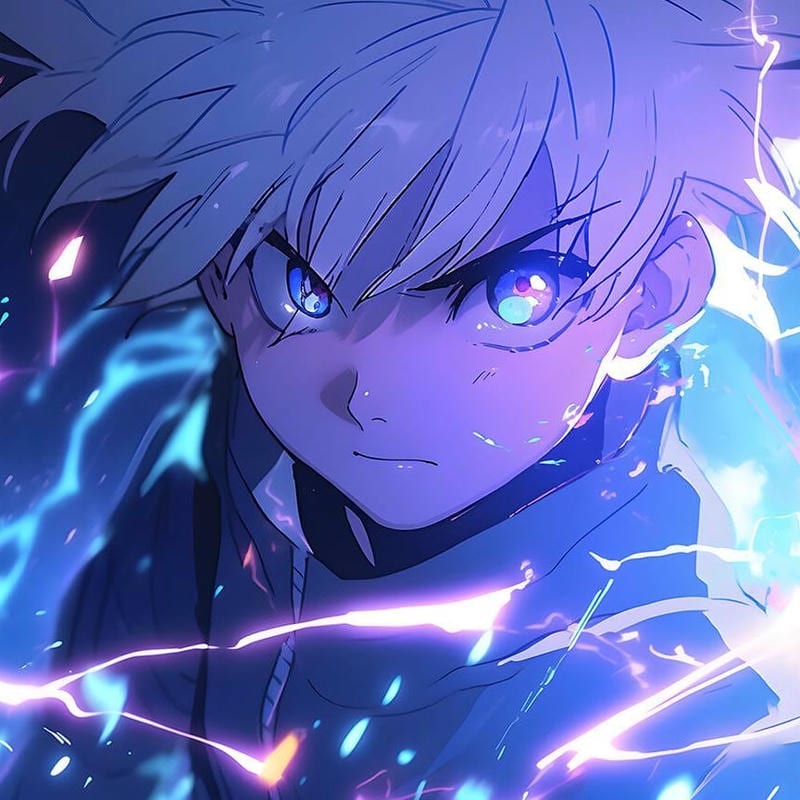
Killua Zoldyck Aesthetic PFP
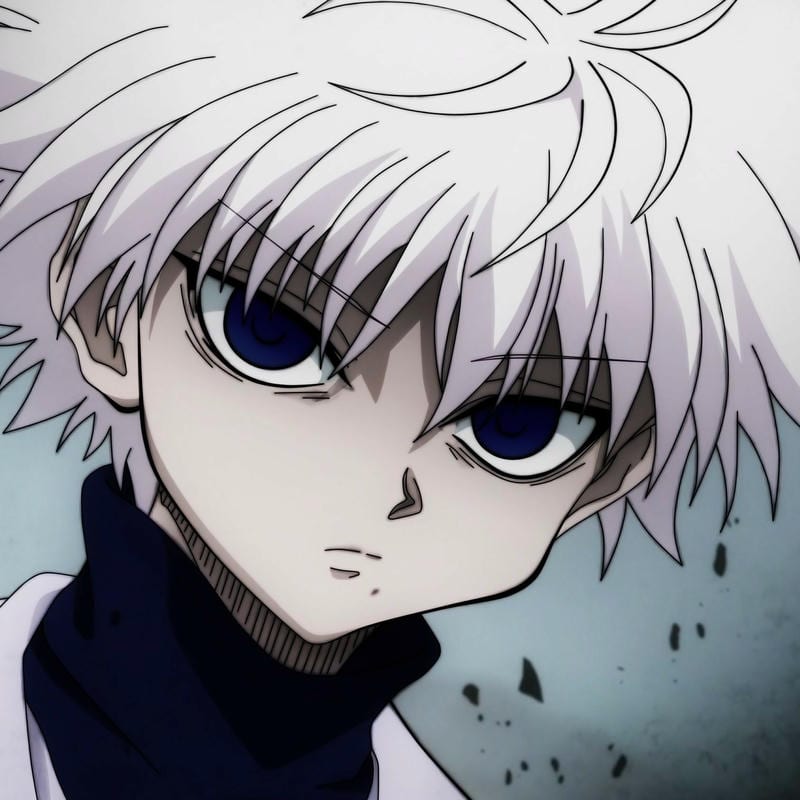
Killua Zoldyck Aesthetic PFP
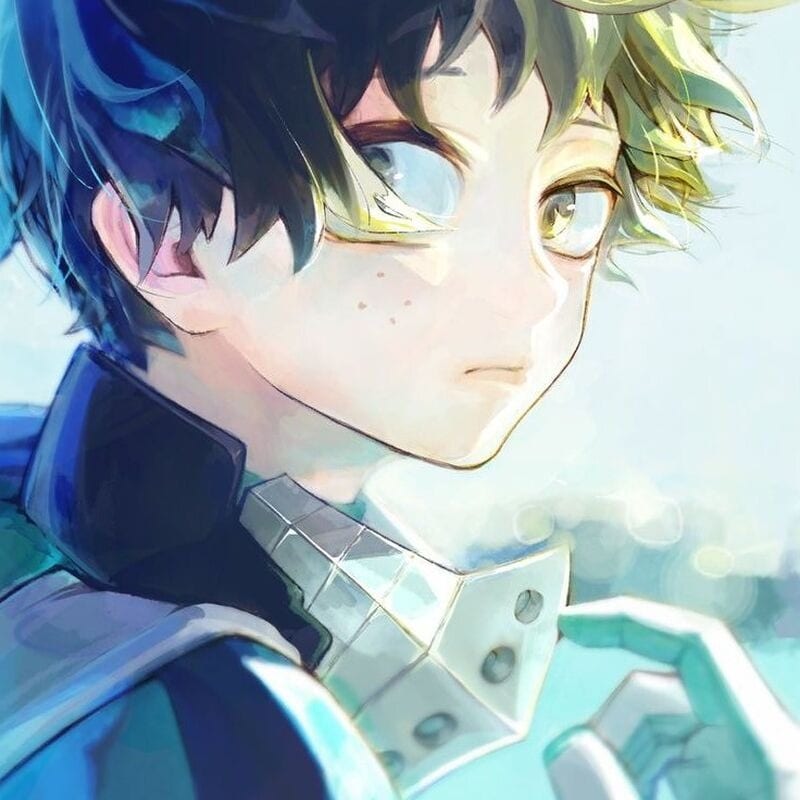
Izuku Midoriya Aesthetic PFP
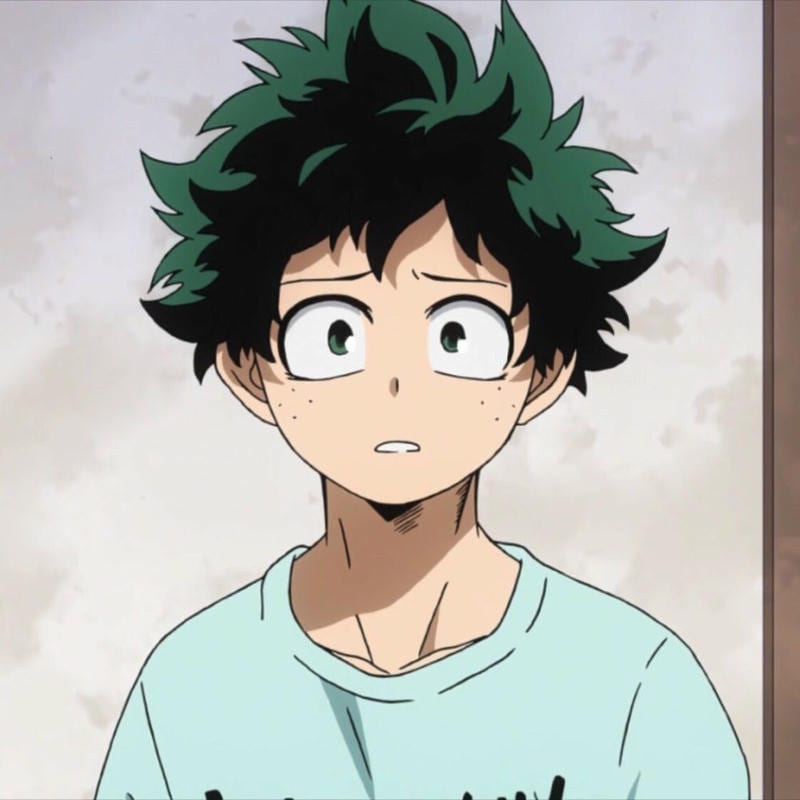
Izuku Midoriya Aesthetic PFP
This Instagram anime PFP guide starts with a simple rule: the face has to read at thumbnail size. A clean anime PFP setup on Instagram usually wins when the eyes and hair shape are clear, because the photo shows up tiny next to posts and comments. Skip wide group shots, tiny text, and busy backgrounds that turn into mush. An aesthetic anime PFP edit with soft grain can fit the Instagram grid, but a tight crop still matters more than the filter. That keeps the avatar readable beside long comments.
A pastel anime girl PFP edit on Instagram works if the eyes and hair shape stay clear, so avoid heavy sparkles over the face. The same goes for picking an anime boy PFP with a simple background and a centered head. Instagram shows the circle cut everywhere, so leave space around the head and keep the chin away from the bottom edge. Test the crop before you save, since the feed and comments make the image look even smaller. That small check saves a lot of reuploads.
Instagram PFP size and crop guide
Instagram stores the upload at 320×320 and shows it at 110×110, so the face has to survive a small circle crop. Keep the square upload simple, center the eyes, and avoid tiny details that vanish next to comments.
| What | Value |
|---|---|
| Upload size | 320×320 |
| Displayed size | 110×110 next to posts and comments |
| File type | JPG or PNG |
| Animated avatars | Not supported |
How to change your Instagram PFP
- Open Instagram, go to your profile, and tap Edit profile.
- Tap Change profile photo.
- Pick a square JPG or PNG, center the face, and save the crop.
- Check the result next to a comment or post, then save if the circle cut looks right.
Which anime styles work best on Instagram
Soft pastel edits, clean line art, and simple close-ups tend to survive the small circle crop. The grid rewards images that look tidy at a glance, so a calm background and a clear focal point beat a crowded scene. Cool tones can feel sharp, while cute picks stay readable when the face fills most of the square. If the line art gets muddy, a slightly tighter crop will do more than a heavy filter.
Dark edits need extra contrast so the eyes do not disappear into the background. Aesthetic picks with soft grain can work, but keep the filter off the face if it softens the features. If you switch between girl and boy characters, keep the same crop style so your profile still feels consistent. Keep the background simple enough that the eyes still stand out at avatar size.
Instagram PFP FAQ
Instagram stores your profile photo at 320×320 and shows it at 110×110 next to posts and comments, so a square file is the safest bet. Export a JPG or PNG at that upload size and keep the face centered before you post it.
Yes, the images on this site are free to download for personal use with no sign-up and no watermark, so you can grab a pick without paying. Save the file to your phone, then upload it through Edit profile and Change profile photo.
Instagram crops your PFP into a circle, so the face can get hidden if it sits near an edge or low in the frame. Center the eyes and head in a square upload, then check how the circle cut looks before saving the change.
No, Instagram does not allow animated profile photos, so a GIF will not stay animated as your PFP on the profile grid or comments. Pick a still frame you like from the GIF, save it as a JPG or PNG, and upload that square image instead.
A centered pastel or aesthetic close-up works best, and changing it every few weeks is plenty. Keep the face in the middle of the square, then swap the pick when you want a fresh look without losing that tiny circle crop; that keeps the profile recognizable while still letting the look change.