Anime PFP for TikTok — 24+ Free HD Pictures
Finding an anime PFP for TikTok is mostly about contrast, not tiny costume details. This page is a gallery guide for square profile images that TikTok shows at about 200×200. Use it to pick a style, save a square JPG or PNG, and swap it from Profile > Edit profile > Change photo. Your photo sits on every comment and video overlay, so it needs a clear silhouette and a face that reads in a small circle. Cool, neon edits tend to survive video thumbnails better than soft pastel art with low contrast.
Best Anime PFPs for TikTok
Hand-picked for how they look at 200×200.
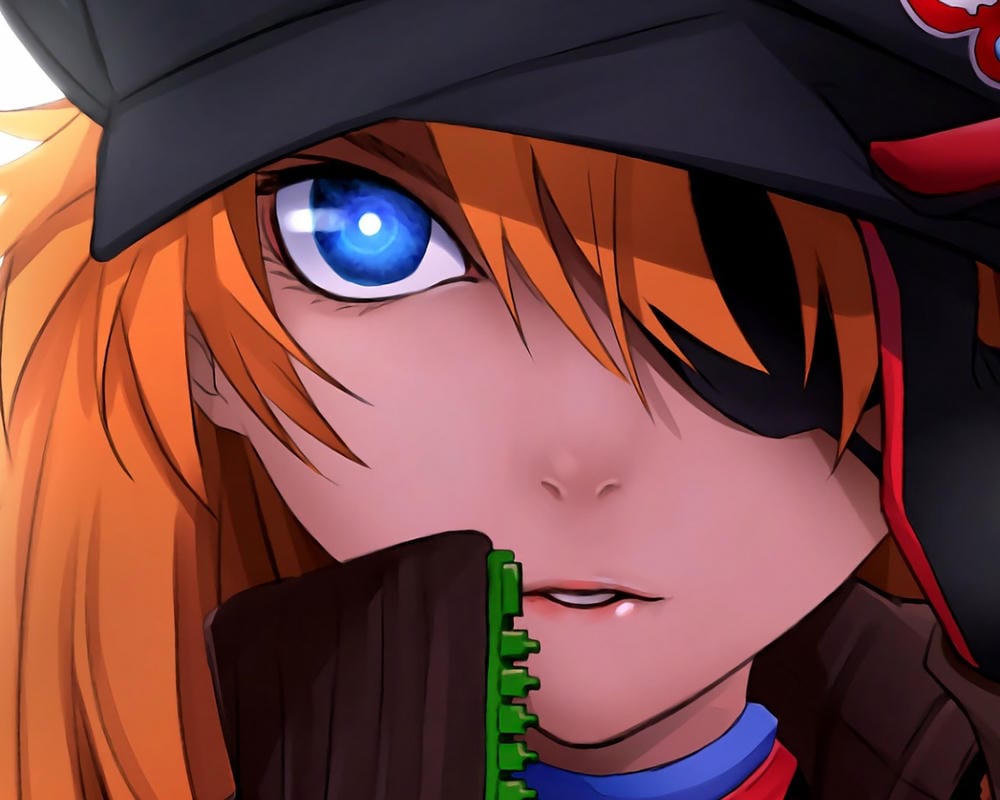
Asuka Langley Cool PFP
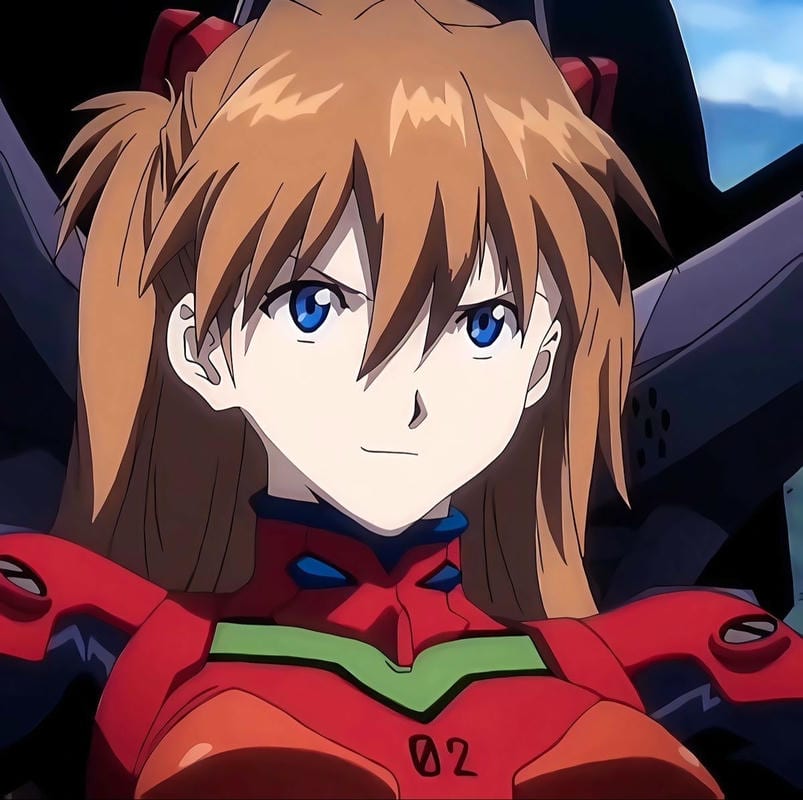
Asuka Langley Cool PFP
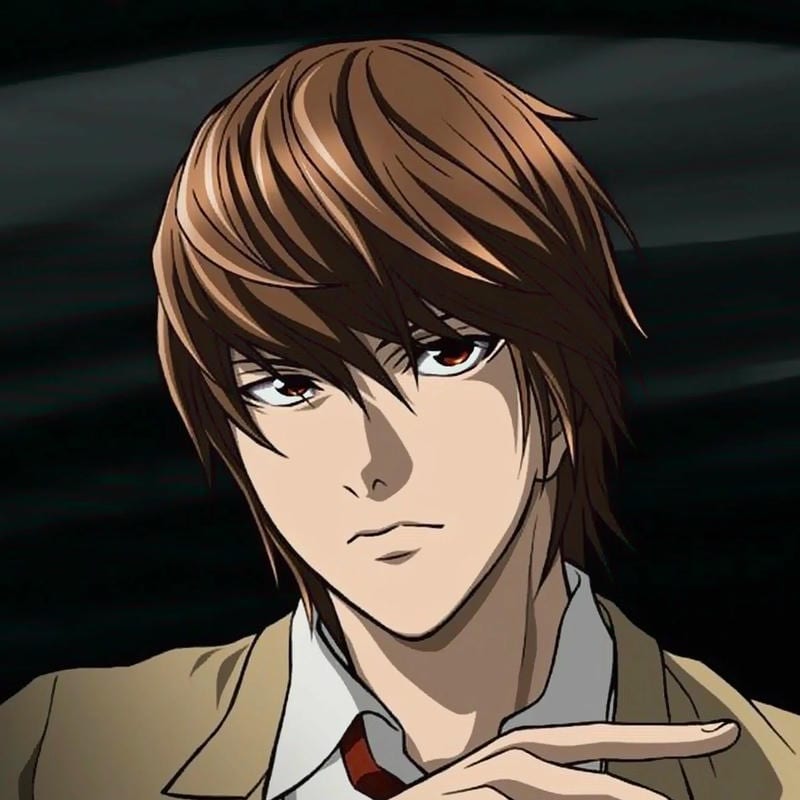
Light Yagami Cool PFP
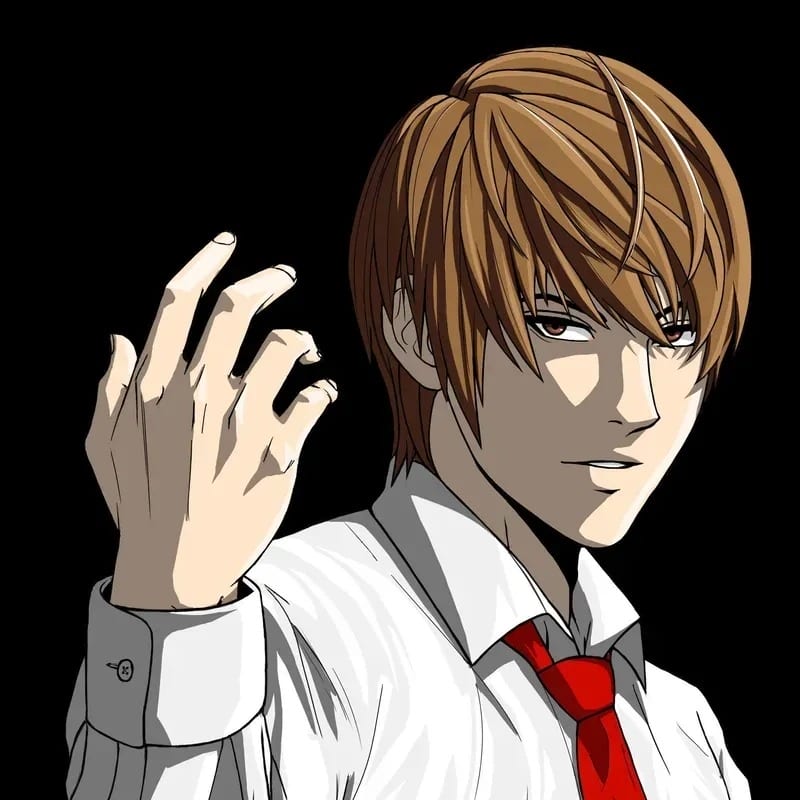
Light Yagami Cool PFP
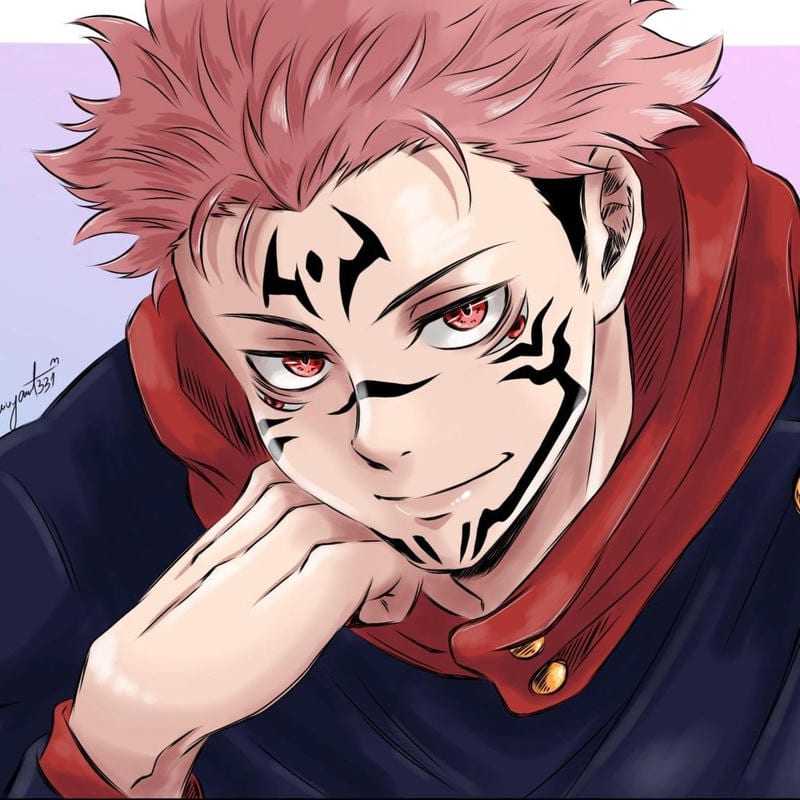
Ryomen Sukuna Cool PFP
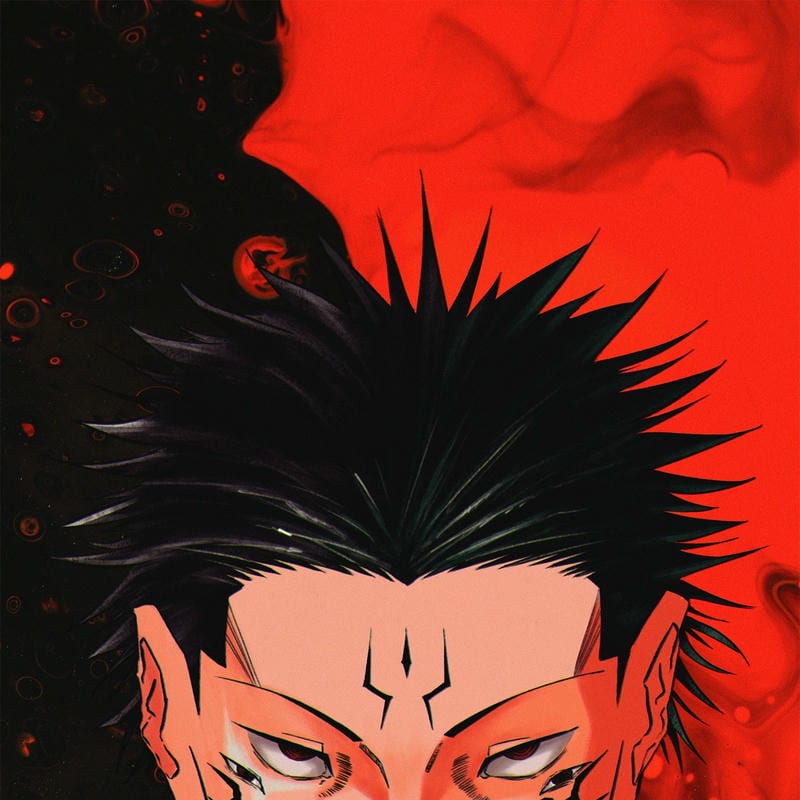
Ryomen Sukuna Cool PFP

Killua Zoldyck Cool PFP

Killua Zoldyck Cool PFP

Izuku Midoriya Cool PFP
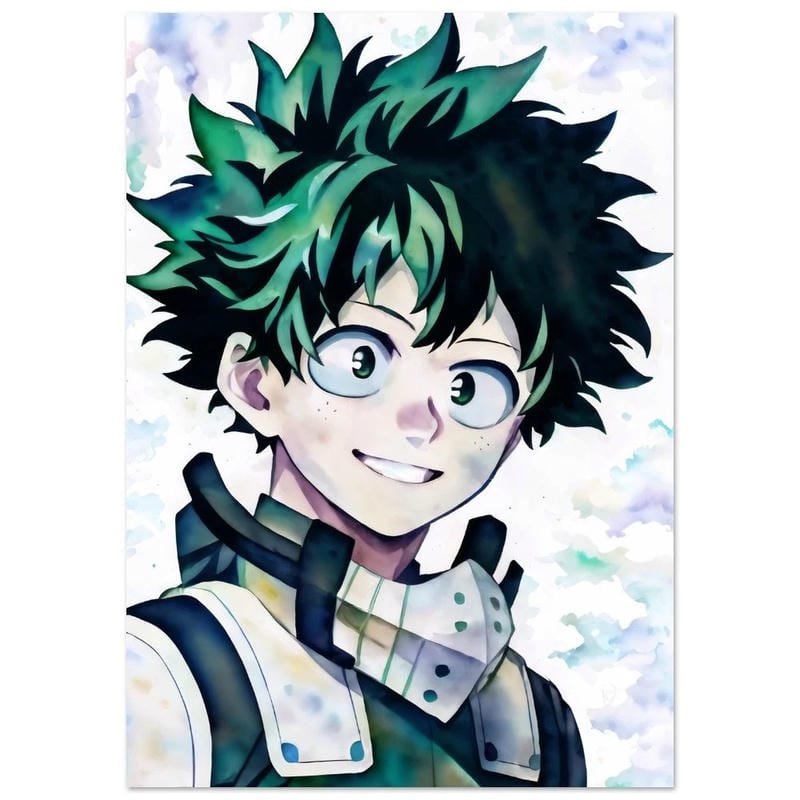
Izuku Midoriya Cool PFP
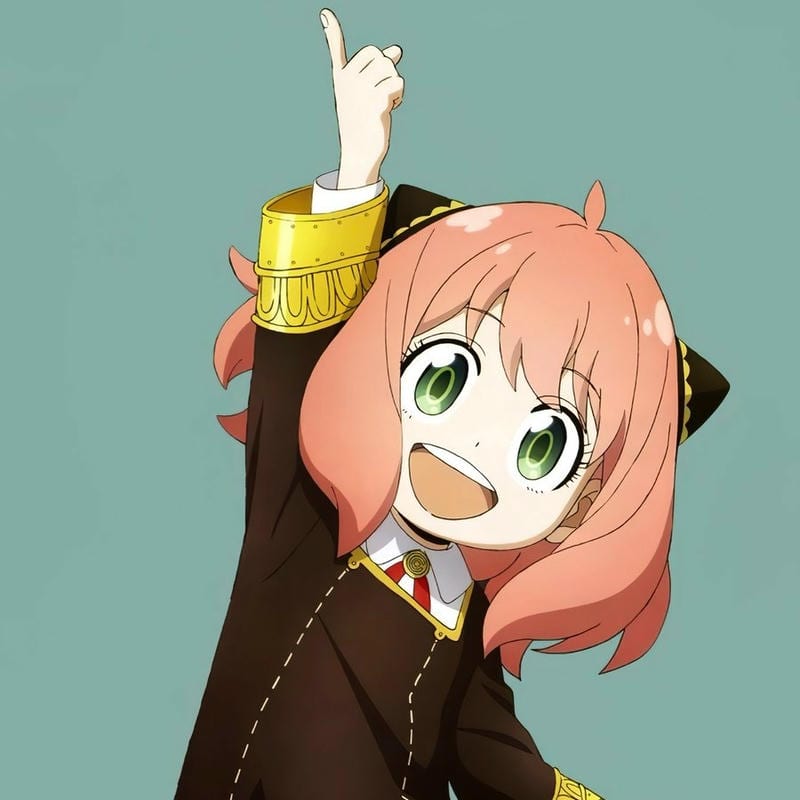
Anya Forger Cool PFP
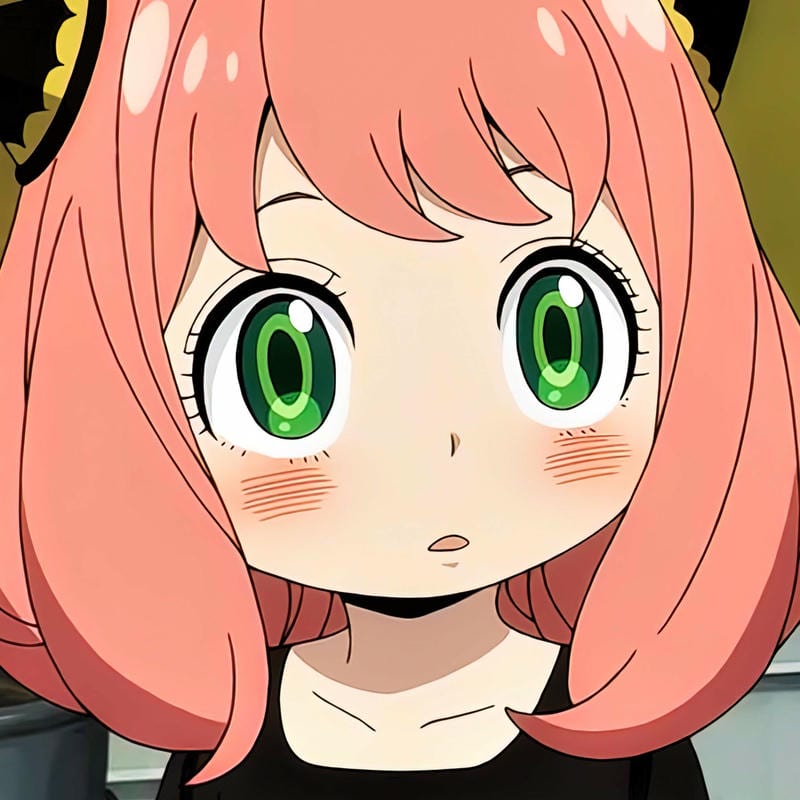
Anya Forger Cool PFP
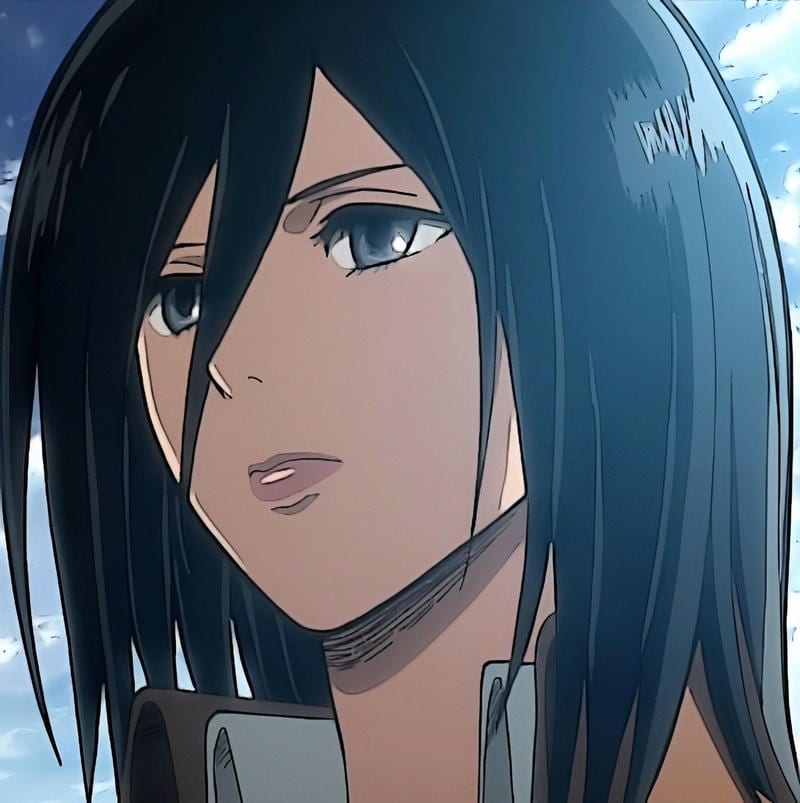
Mikasa Ackerman Cool PFP
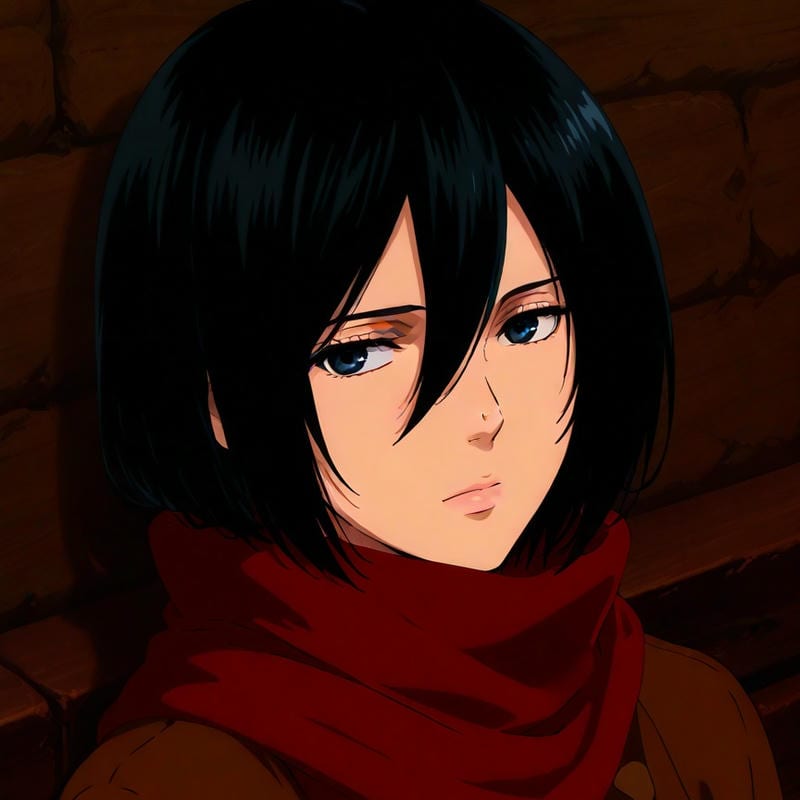
Mikasa Ackerman Cool PFP
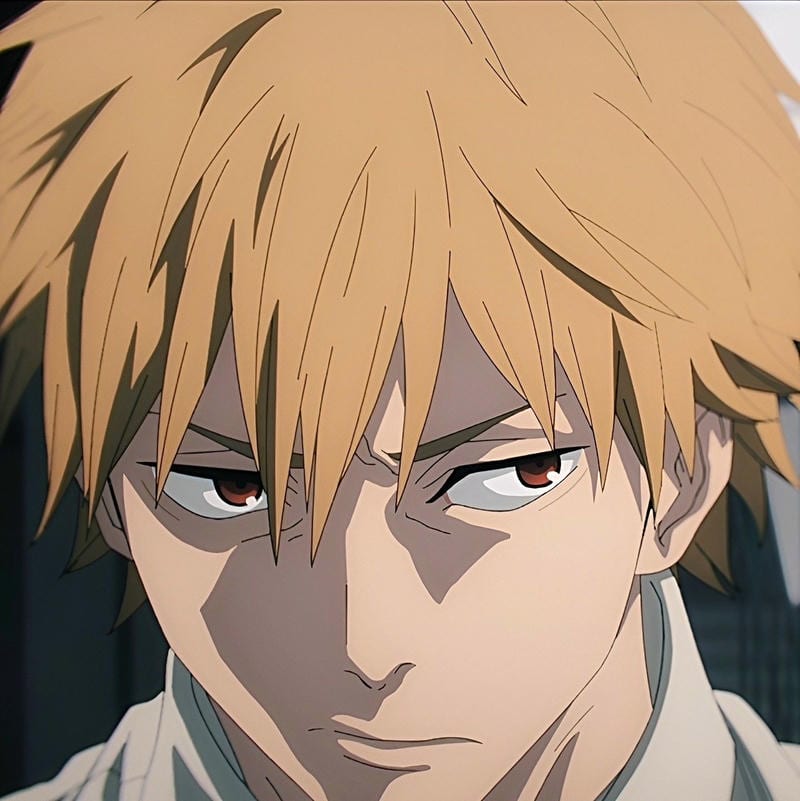
Denji Cool PFP
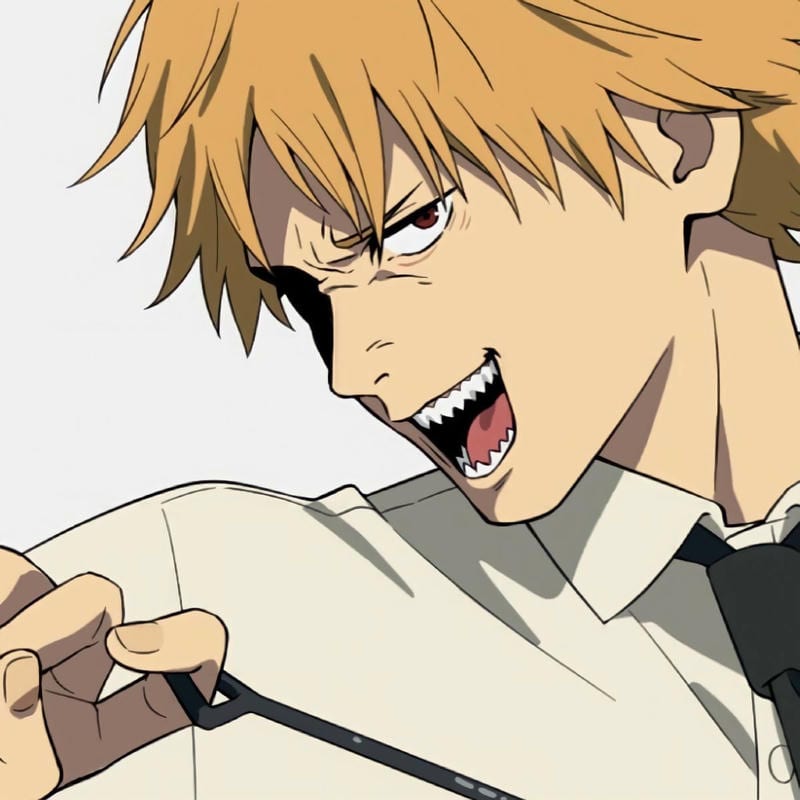
Denji Cool PFP
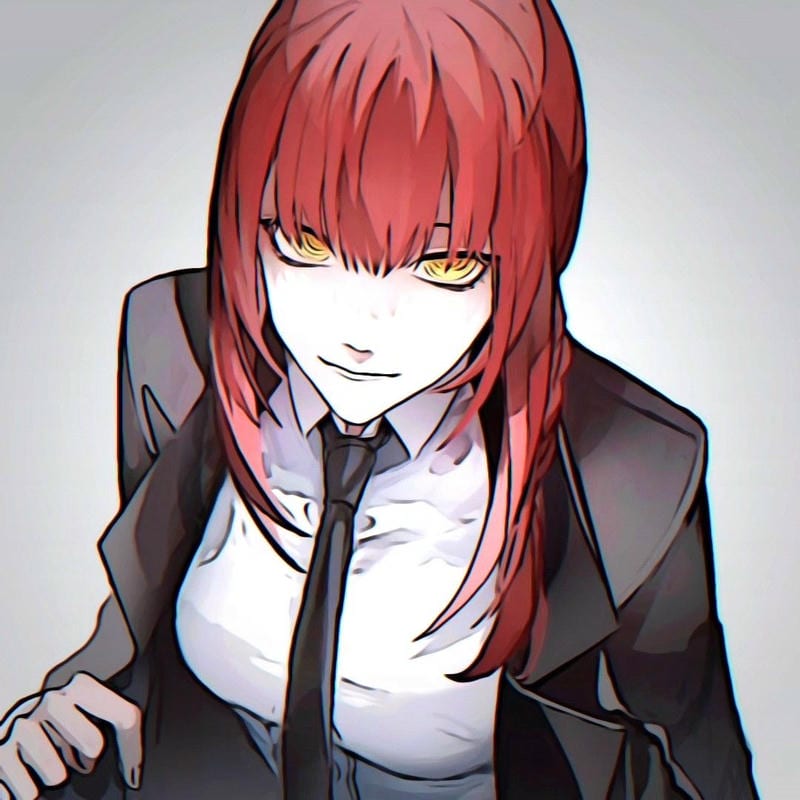
Makima Cool PFP
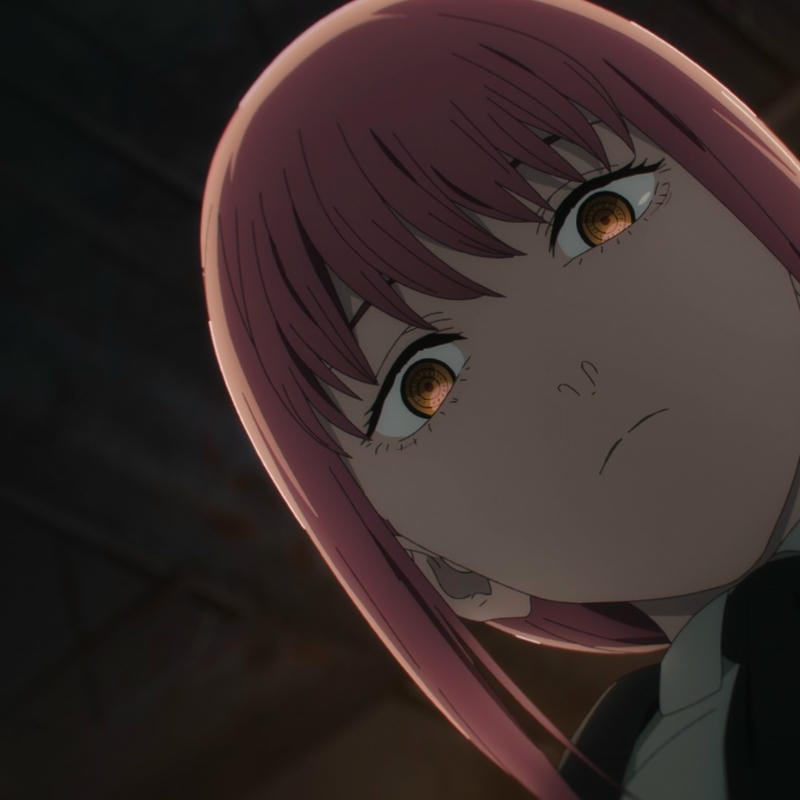
Makima Cool PFP
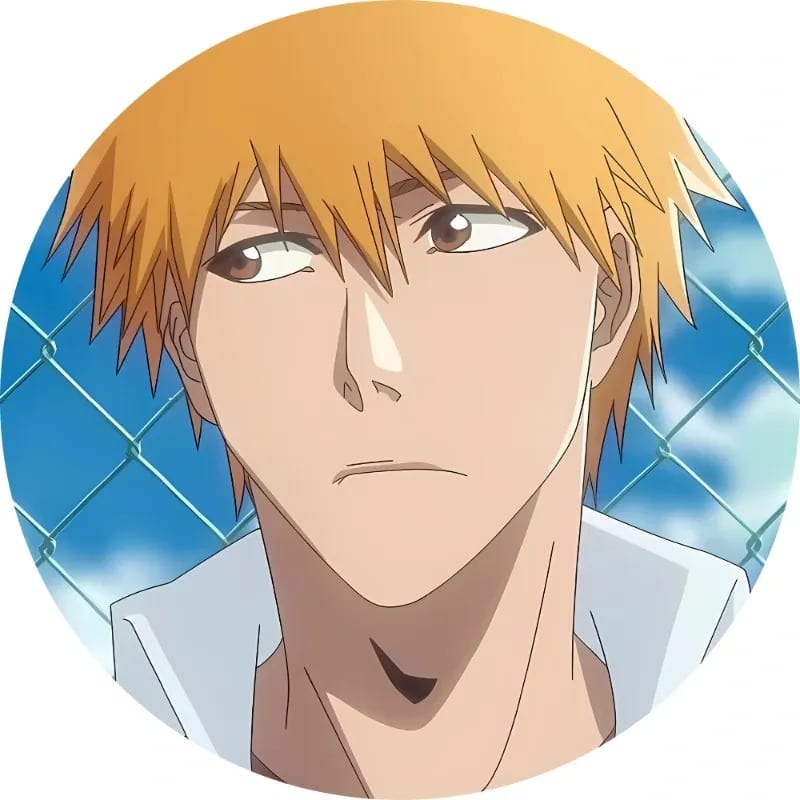
Ichigo Kurosaki Cool PFP
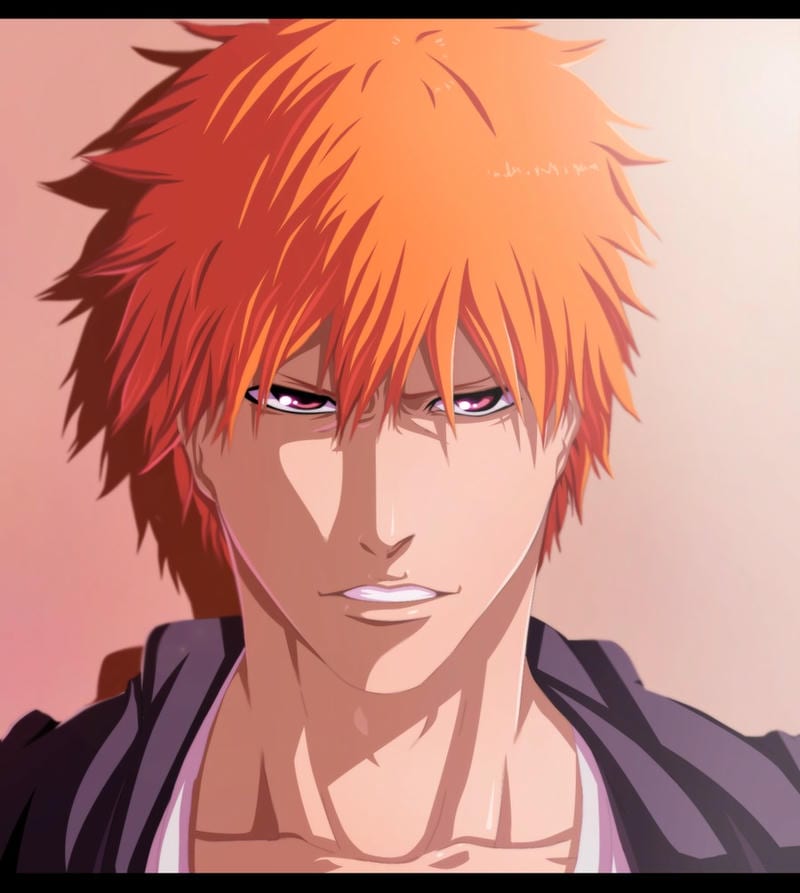
Ichigo Kurosaki Cool PFP
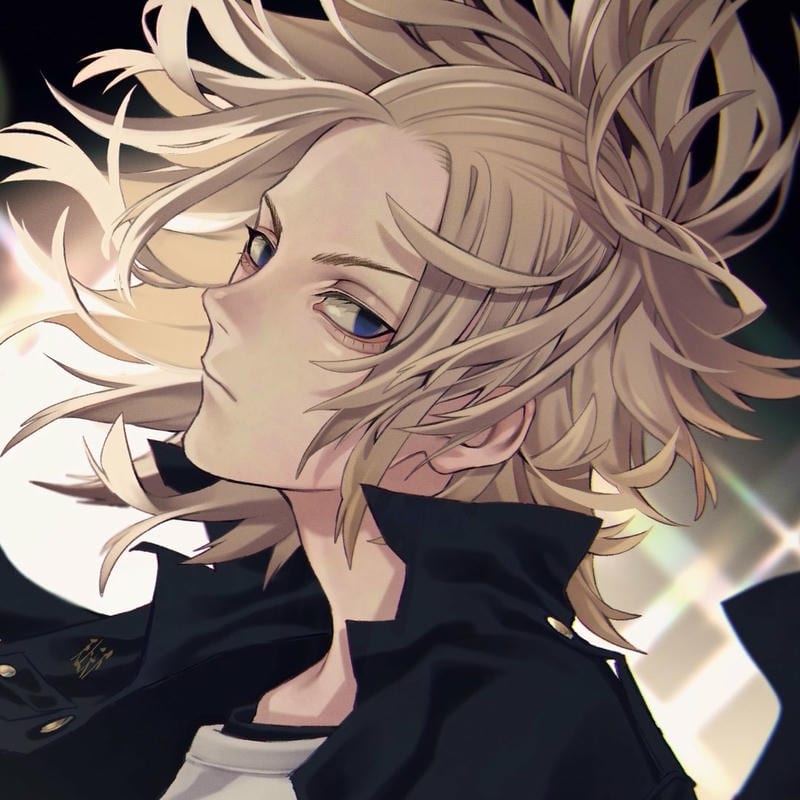
Manjiro Sano Cool PFP
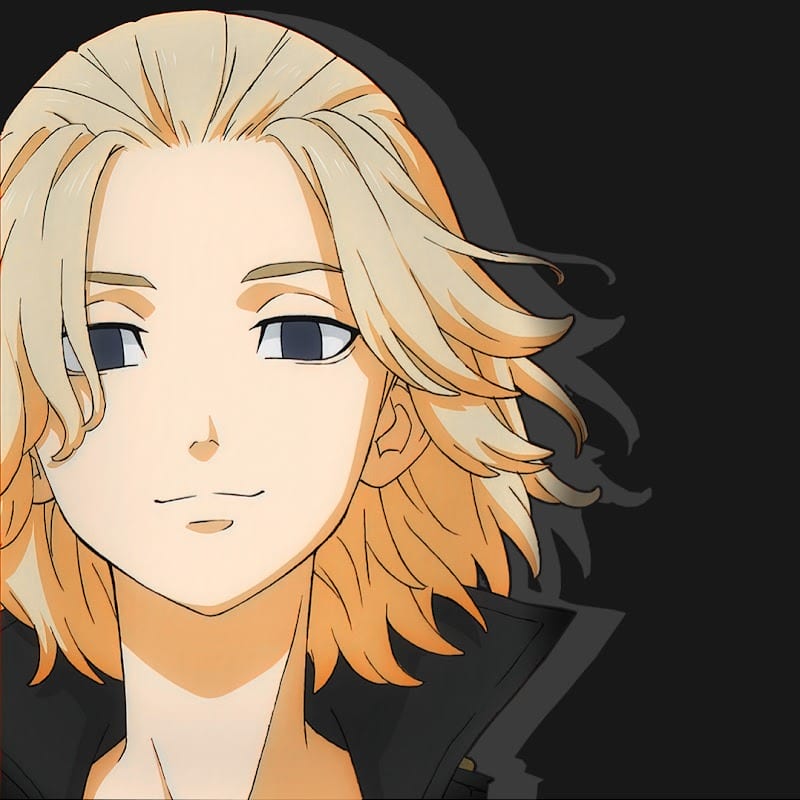
Manjiro Sano Cool PFP
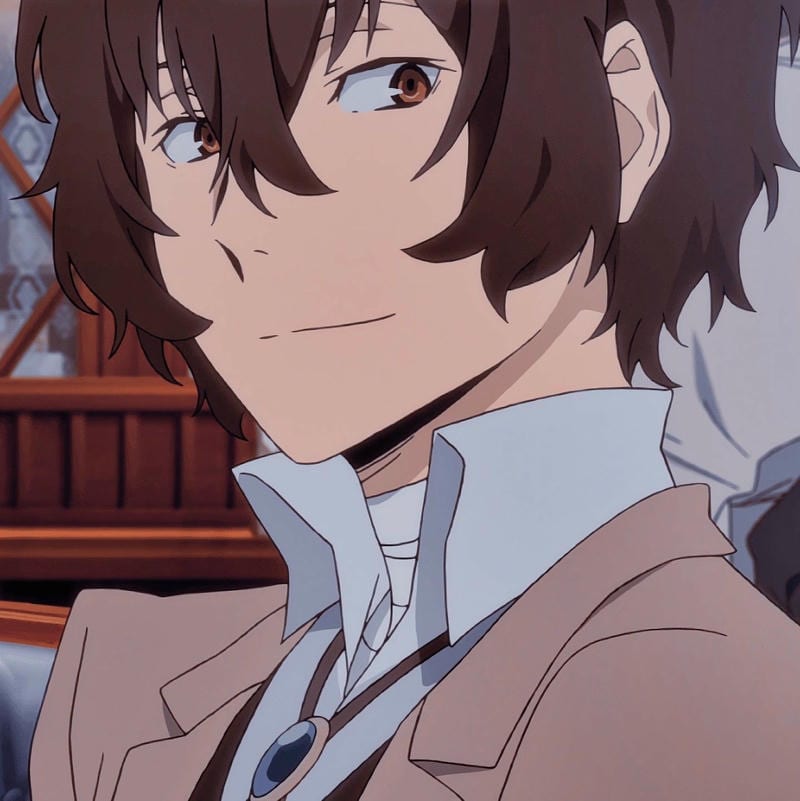
Osamu Dazai Cool PFP
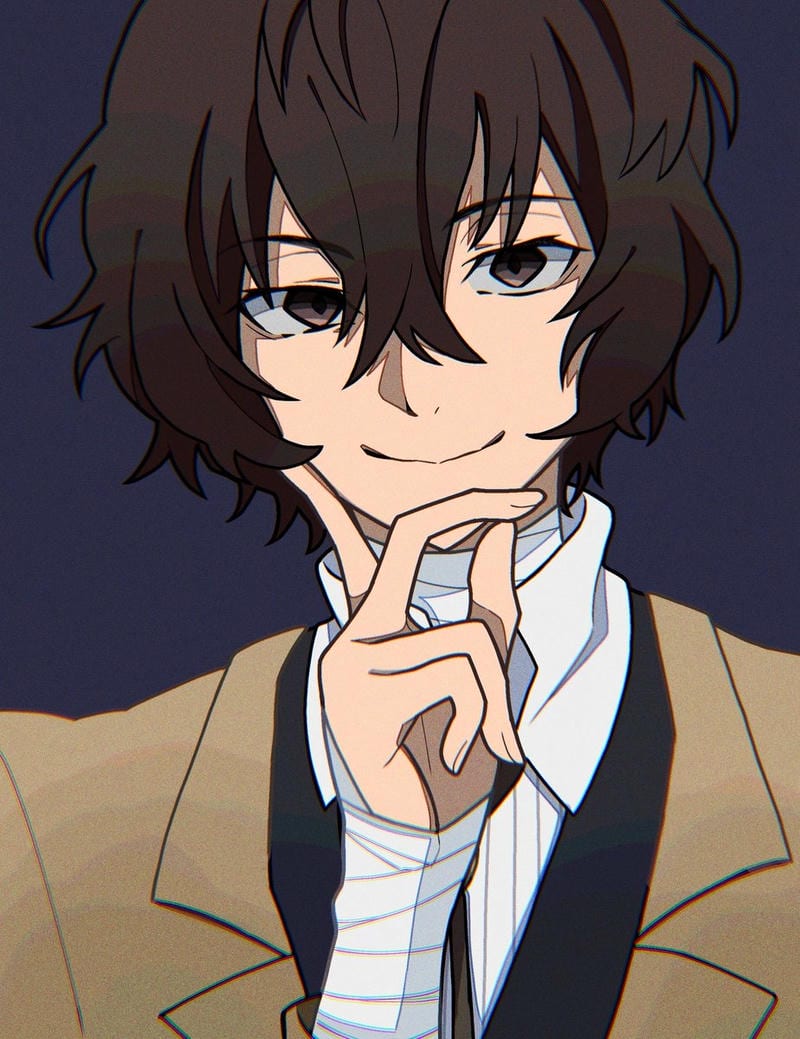
Osamu Dazai Cool PFP
The best anime-style TikTok PFP is one that stays readable when it is stacked over comments, captions, and video thumbnails. Skip busy backgrounds and thin line art. A tight face crop, one strong color, and a clear outline do more work than fine details. Your chosen anime image should still make sense at a glance, so test it small before you upload it.
Video overlays reward brightness and separation. A cool TikTok anime PFP edit with neon hair, a hard rim light, or a bold background block will pop against dark gameplay clips and bright vlogs. Dark art can work, too, if the face is lit. Avoid low-contrast pastel washes where the eyes and hair blend into the background, because that circle gets shrunk fast.
TikTok PFP size and crop guide
TikTok shows your profile photo at about 200×200, so upload a square image. JPG and PNG work, and animated avatars do not.
| What | Value |
|---|---|
| Upload size | Square |
| Displayed size | About 200×200 |
| File type | JPG or PNG |
| Animated avatars | Not supported |
How to change your TikTok PFP
- Open TikTok and go to Profile.
- Tap Edit profile.
- Tap Change photo.
- Choose a square JPG or PNG, adjust the crop so the face fills the circle, then save.
Which anime styles work best on TikTok
High-contrast faces win on TikTok because the photo appears in so many small spots. For an anime boy PFP on TikTok, a sharp jawline, dark jacket, and one neon accent can look clean without getting messy. An anime girl avatar on TikTok can go bright with colored hair, bold eyes, and a simple background. Both directions need a clear face shape, not a full-body pose with tiny details.
Neon edits pop against gameplay and reaction clips, but the face still has to lead. Keep the eyes near the center, use one saturated color, and avoid five competing effects. A cool frame or glow can help, yet it should not cover the eyes. If the image turns into a blob at 200×200, it will not work as your avatar.
TikTok PFP FAQ
Use a square image that displays at about 200×200. TikTok accepts JPG or PNG, so keep the face centered, use a simple head-and-shoulders crop, and avoid tiny details that disappear quickly when the image sits on comments and video overlays.
Yes, the images on this site are free to download for personal use with no sign-up and no watermark. Pick a square JPG or PNG, save it, and upload it on TikTok through Profile > Edit profile > Change photo.
Upload a square image and center the face before you save. Keep the eyes near the middle, leave a little space around the head, and check the preview so the crop still reads in the small circle at about 200×200.
No, TikTok profile photos cannot be animated avatars at all. Use a still square JPG or PNG, choose a frame with a clear face, crop tight, and remember the photo shows up at about 200×200 on comments, captions, and video overlays.
Pick a character with a strong face shape and one clear color cue, then change it when the crop starts feeling stale. A sharp close-up usually beats a full-body shot, and a fresh image every few weeks keeps your comment photo from blending in.