Anime PFP for Discord — 24+ Free HD Pictures
Looking for an anime PFP for Discord that still reads clearly when it is tiny? This page is a quick gallery guide for picking a Discord avatar that fits the 128×128 px circle, with the 256×256 px Nitro option in mind. Use it by scanning the picks and style notes, then save a square image and upload it through User Settings > My Account > Edit. The main trick is choosing a face or strong shape that survives the crop instead of a busy full-body shot that turns into noise.
Best Anime PFPs for Discord
Hand-picked for how they look at 128×128 (256×256 for Nitro).
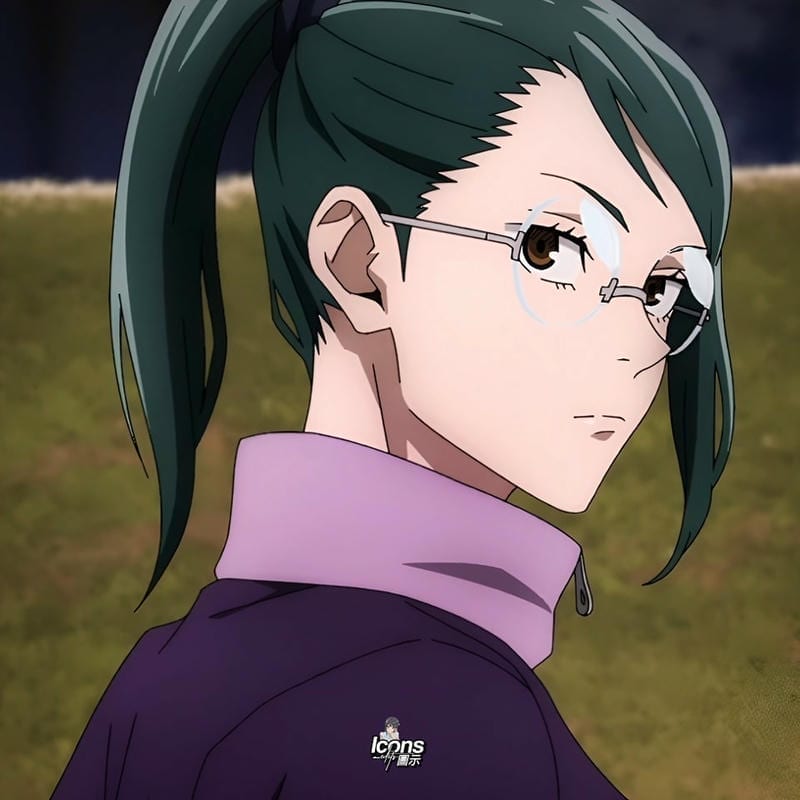
Maki Zenin Cool PFP
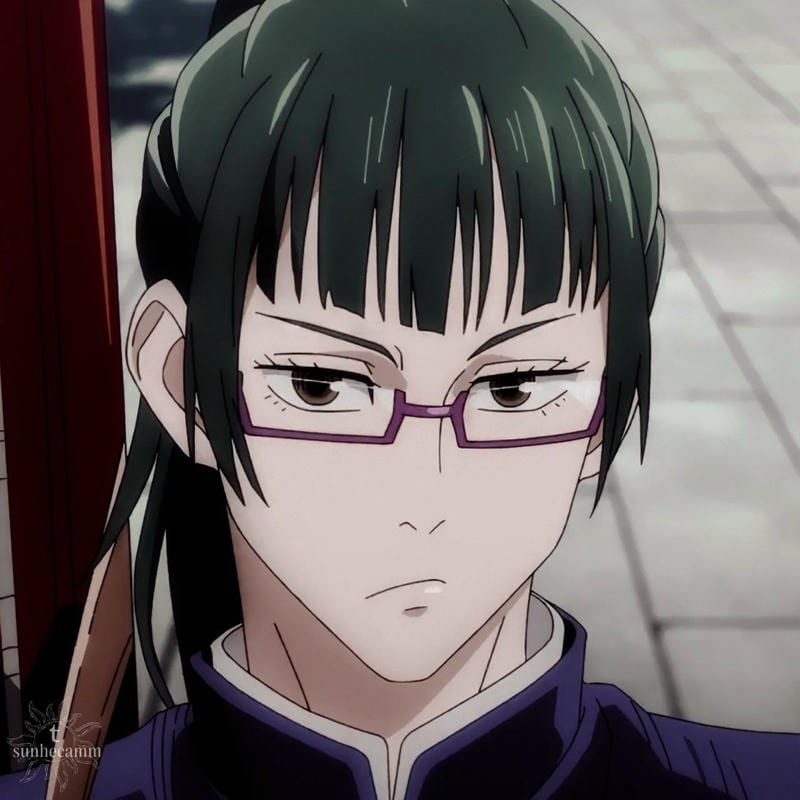
Maki Zenin Cool PFP
Hinata Hyuga Magical Realism PFP
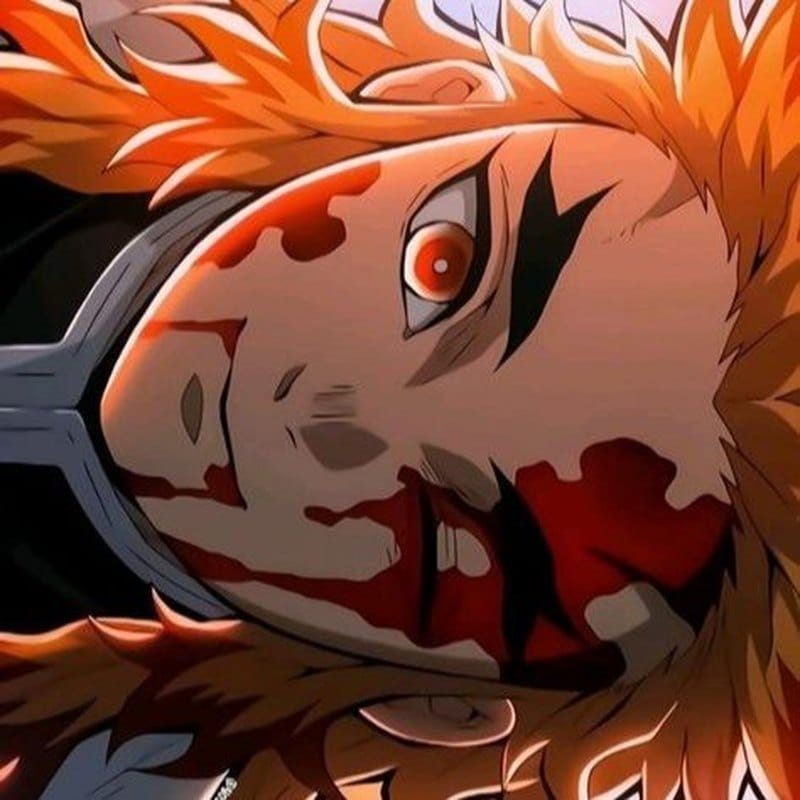
Kyojuro Rengoku Dark PFP
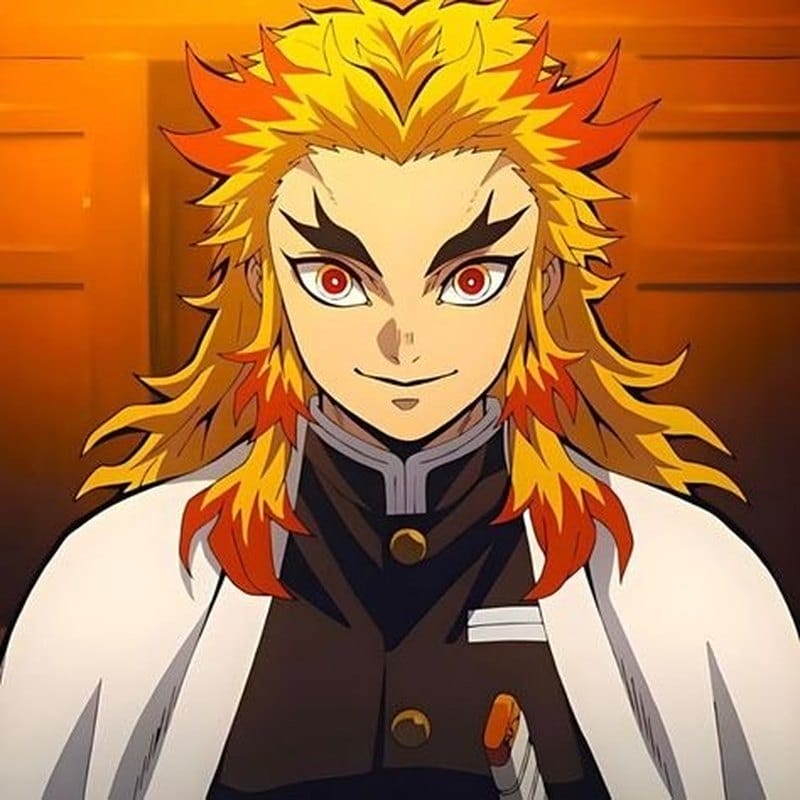
Kyojuro Rengoku Dark PFP
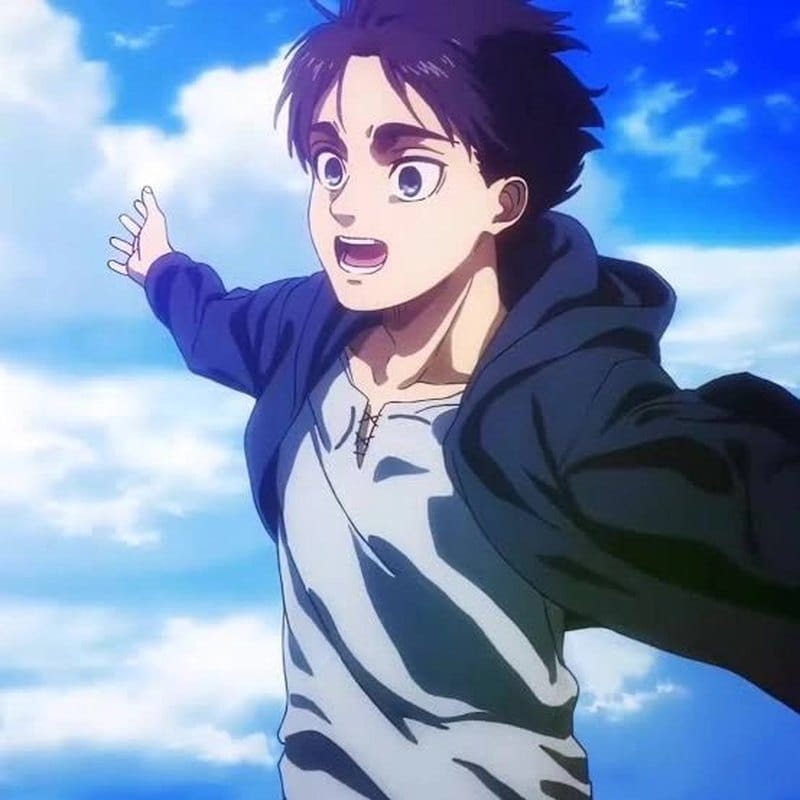
Eren Yeager Cool PFP
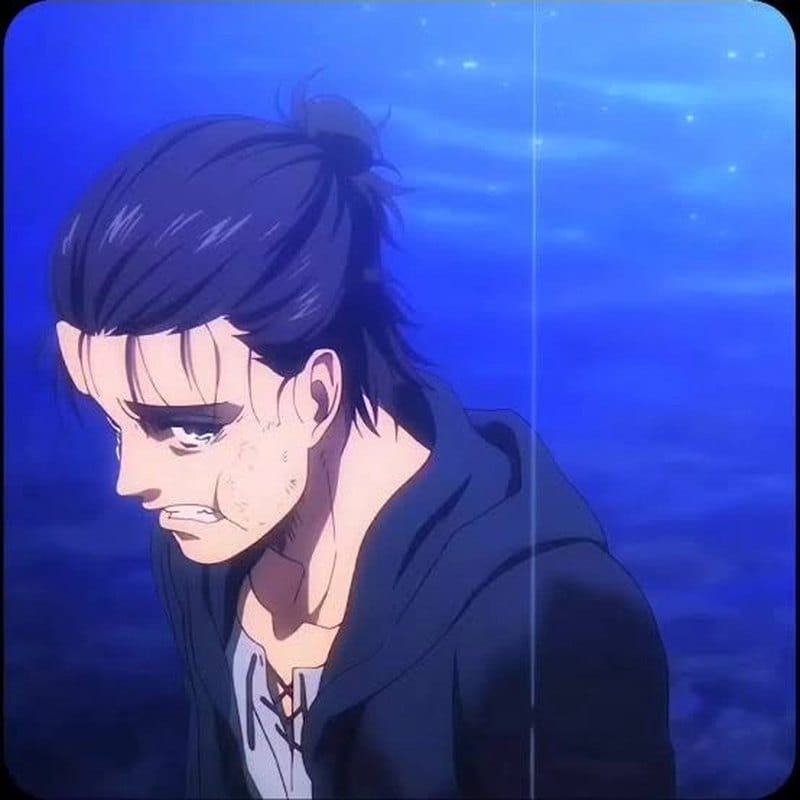
Eren Yeager Cool PFP
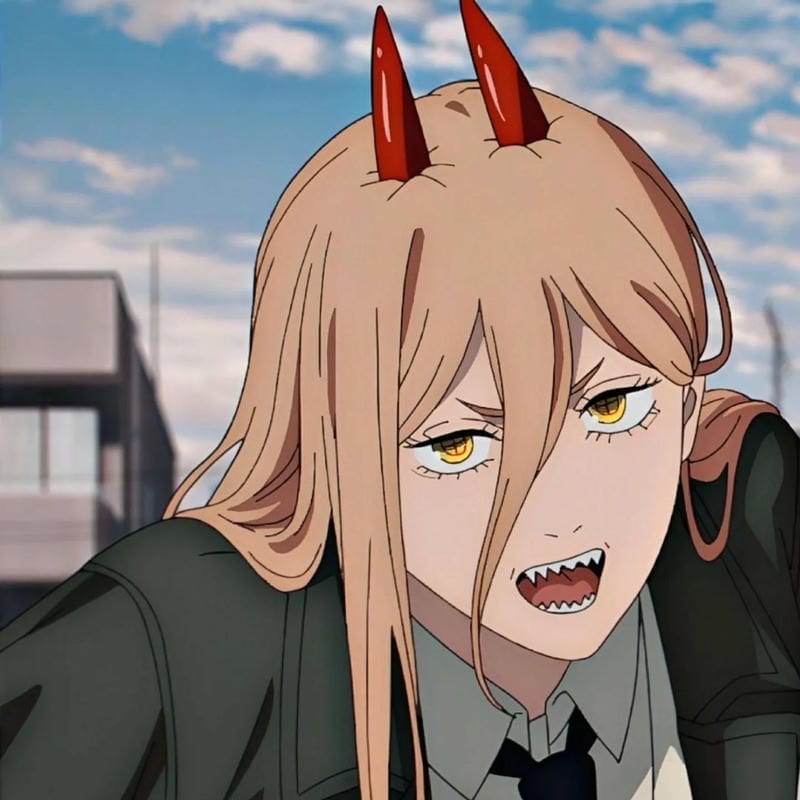
Power Cool PFP
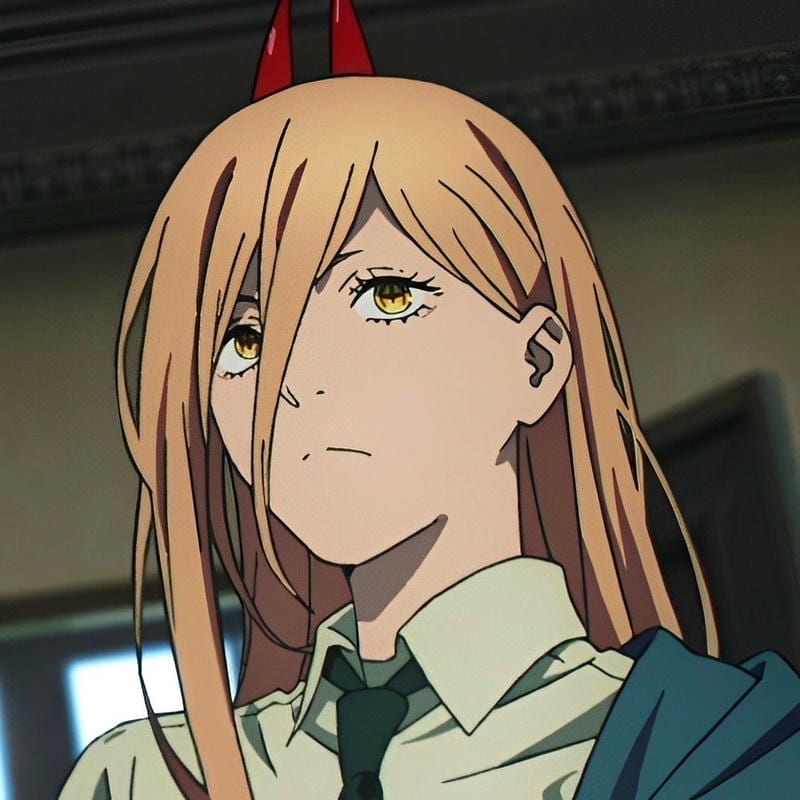
Power Cool PFP
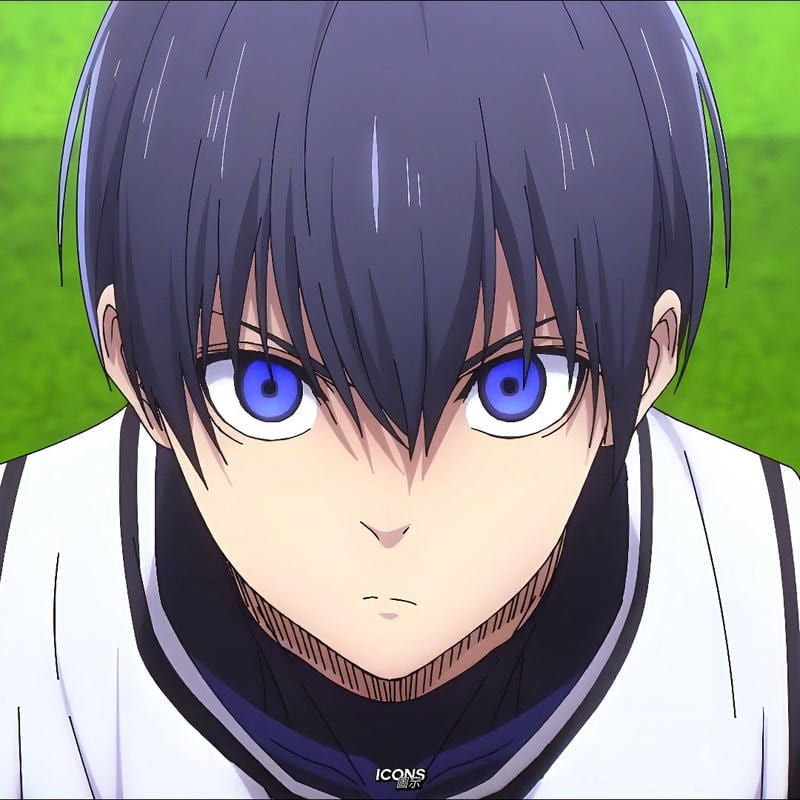
Isagi Yoichi Cool PFP
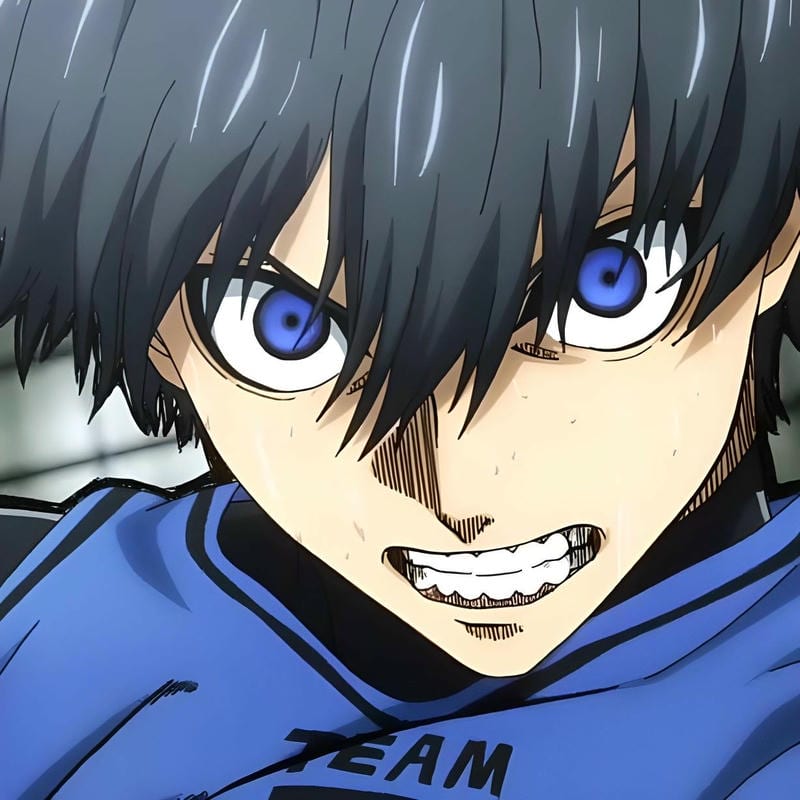
Isagi Yoichi Cool PFP
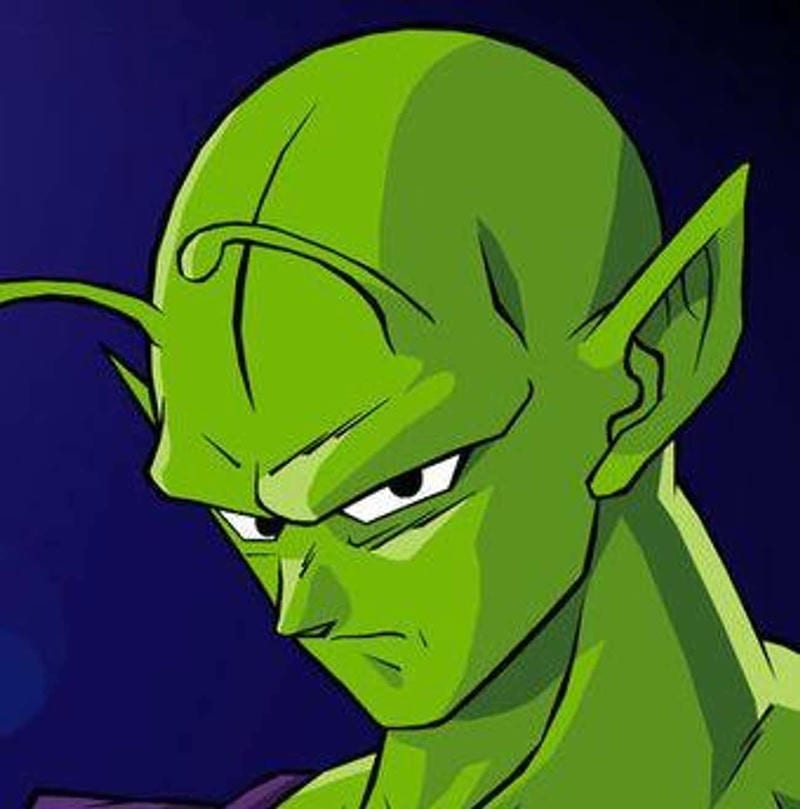
Piccolo Cool PFP
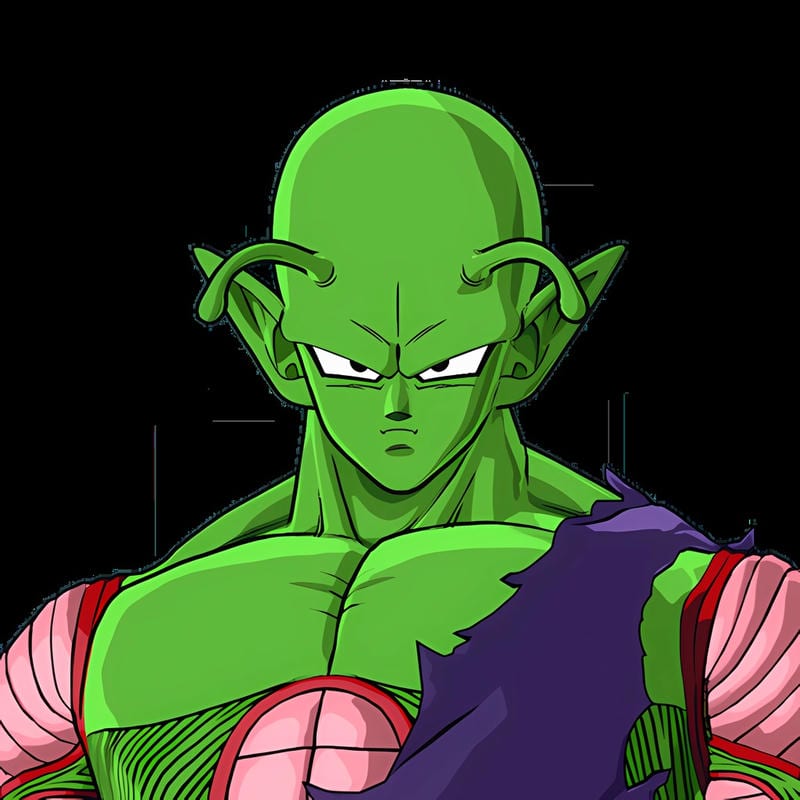
Piccolo Cool PFP
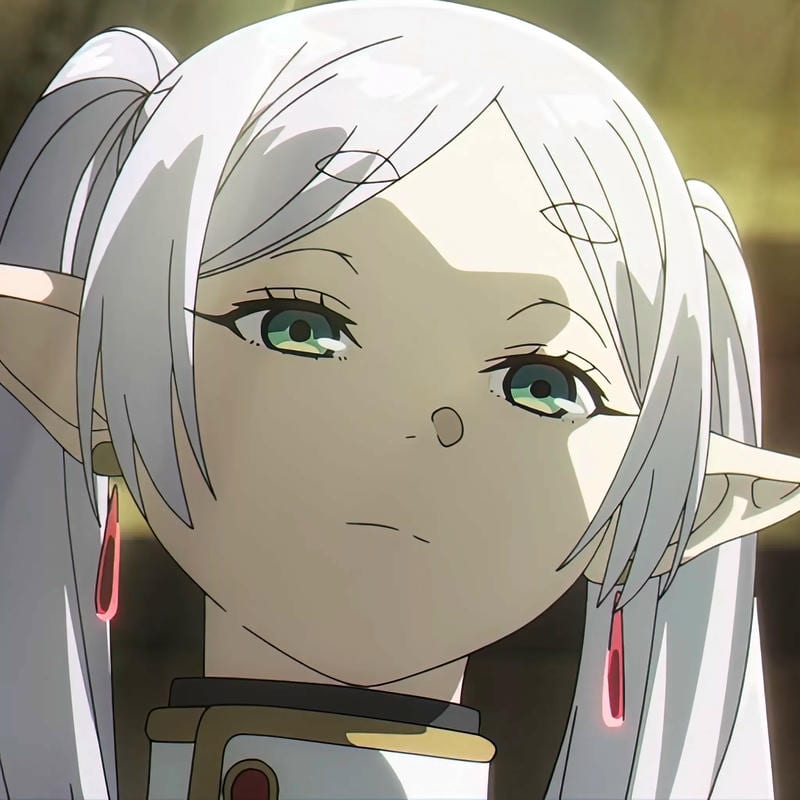
Frieren Cool PFP
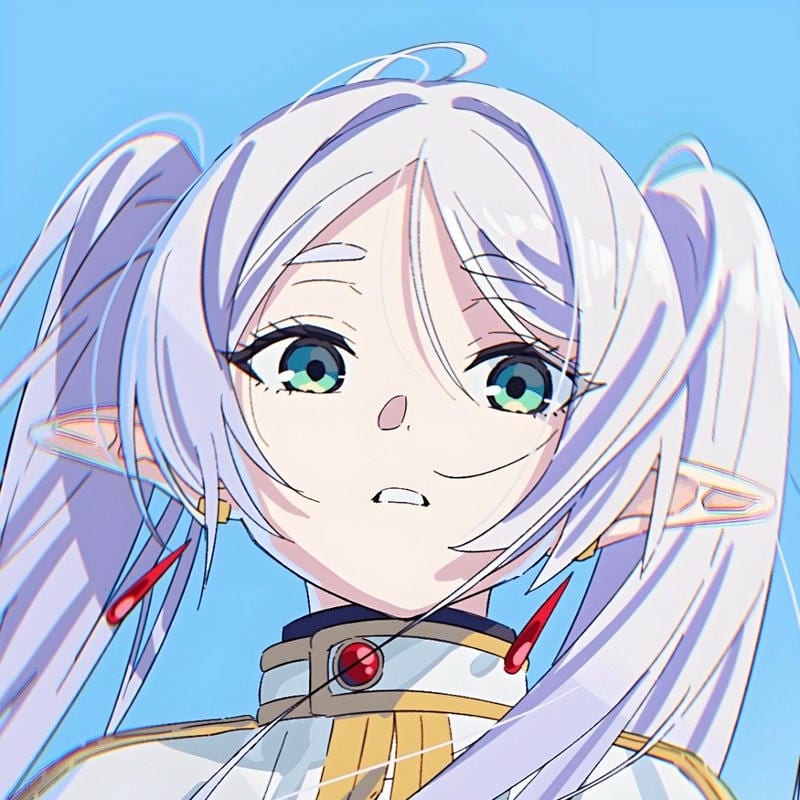
Frieren Cool PFP
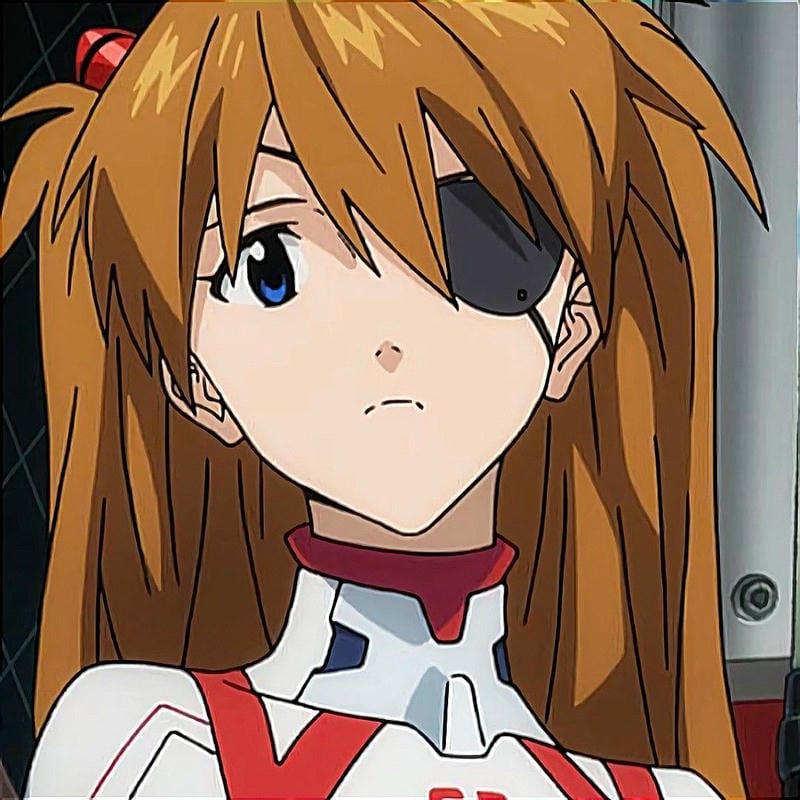
Asuka Langley Cool PFP
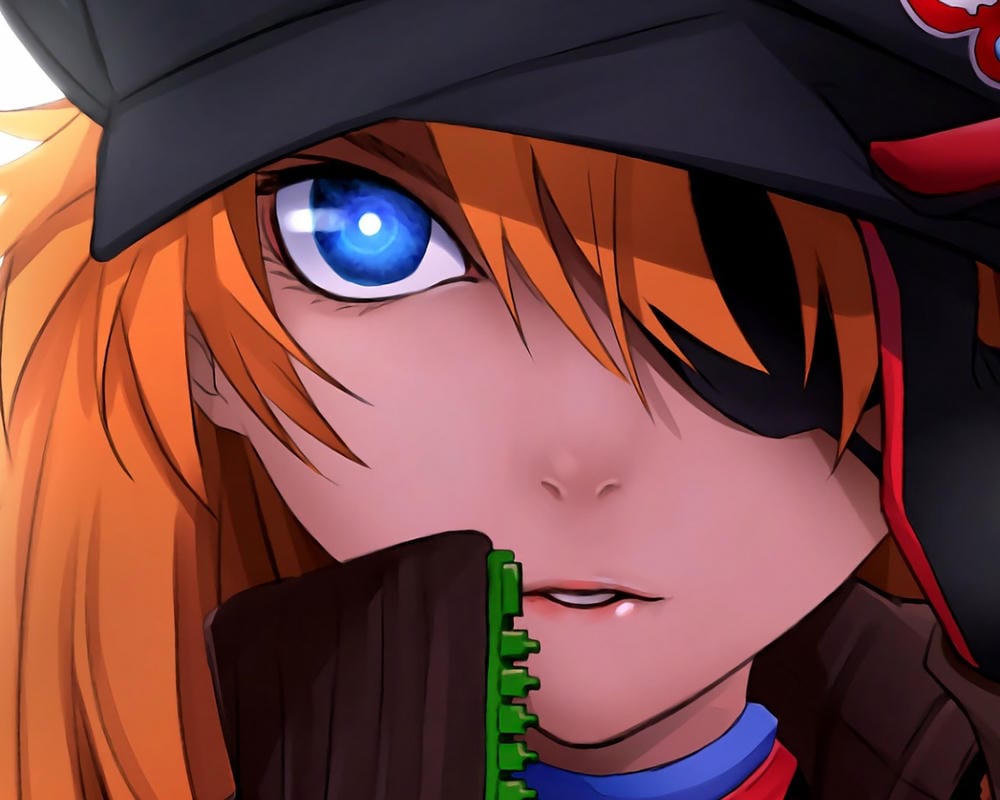
Asuka Langley Cool PFP
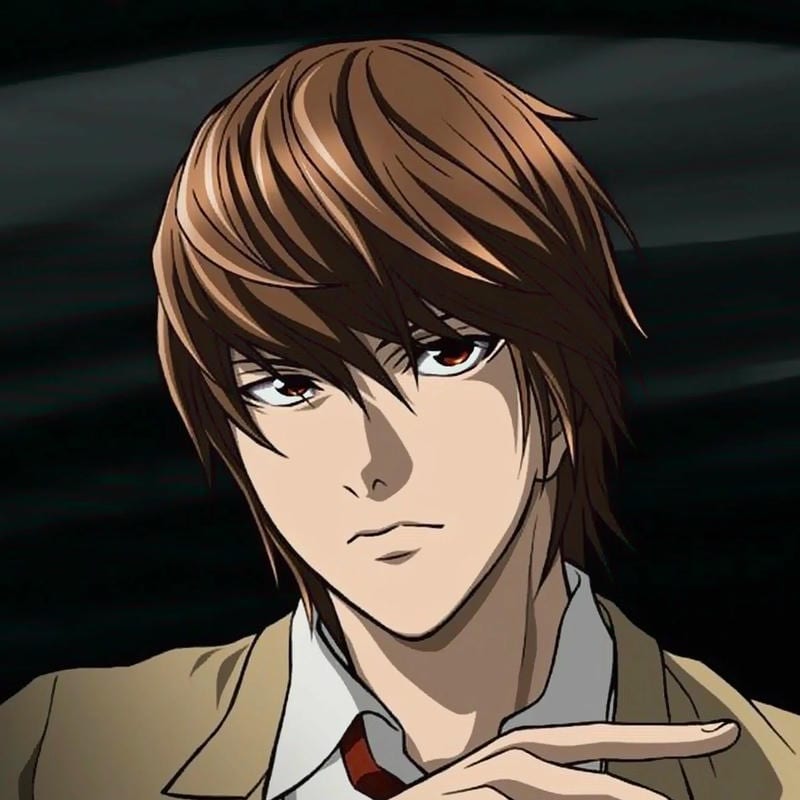
Light Yagami Cool PFP
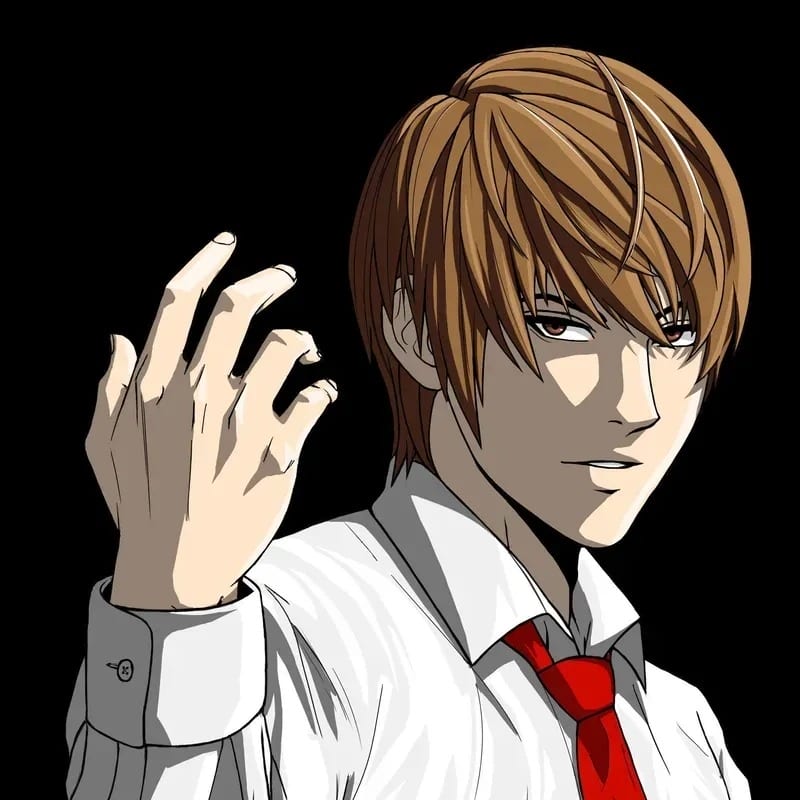
Light Yagami Cool PFP
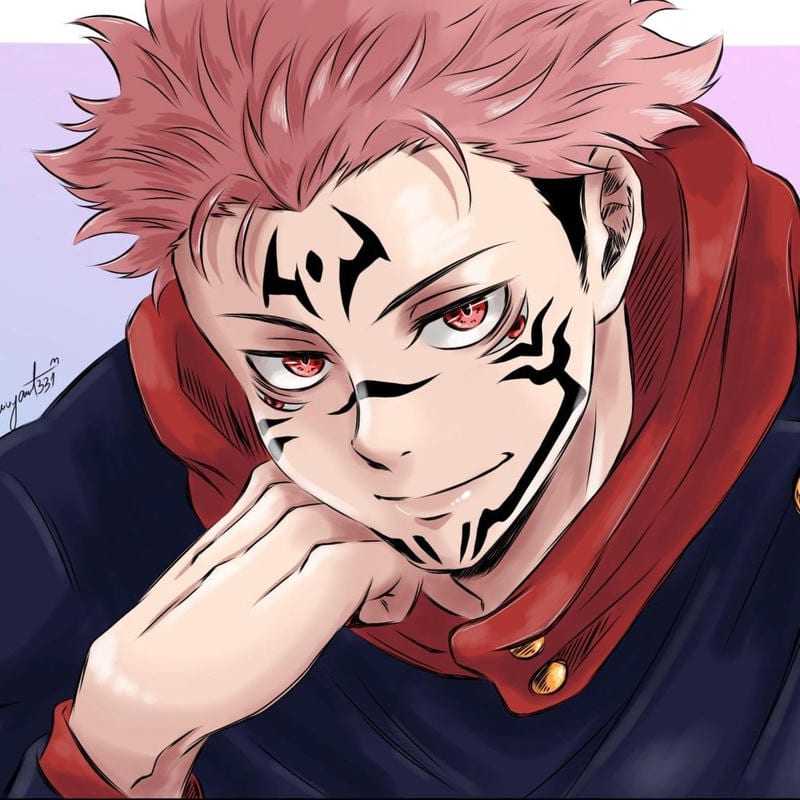
Ryomen Sukuna Cool PFP
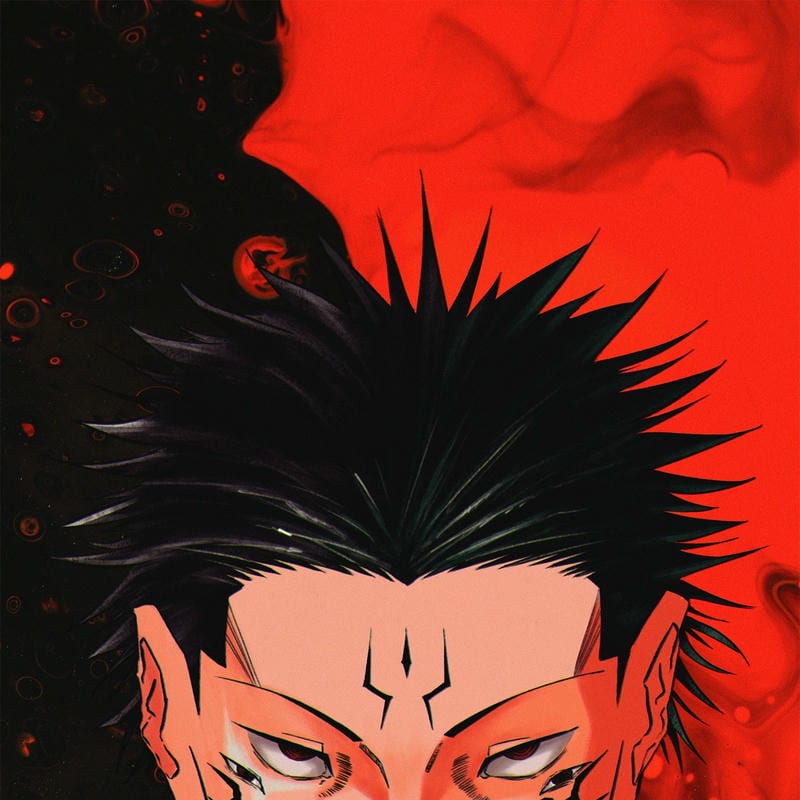
Ryomen Sukuna Cool PFP
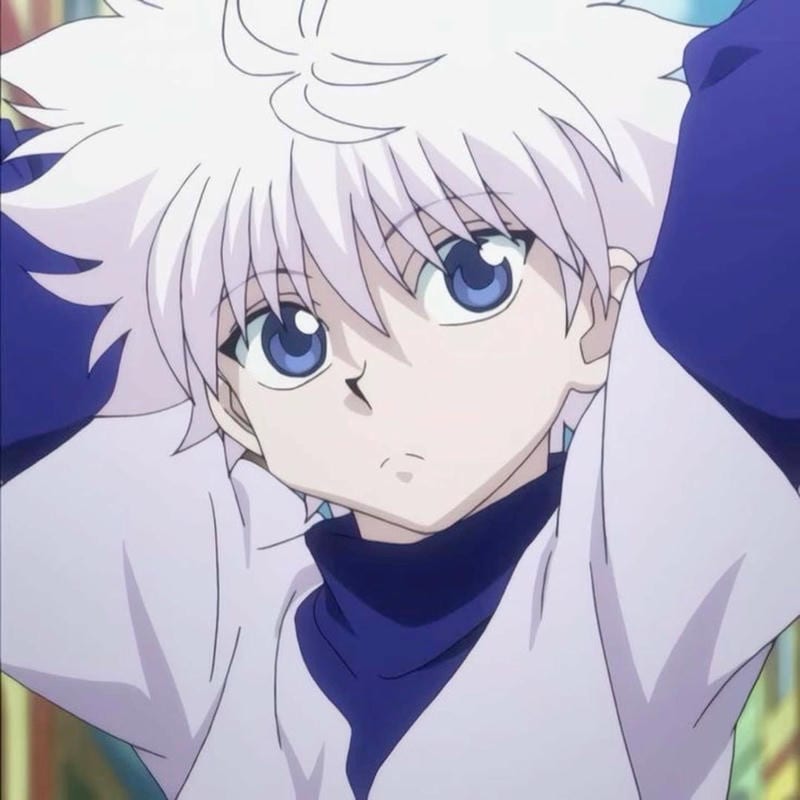
Killua Zoldyck Cool PFP
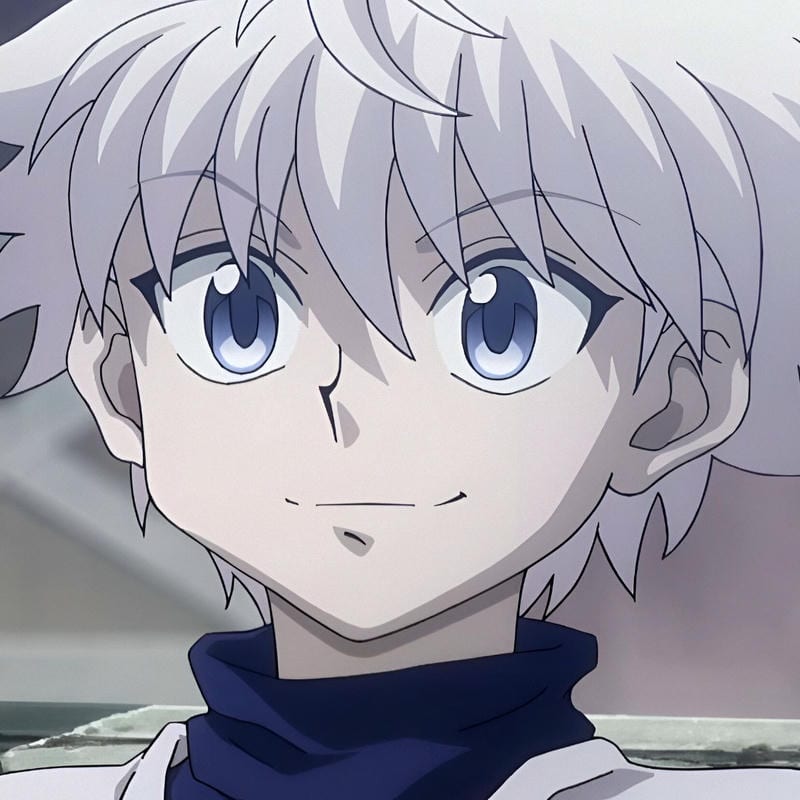
Killua Zoldyck Cool PFP
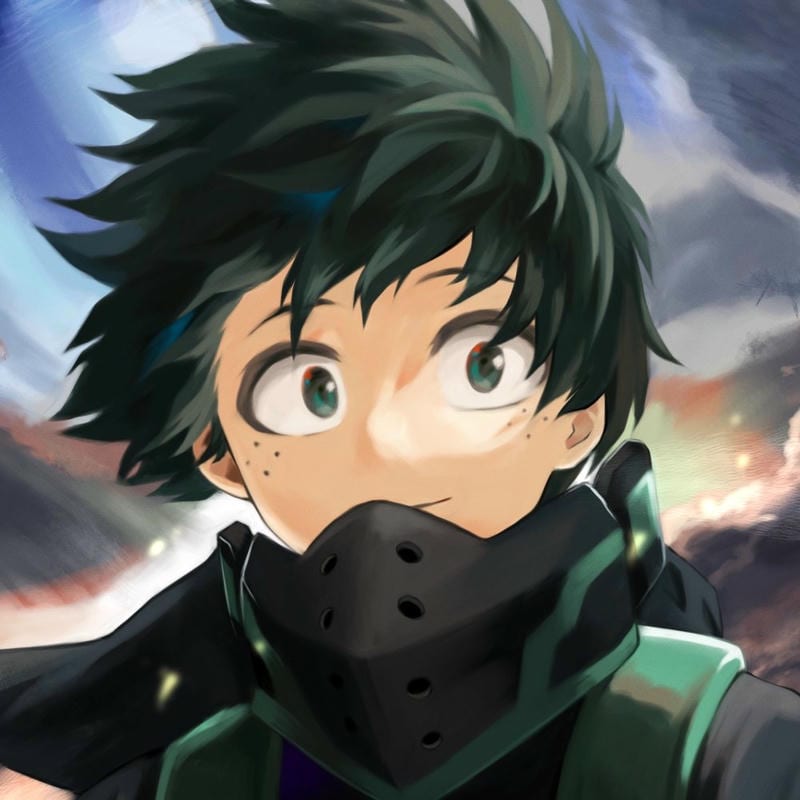
Izuku Midoriya Cool PFP
An anime PFP works best on Discord when the face is the whole story: big eyes, clean line art, a sharp silhouette, or a dramatic close-up. The avatar is a small circle beside your name in servers and DMs, so detail gets lost fast. Dark and cool edits with strong contrast tend to survive the 128px crop better than pale, low-contrast scenes. If you want a calm look, pick a simple expression and a background that does not fight the face.
Busy posters and full-body poses usually fail at this size because readers cannot tell what they are looking at. Better picks are headshots, bust shots, and moody edits where the eyes or hair shape carry the image. A cool anime-style Discord PFP can lean on neon rim light or a black-and-white manga panel, while a softer anime girl PFP may use a pastel close-up. Keep the subject centered so the circular crop does not clip the chin or forehead.
Discord PFP size and crop guide
Discord displays avatars at 128×128 px, and Nitro bumps that to 256×256 px. Upload any square image at least 128×128 px. The circular crop favors centered faces; test a dark or high-contrast edit first because thin lines and pale backgrounds can vanish at small size.
| What | Value |
|---|---|
| Upload size | Any square image, minimum 128×128 px |
| Displayed size | 128×128 px; 256×256 px with Nitro |
| File type | JPG or PNG |
| Animated avatars | GIF avatars only work with Nitro |
How to change your Discord PFP
- Open Discord and go to User Settings.
- Select My Account.
- Click Edit next to your avatar.
- Upload a square image at least 128×128 px, adjust the crop, then save. For an animated GIF avatar, Nitro is required.
Which anime styles work best on Discord
Sharp, readable styles beat dense artwork here. A clean pick can use high contrast and a clear expression; a dark edit hides messy backgrounds and makes the face pop. For an anime boy PFP, simple hair and a plain backdrop keep the circle clean. Avoid tiny text, small props, and full scenes that need zooming.
Matching sets are fun in servers when the crops line up, so matching anime PFP pairs across Discord should share framing, lighting, or a color palette rather than exact poses. One face per image works better than a split scene. If two people use the same style, the circle still reads as separate avatars instead of a puzzle that only makes sense together.
- Cool anime styles - sharp contrast and bold expressions.
- Dark anime styles - moody shadows that hold up at small size.
- Aesthetic anime styles - soft color and simple framing.
- Cute anime styles - clear faces with a friendly read.
Discord PFP FAQ
Use a square image at least 128×128 px, because Discord displays avatars at 128×128 px by default. Nitro raises the display to 256×256 px, so a larger square file still gives you a cleaner result if you have Nitro enabled.
Yes, the images on this site are free to download for personal use with no sign-up and no watermark. Change your PFP whenever you want a new mood; there is no set schedule, so swap it after a few weeks or when a favorite character fits your current vibe.
Discord puts avatars in a circle, so off-center faces and wide scenes lose their edges. Keep the eyes near the middle and leave space around the hair, then check the crop preview before saving; busy backgrounds make the cut feel worse.
No, animated GIF avatars only work with Nitro. If you upload a still square image at 128×128 px or larger, it will display for everyone, but the moving version stays locked to Nitro accounts; that includes GIF picks from this site.
Pick a close-up with a clear expression first, then choose a style that matches your vibe. A dark or cool edit hides background clutter, while a cute or aesthetic face reads fast in a server list; character and series pages can help you narrow it down.