Anime PFP for Steam — 24+ Free HD Pictures
Looking for an anime PFP for Steam that stays readable when it is tiny? This page is a gallery of anime profile pictures built for Steam, where avatars display at 184×184. Browse the picks, save a square image, then upload it through Edit Profile > Avatar. Darker edits tend to match the client and keep faces clear in the friends list, comments, and screenshots. Use the links below to find a style fast, then check the crop guide before you upload.
Best Anime PFPs for Steam
Hand-picked for how they look at 184×184.
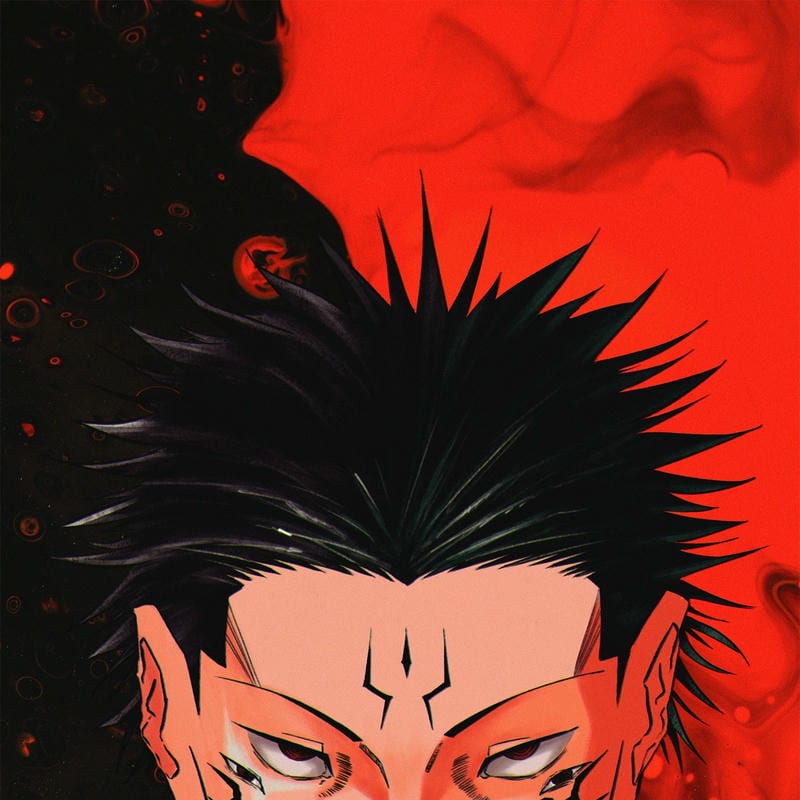
Ryomen Sukuna Cool PFP
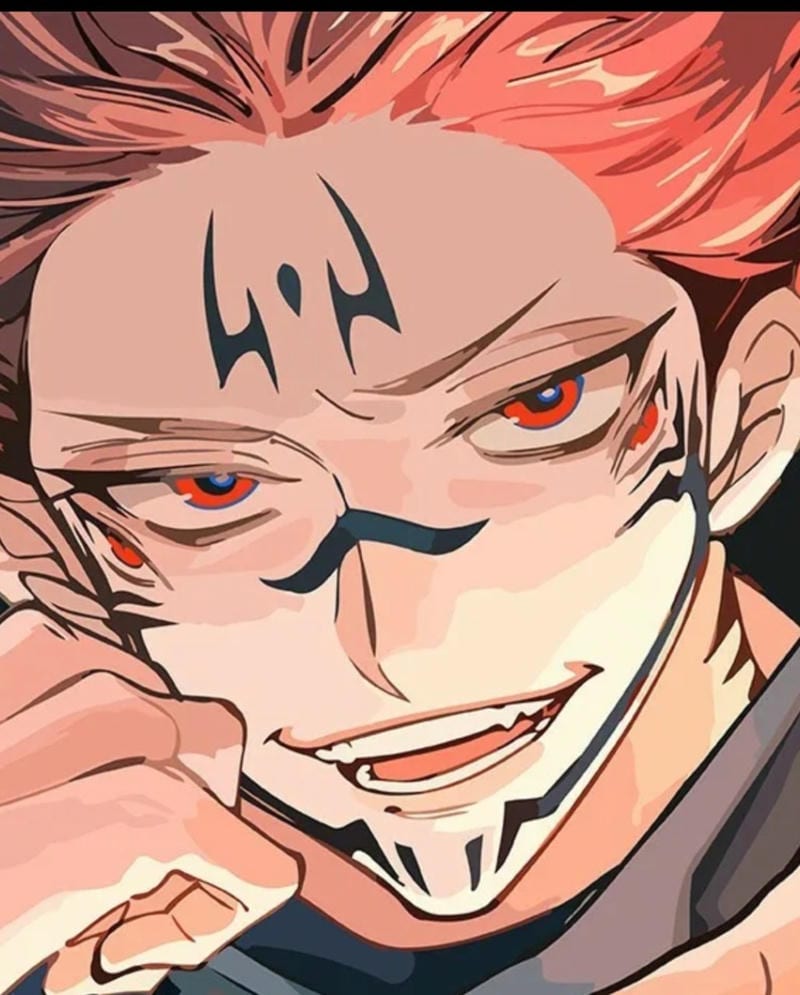
Ryomen Sukuna Cool PFP

Killua Zoldyck Cool PFP

Killua Zoldyck Cool PFP

Izuku Midoriya Cool PFP
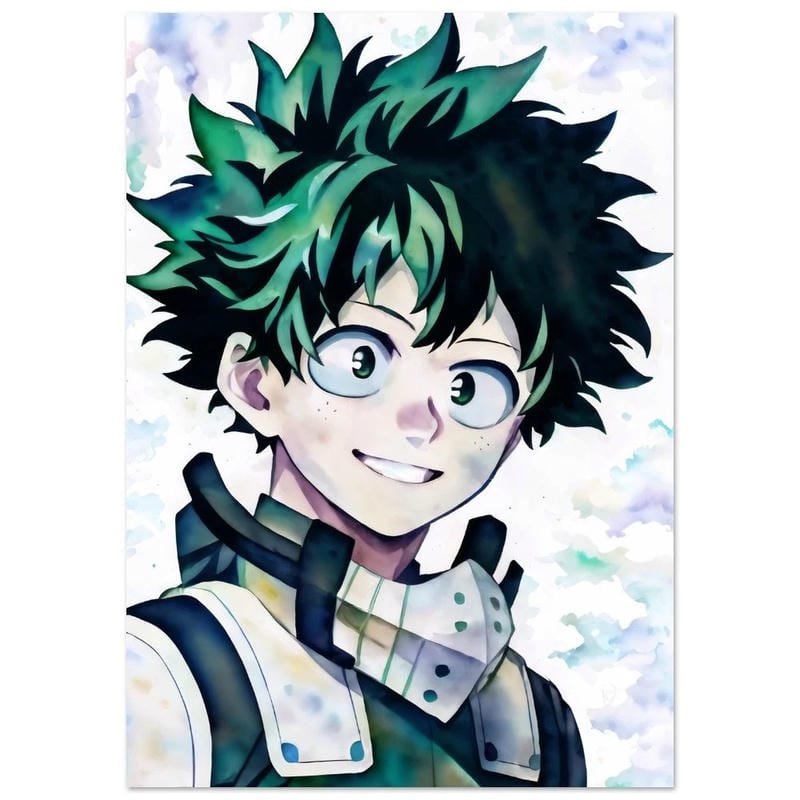
Izuku Midoriya Cool PFP

Anya Forger Cool PFP
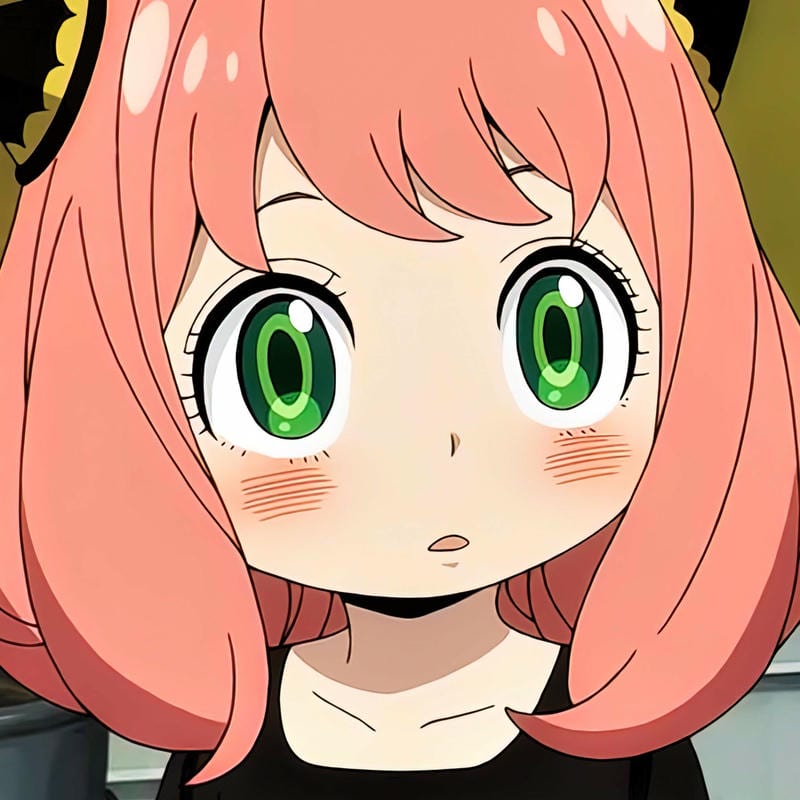
Anya Forger Cool PFP
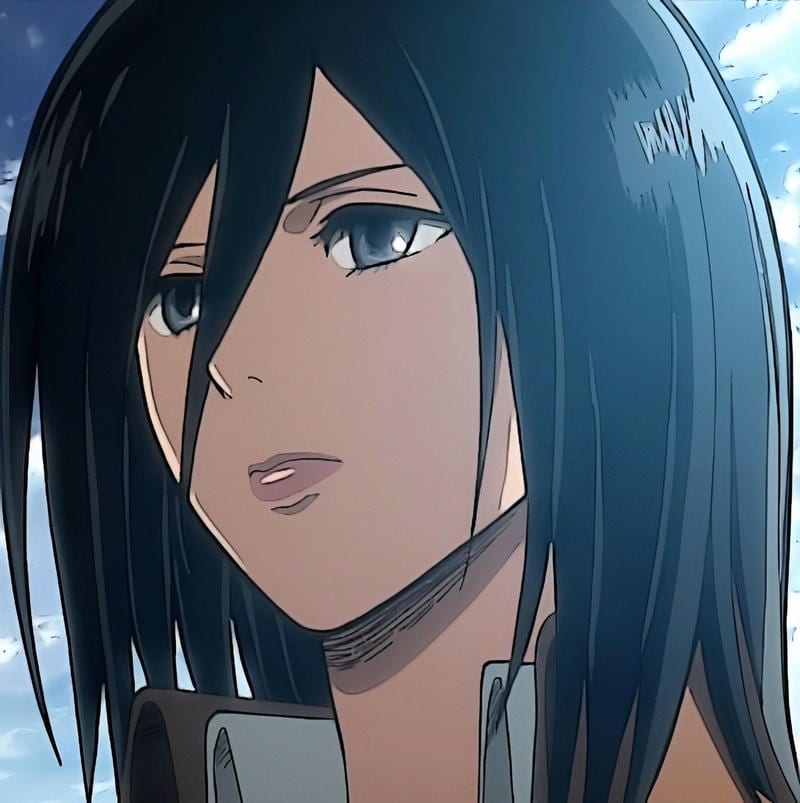
Mikasa Ackerman Cool PFP
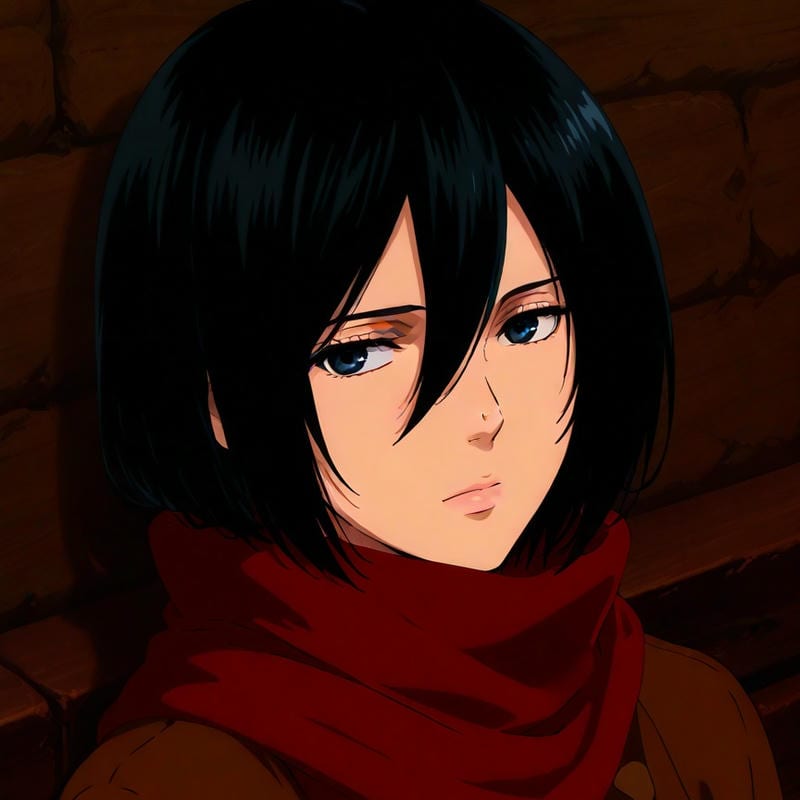
Mikasa Ackerman Cool PFP
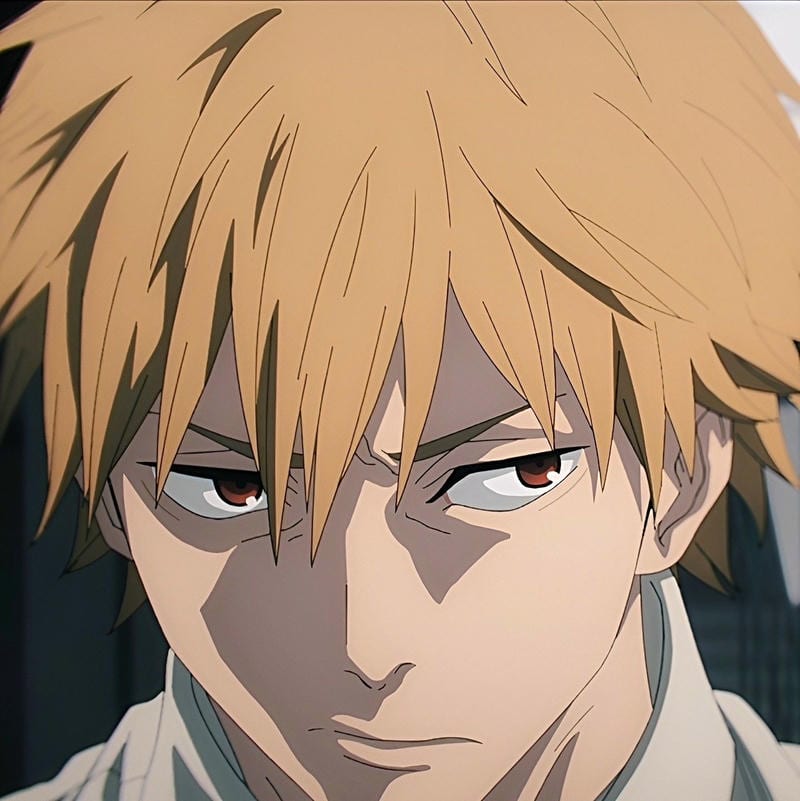
Denji Cool PFP
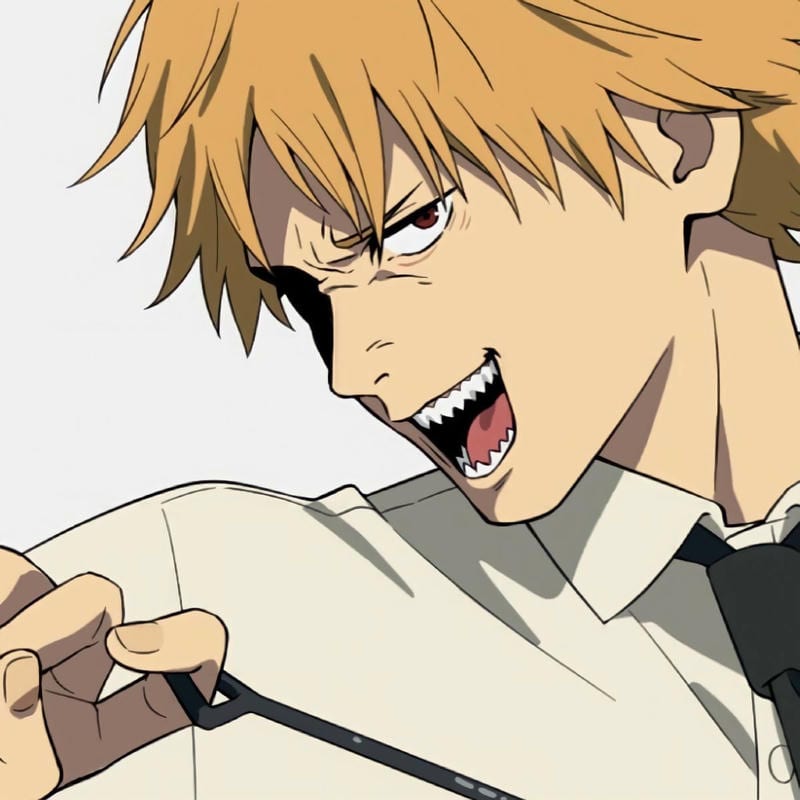
Denji Cool PFP
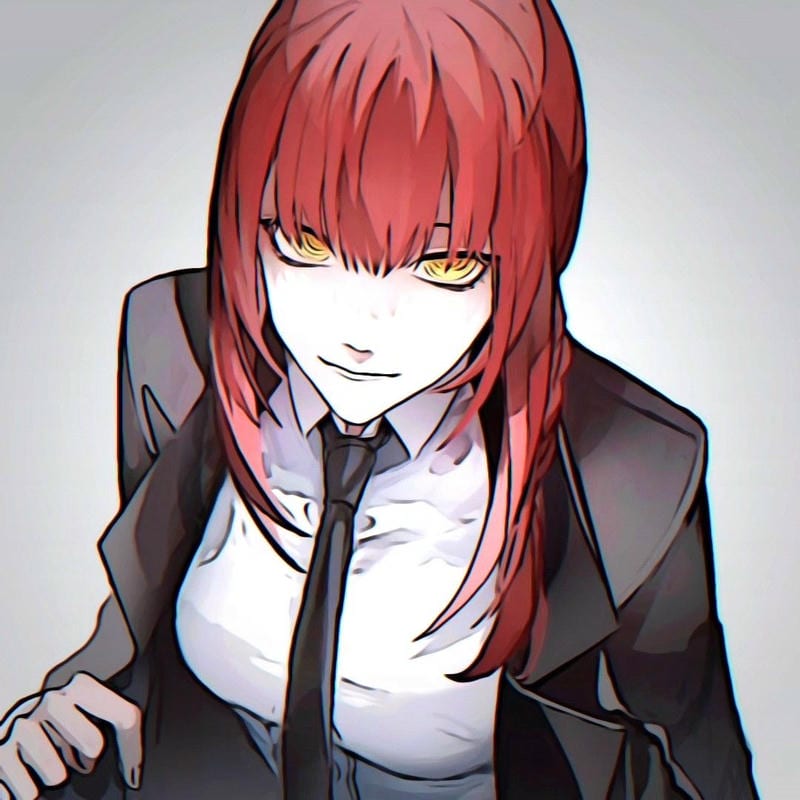
Makima Cool PFP
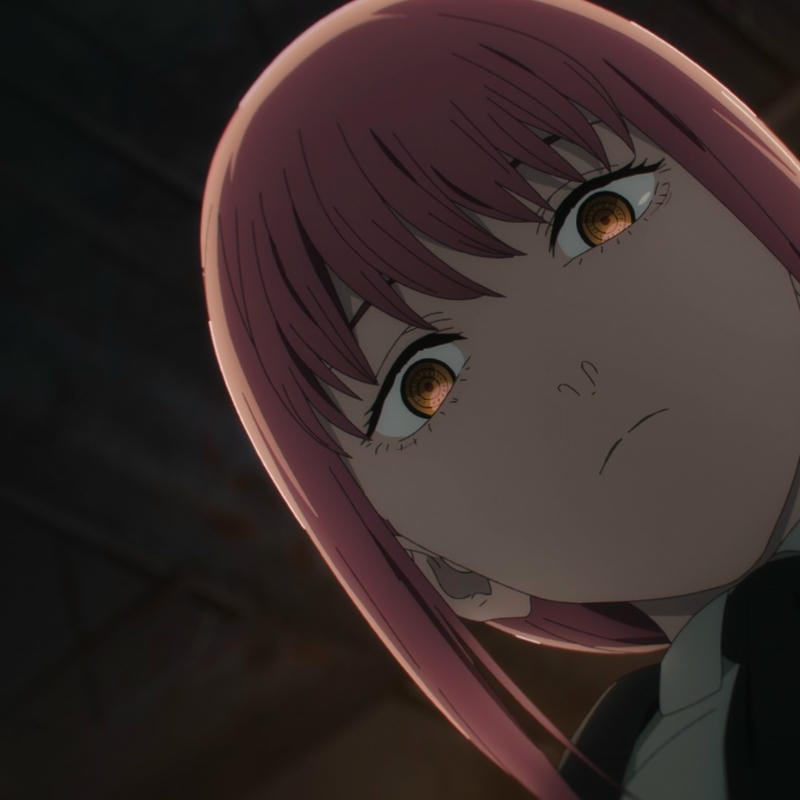
Makima Cool PFP

Ichigo Kurosaki Cool PFP
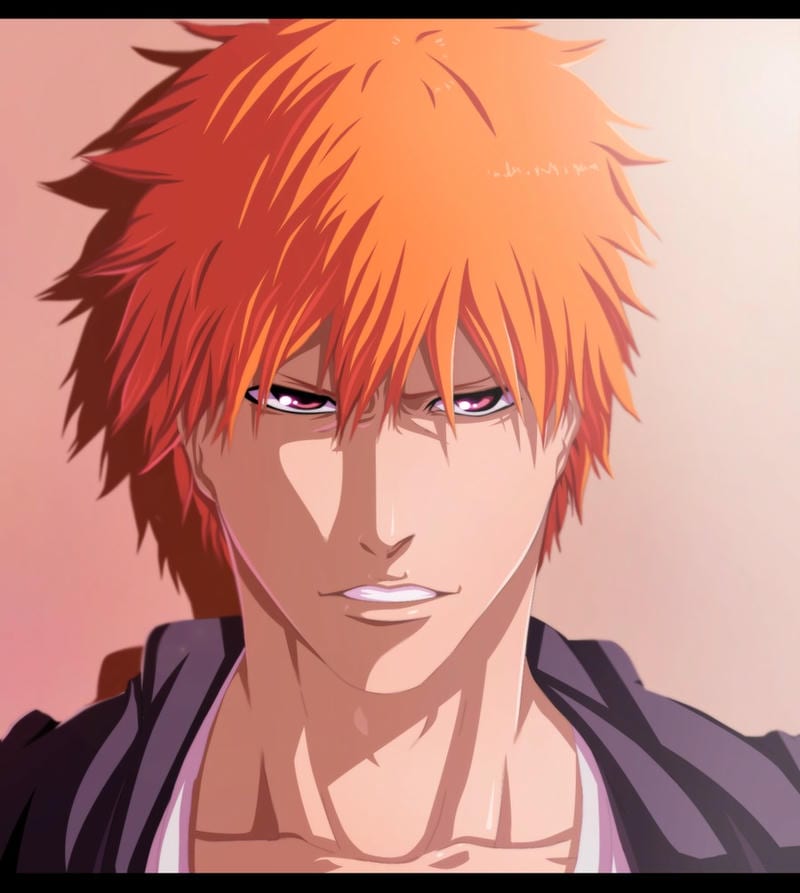
Ichigo Kurosaki Cool PFP
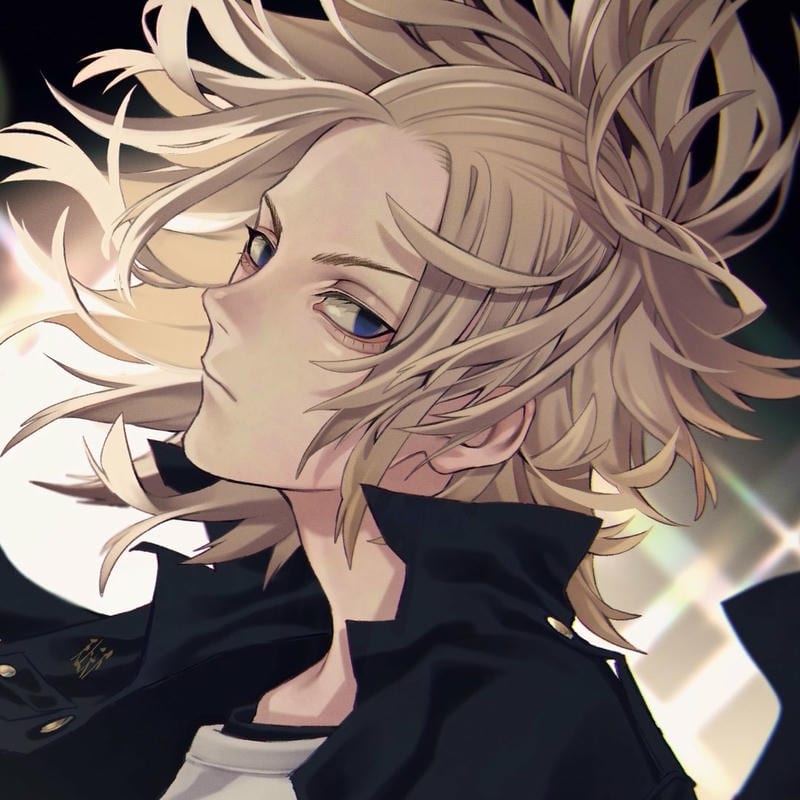
Manjiro Sano Cool PFP
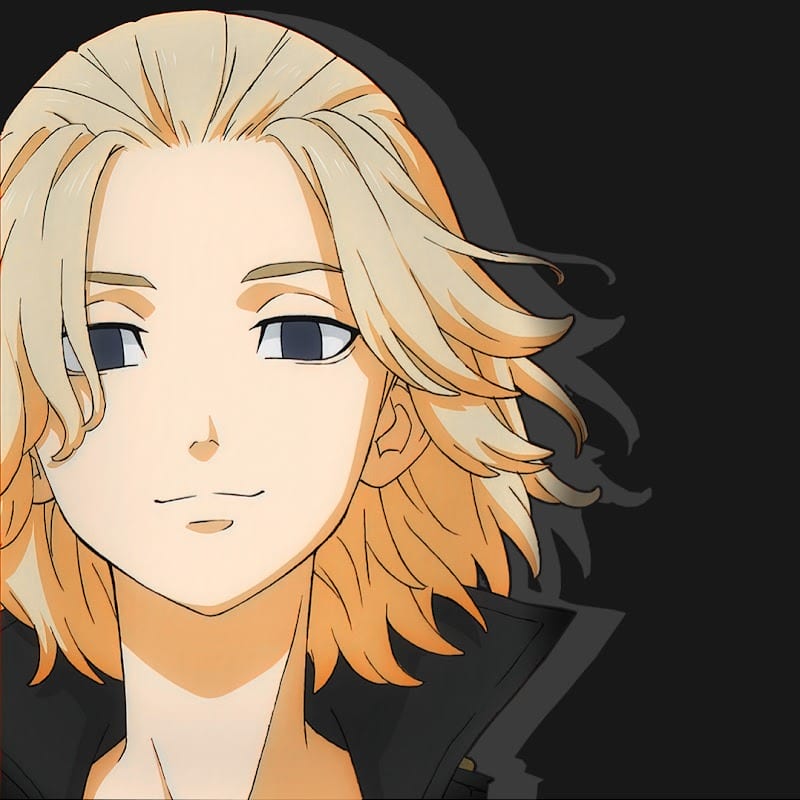
Manjiro Sano Cool PFP
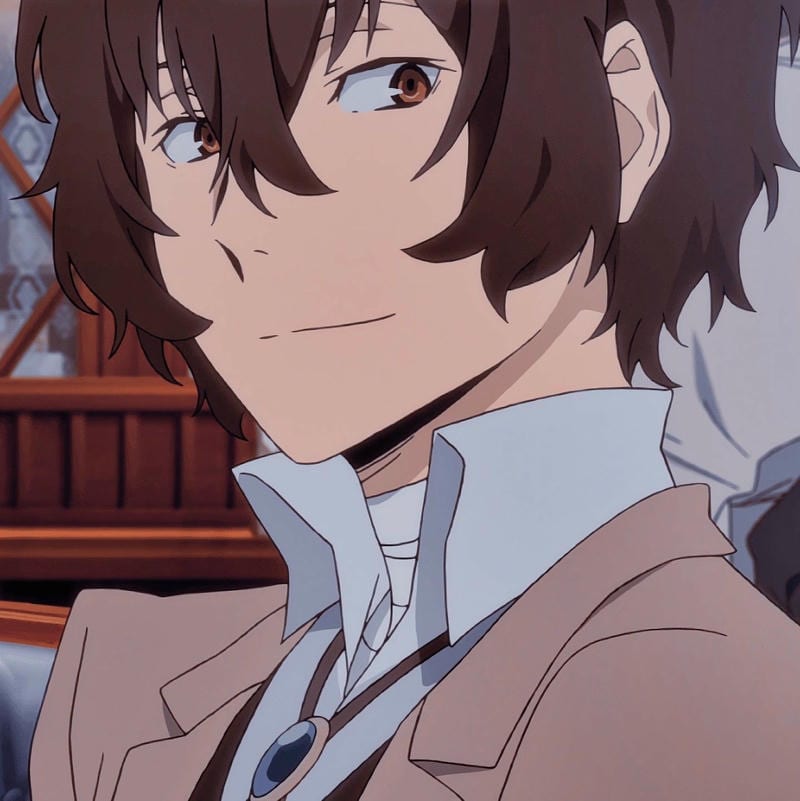
Osamu Dazai Cool PFP
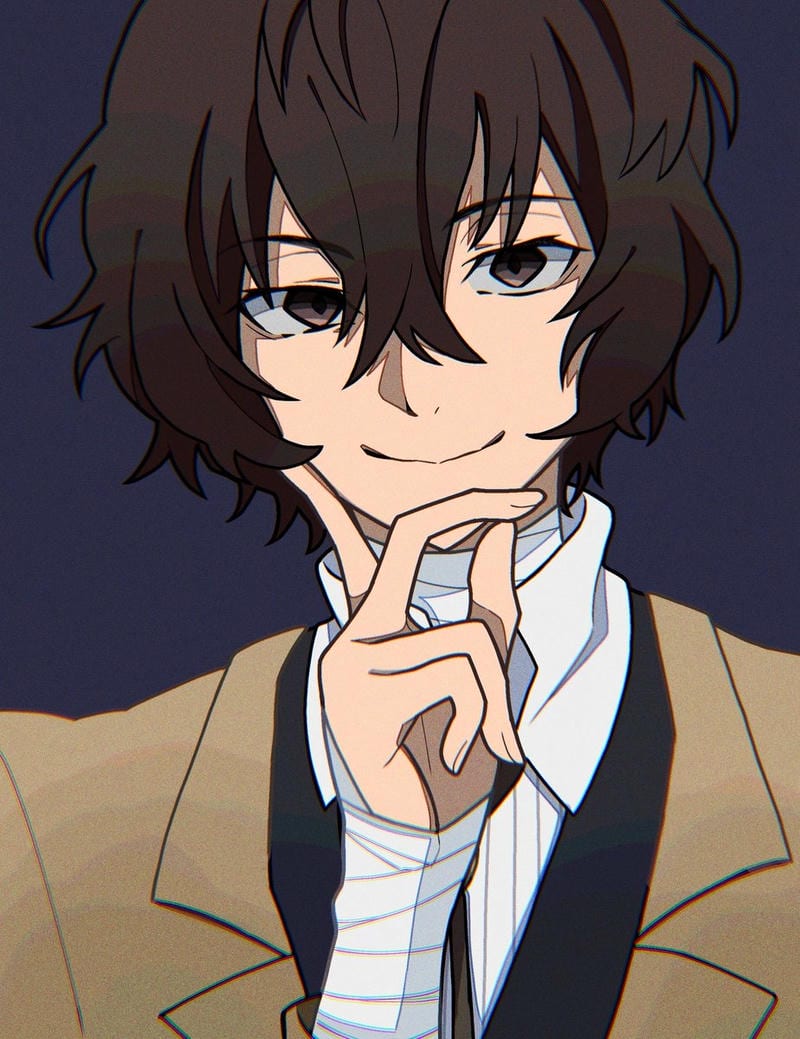
Osamu Dazai Cool PFP
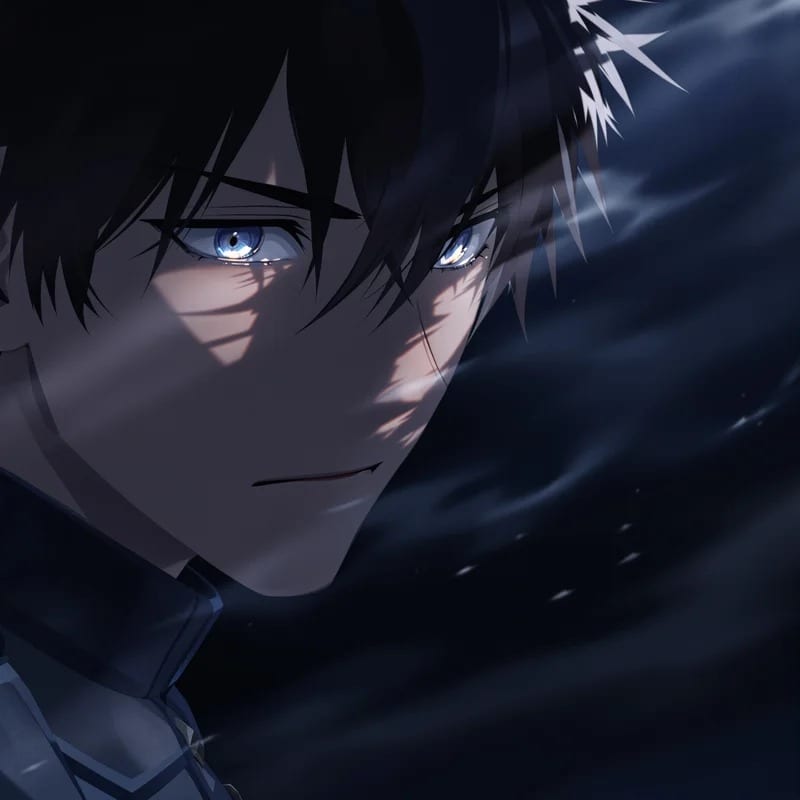
Sung Jin-Woo Cool PFP
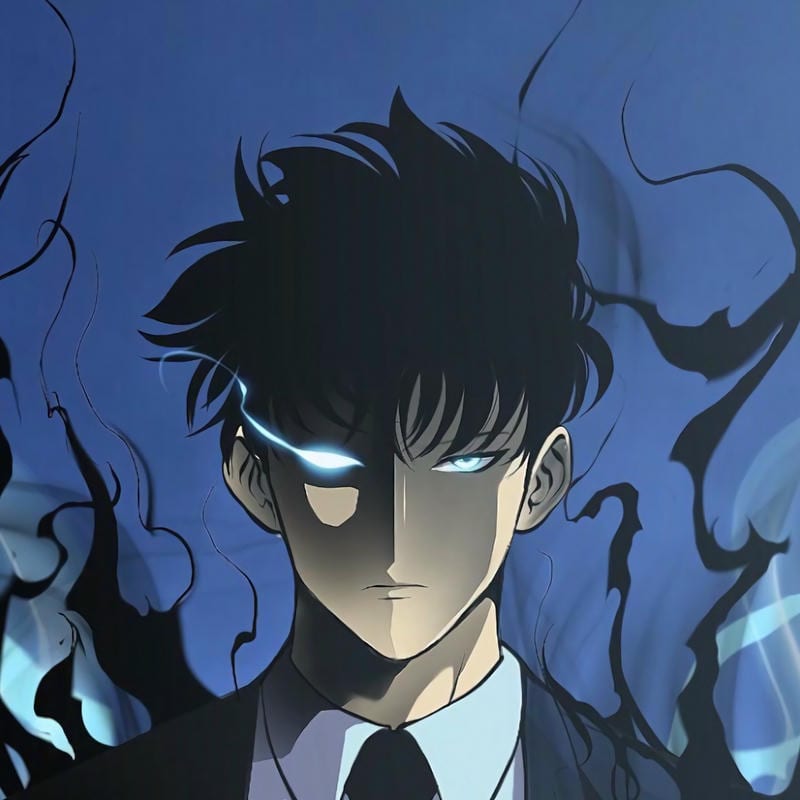
Sung Jin-Woo Cool PFP
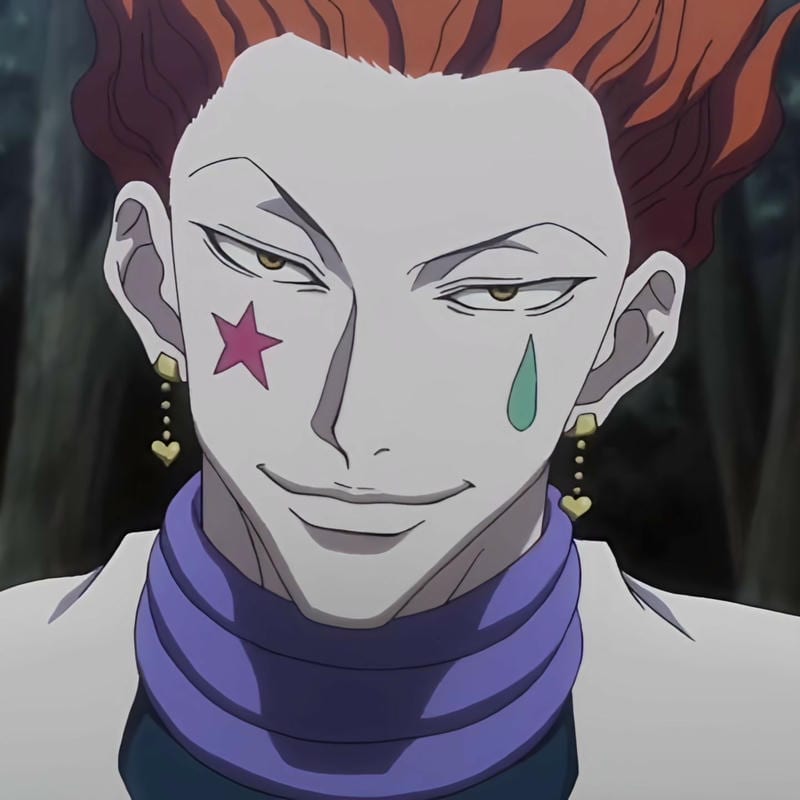
Hisoka Morow Cool PFP
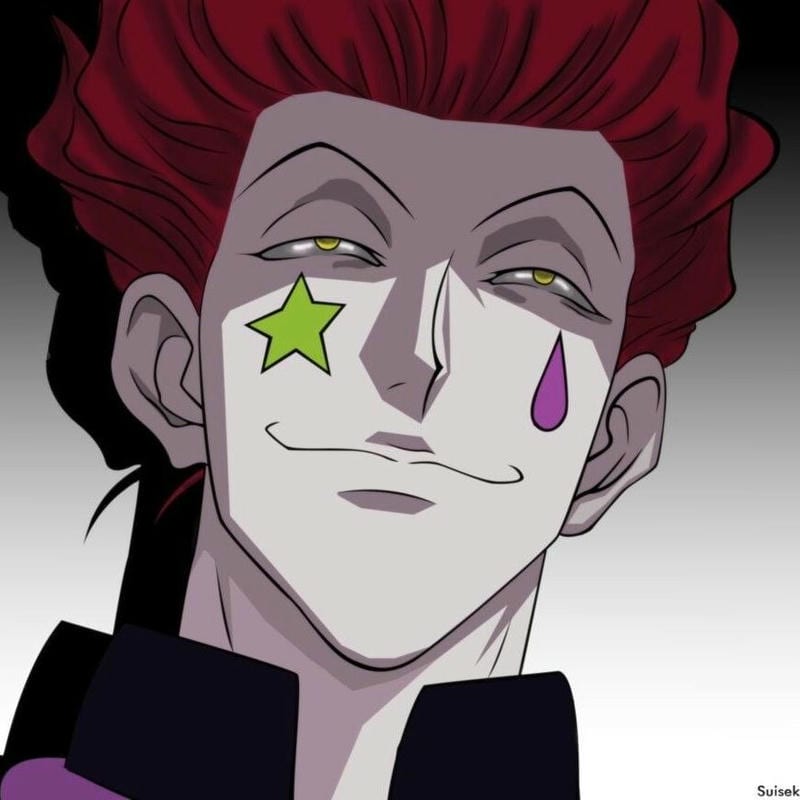
Hisoka Morow Cool PFP
For the best anime-style Steam avatar, the image has to do two jobs at once: look like your taste and survive the small frame. At 184×184, a full-body shot or busy background turns into mush, so faces and simple shapes win. Dark edits fit the Steam client and keep eyes readable in the friends list, comments, and screenshots. An anime-style Steam avatar with strong contrast usually beats a pale or low-detail crop.
An anime-style Steam profile picture works best when the character is centered and the edges are clean. You want the face to fill enough of the square that it still reads beside your name. Muted colors, heavy shadows, and clear silhouettes suit the Steam UI without blending into the dark panels. If the original image is wide or tall, crop to the face before uploading instead of letting Steam shrink the whole thing.
Steam PFP size and crop guide
The Steam avatar size you see around the client is 184×184, so start with a square image and crop tight before upload. Steam accepts larger square images and downsizes them; JPG or PNG is fine, and animated avatars are not supported. Keep the face near the center so the crop stays safe in comments and screenshots.
| What | Value |
|---|---|
| Upload size | Larger square image; Steam downsizes it |
| Displayed size | 184×184 |
| File type | JPG or PNG |
| Animated avatars | Not supported |
How to change your Steam PFP
- Open Steam and go to your profile.
- Click Edit Profile.
- Open Avatar.
- Upload a square JPG or PNG, adjust the crop, and save.
Which anime styles work best on Steam
Dark and high-contrast styles hold up best because Steam’s client uses deep grays and black panels. A cool Steam PFP can have a bright accent, but the face still needs to read at 184×184. Busy neon scenes and tiny text get lost, while bold eyes, clean hair shapes, and simple backgrounds stay clear. Pick art that still looks good when you zoom out.
Cute styles can work too if the crop is tight and the colors are not washed out. A soft pastel avatar with one clear expression reads better than a wide scene with five characters. For an anime-inspired Steam profile picture, match the mood to your name and the games you play, not just the source series. Keep the background simple and let the face carry the square.
Steam PFP FAQ
Use 184×184 as the target because that is how Steam displays avatars. A larger square image is accepted and downsized, so crop tight before upload and check the face at small size—square files avoid surprise side crops in the friends list, comments, and screenshots.
Yes, the images on this site are free to download for personal use with no sign-up and no watermark. Save the square you like, upload it to Steam, and keep the crop clean so the face still reads at 184×184.
Crop to a square with the face centered and the eyes near the middle. Leave a little space around the head, then use the avatar preview and check the result at 184×184 before saving so the friends list and comments stay readable.
No, Steam does not accept animated avatars. Use a JPG or PNG still image instead, and pick a frame with a clear expression so it works as a static Steam PFP. The file will only show as one still picture on your profile.
Pick a character you actually like, then choose a crop with a clear face and strong contrast. Change it whenever the profile starts to feel stale; there is no required schedule, and dark or cool edits tend to match the Steam client.