Anime PFP for Pinterest — 24+ Free HD Pictures
Picking an anime PFP for Pinterest is mostly about one tiny circle on a board-heavy page: your photo shows at 165×165, so busy art turns to mush fast. This page is a quick gallery guide for choosing a Pinterest profile picture and getting the size right, with a square upload of 400×400 or larger for sharpness. Use the examples and crop tips below, then swap your avatar from your profile when you find a face that still reads at thumbnail size.
Best Anime PFPs for Pinterest
Hand-picked for how they look at 165×165 (upload a square 400×400 or larger).
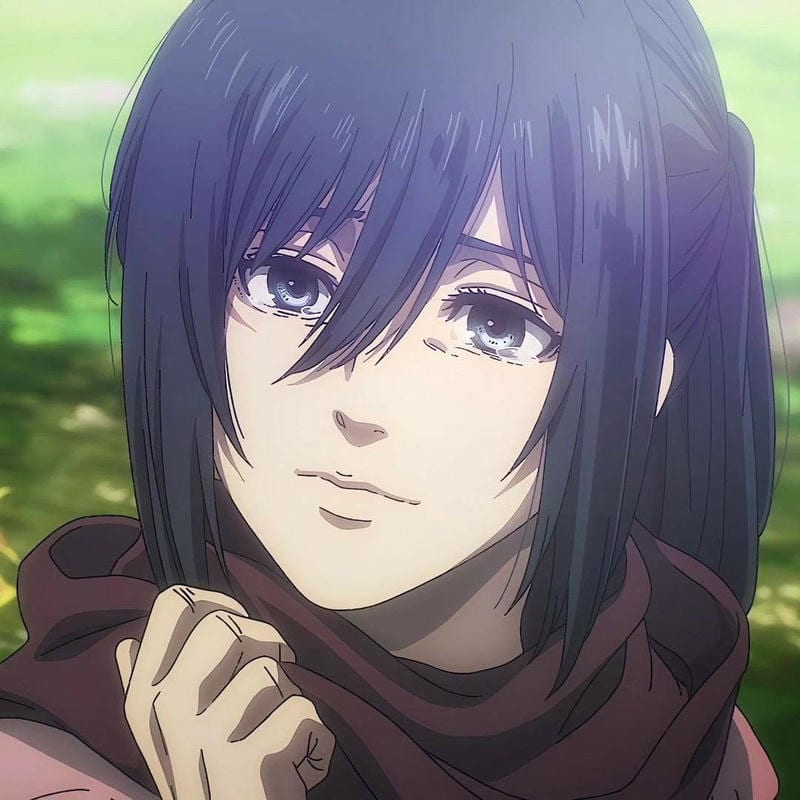
Mikasa Ackerman Cute PFP
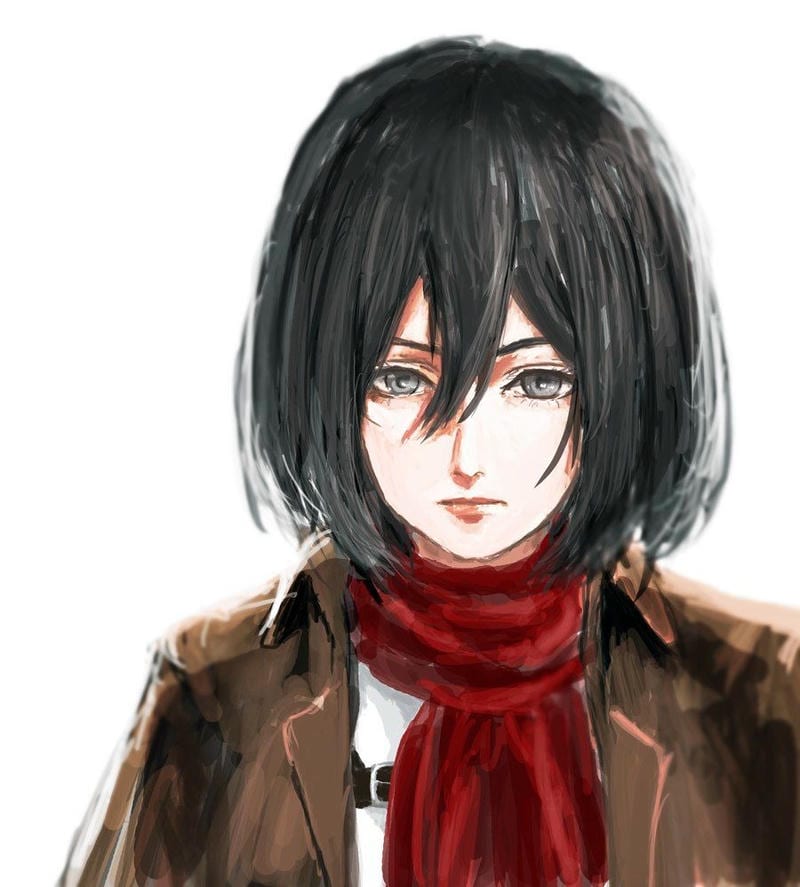
Mikasa Ackerman Cute PFP
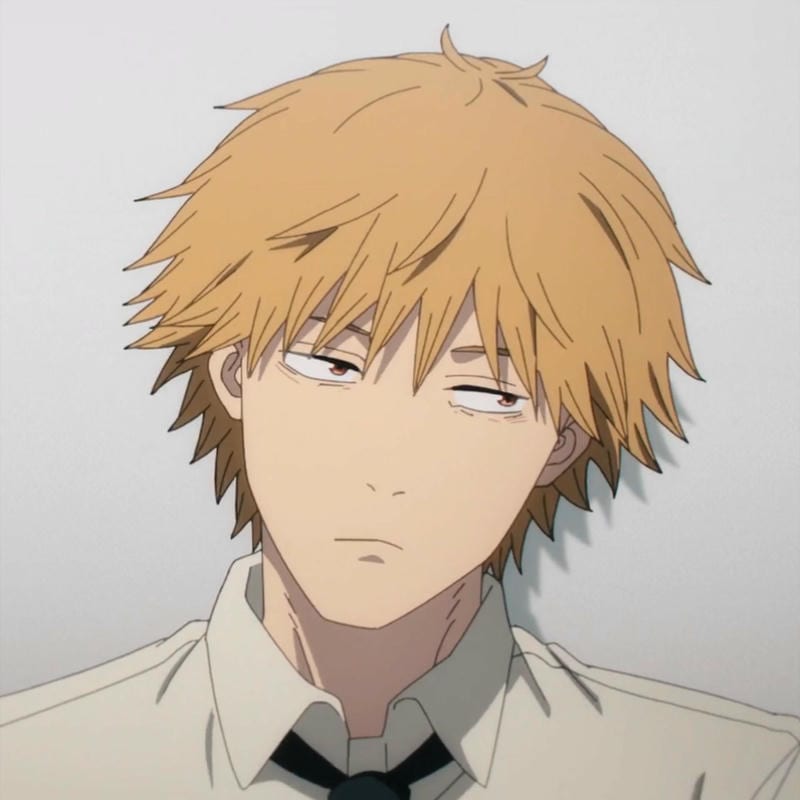
Denji Aesthetic PFP
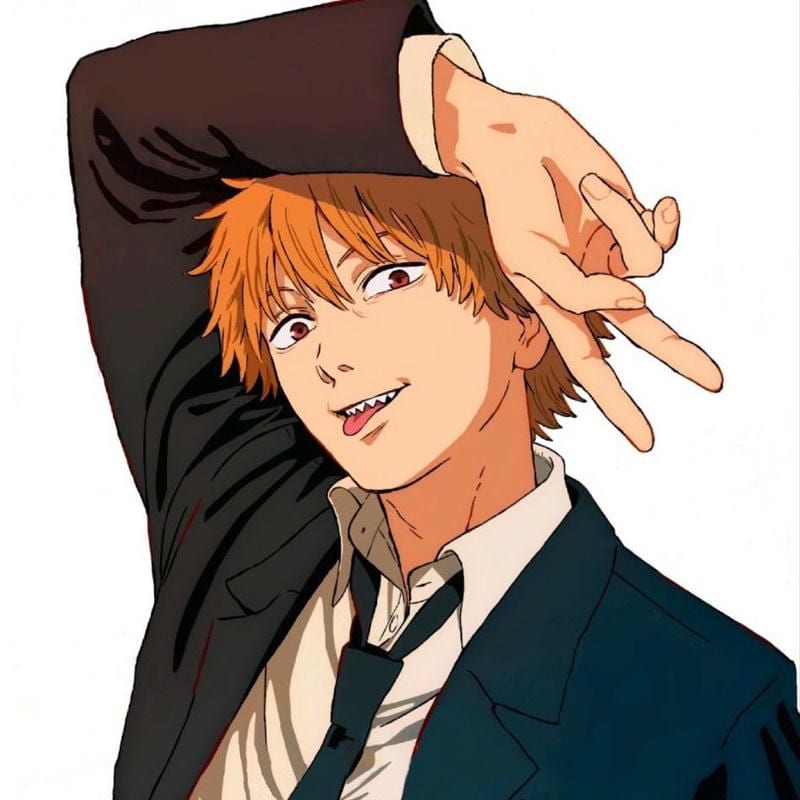
Denji Aesthetic PFP
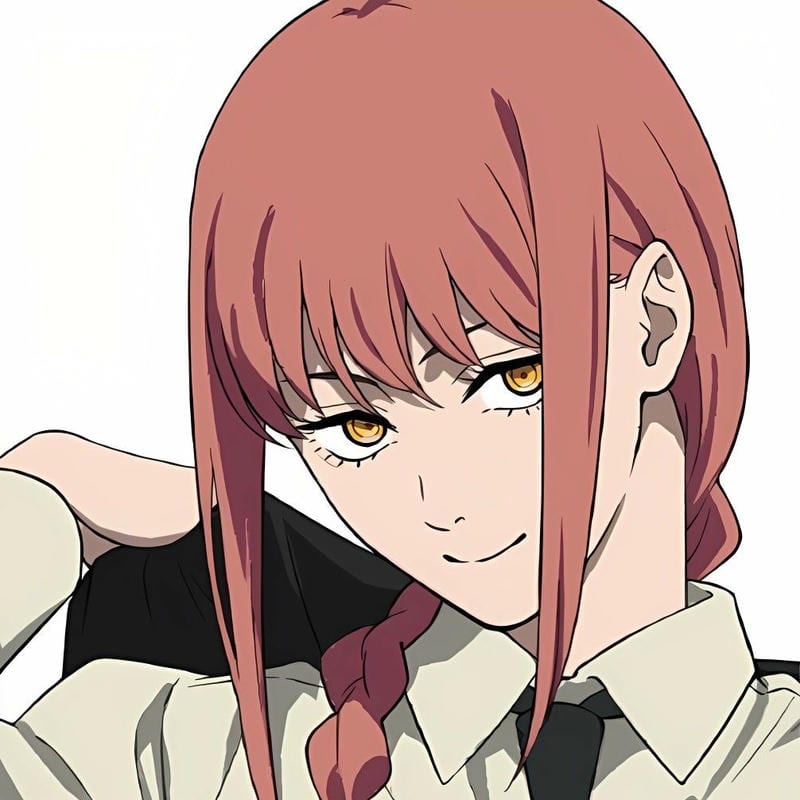
Makima Aesthetic PFP
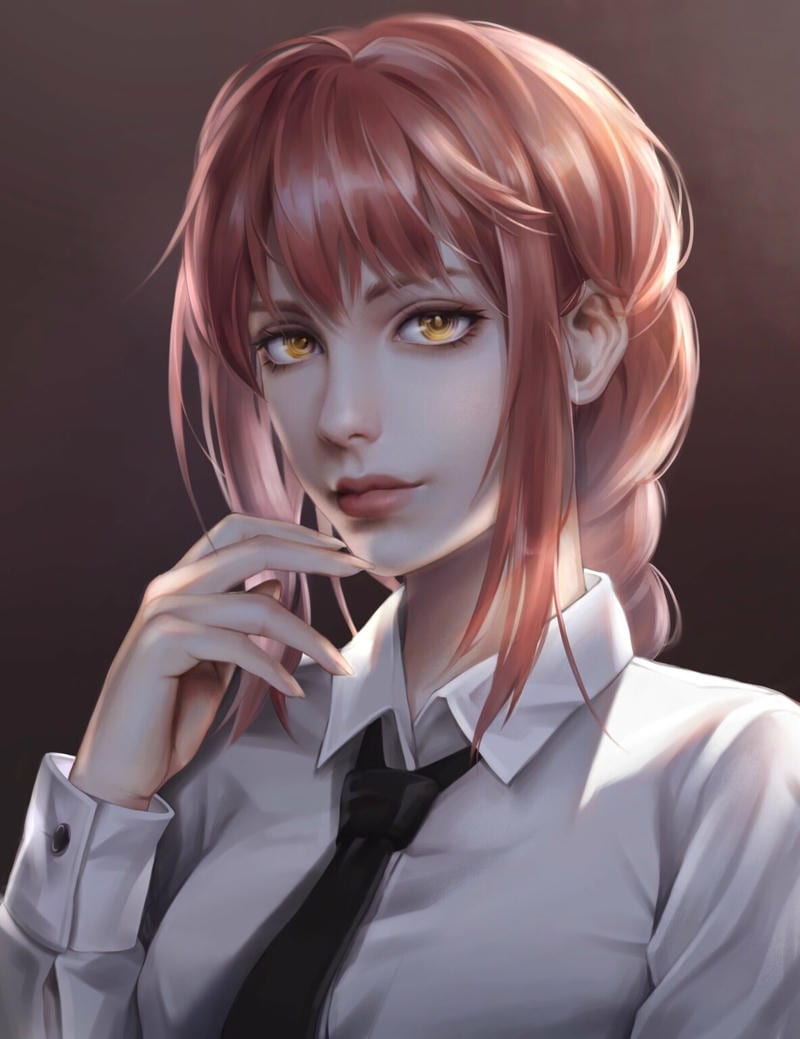
Makima Aesthetic PFP
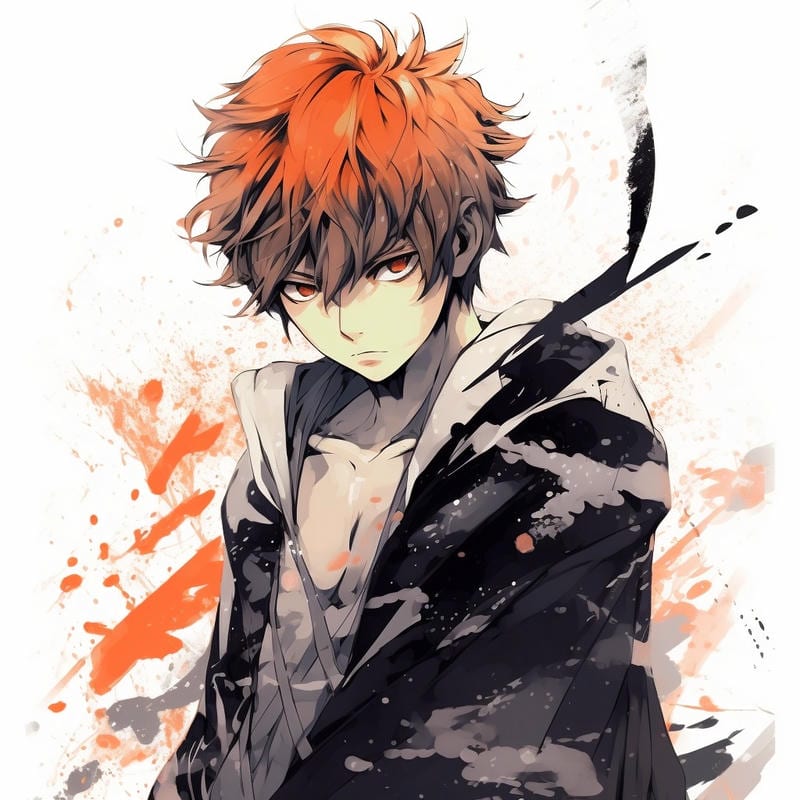
Ichigo Kurosaki Aesthetic PFP
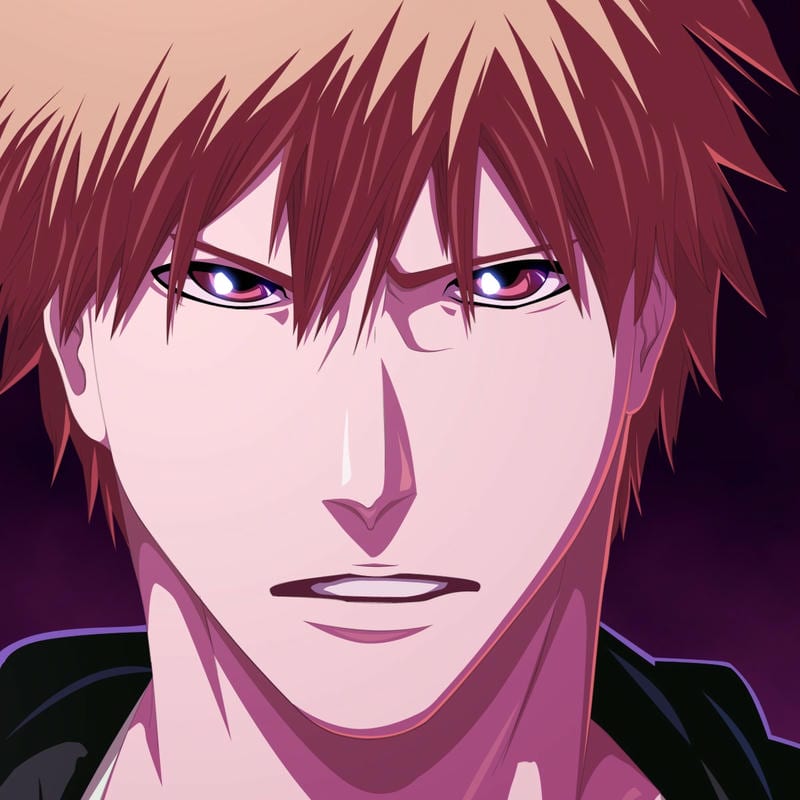
Ichigo Kurosaki Aesthetic PFP
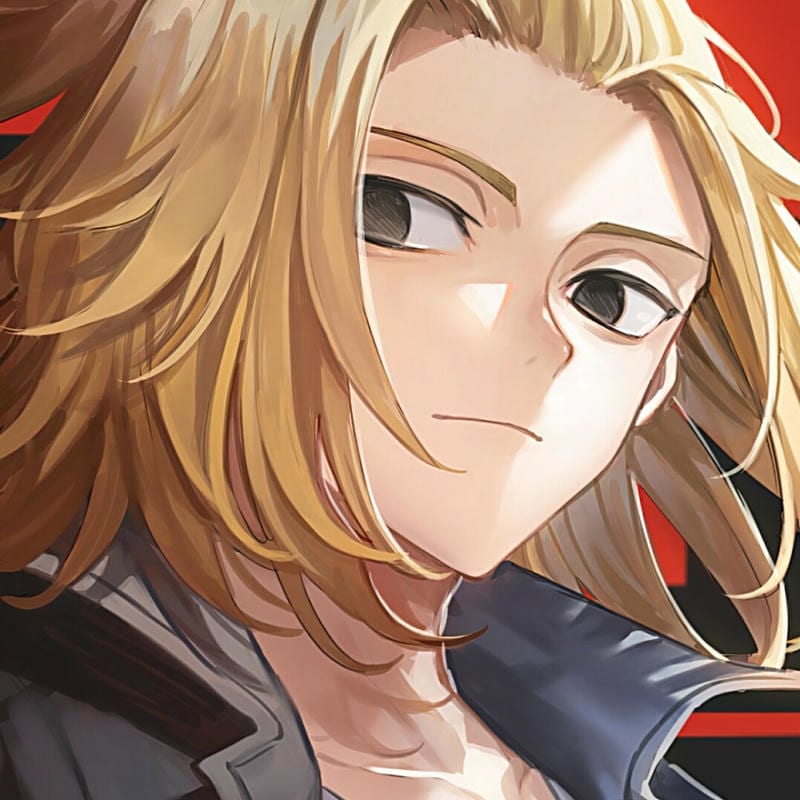
Manjiro Sano Aesthetic PFP
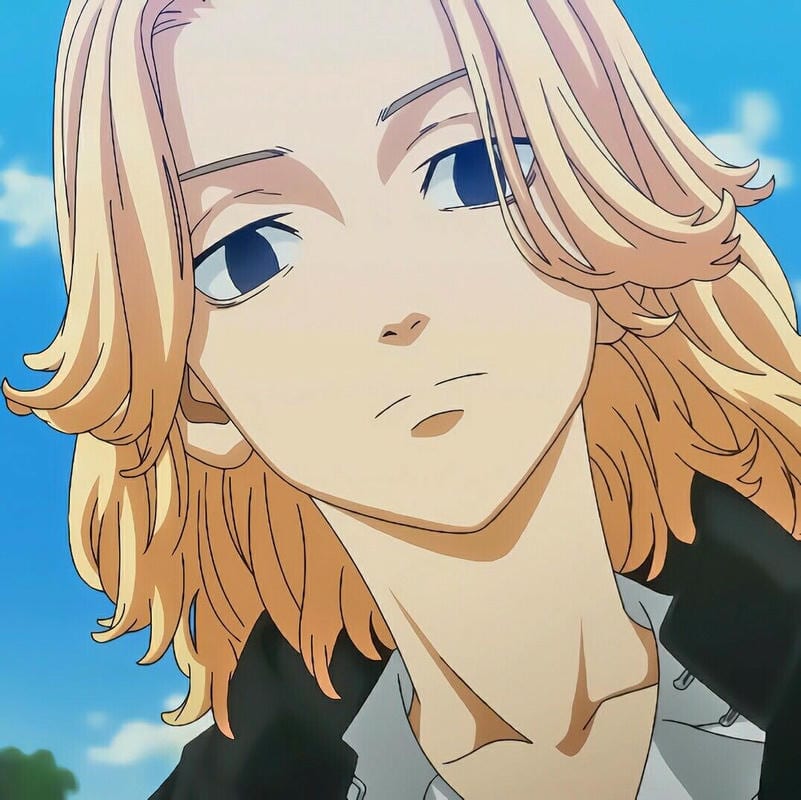
Manjiro Sano Aesthetic PFP
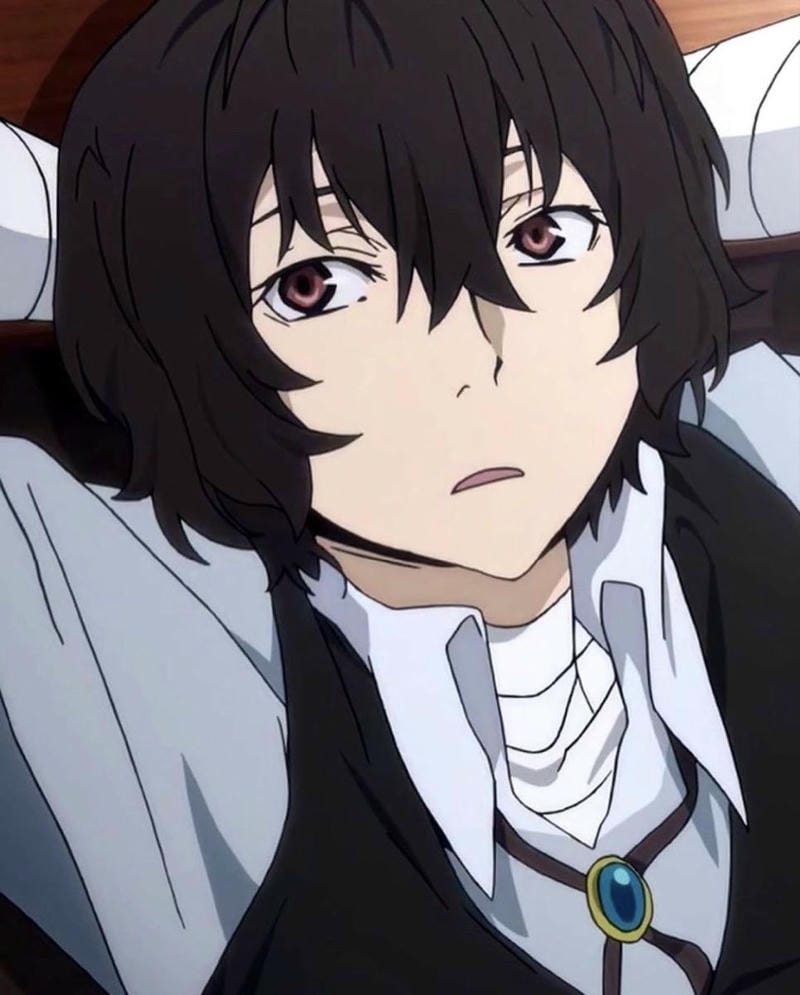
Osamu Dazai Aesthetic PFP
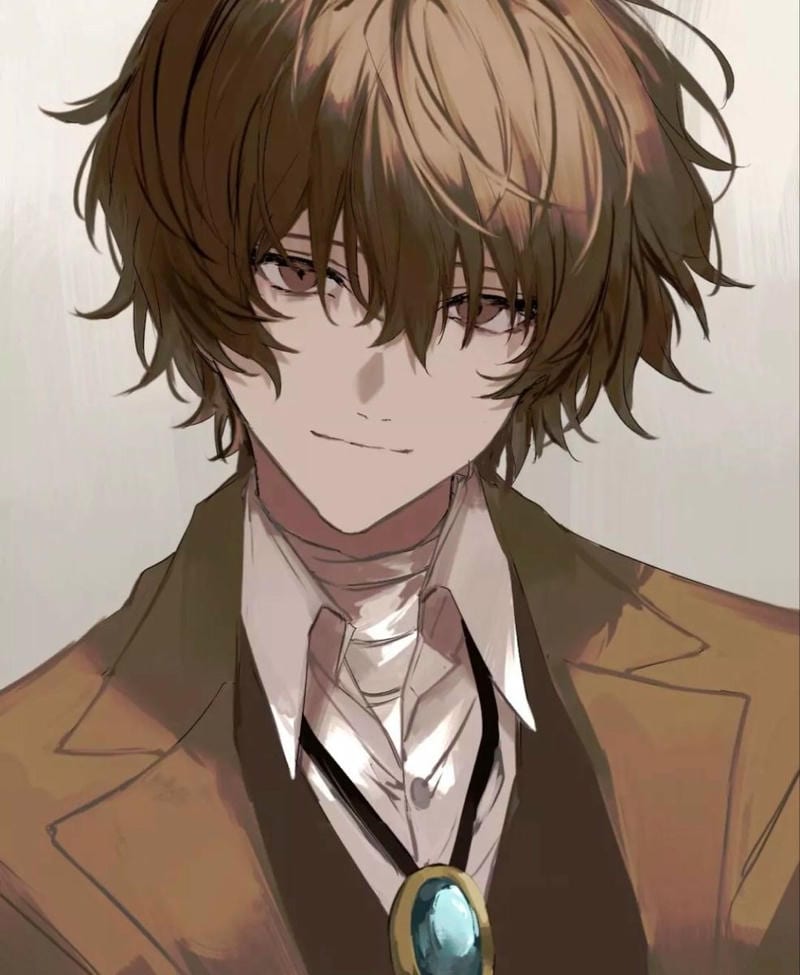
Osamu Dazai Aesthetic PFP
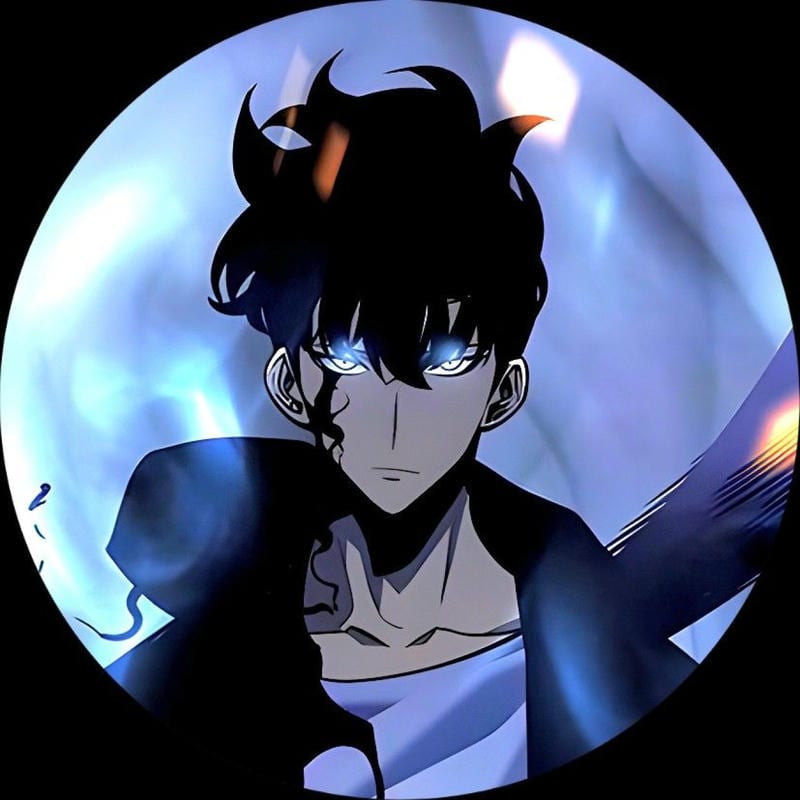
Sung Jin-Woo Aesthetic PFP
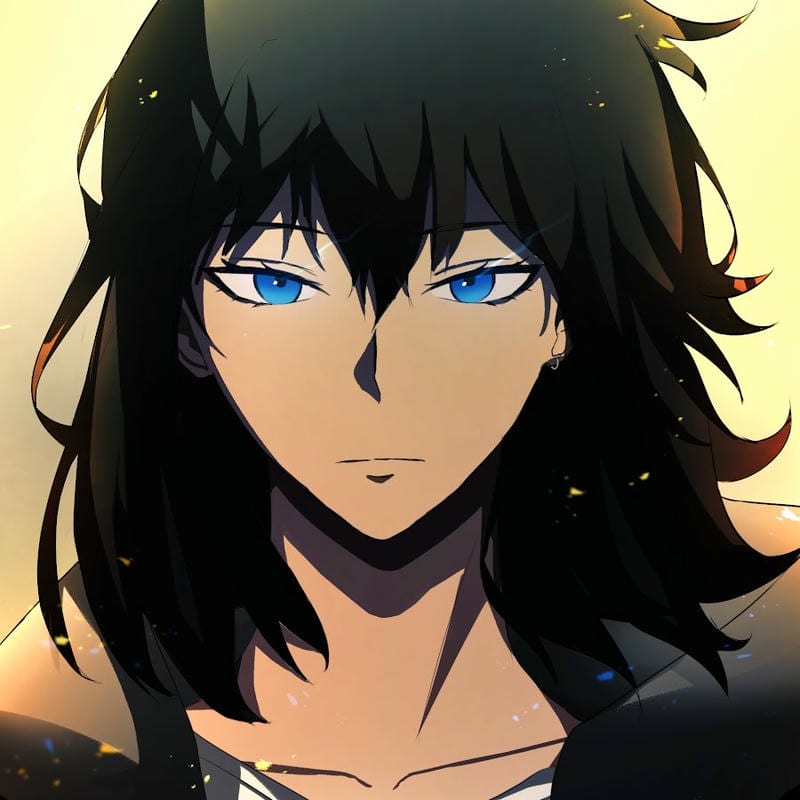
Sung Jin-Woo Aesthetic PFP
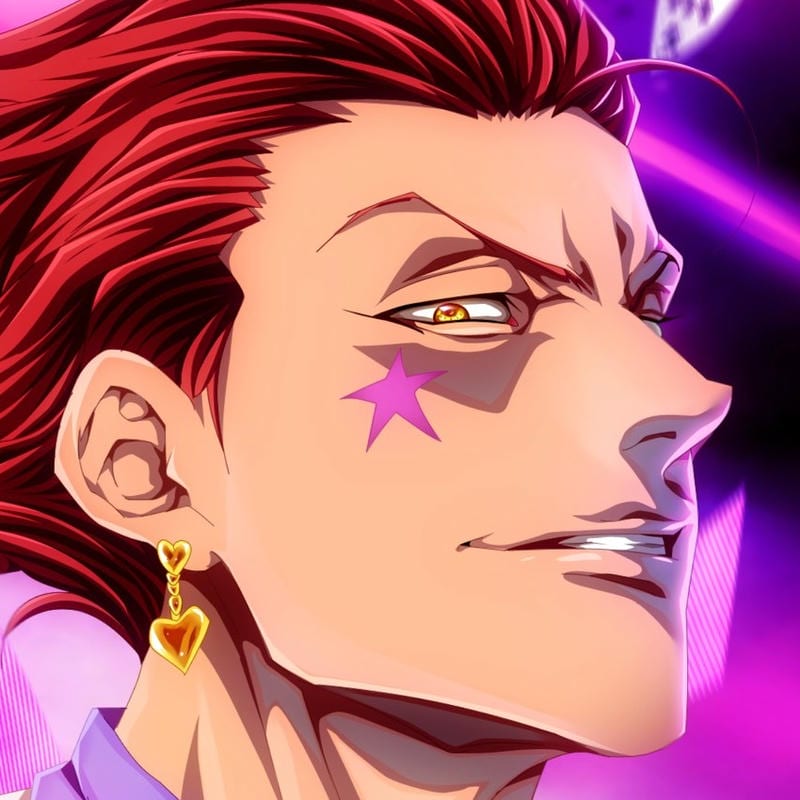
Hisoka Morow Aesthetic PFP

Hisoka Morow Aesthetic PFP
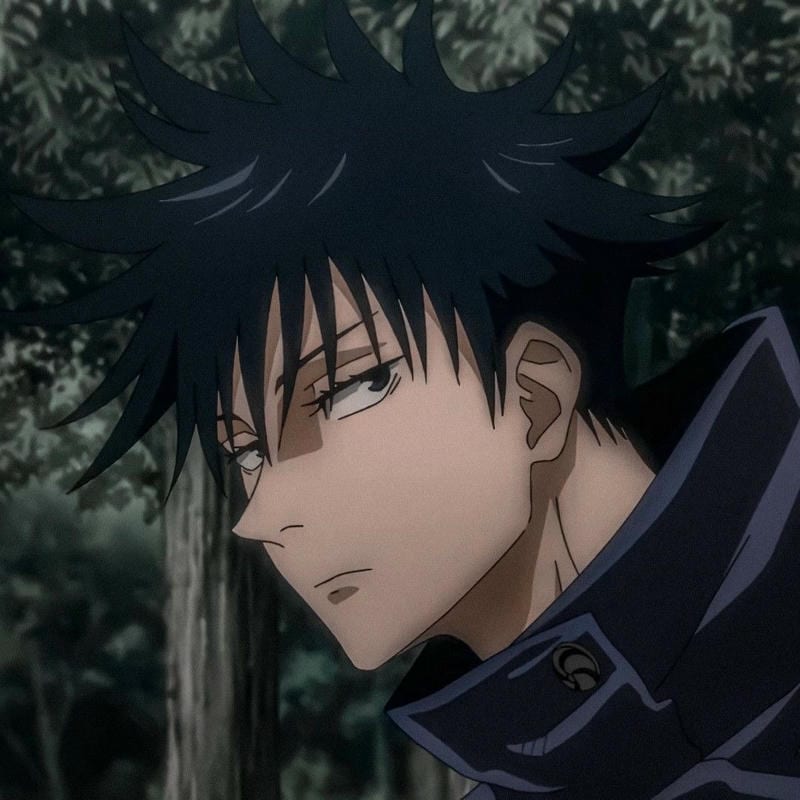
Megumi Fushiguro Aesthetic PFP
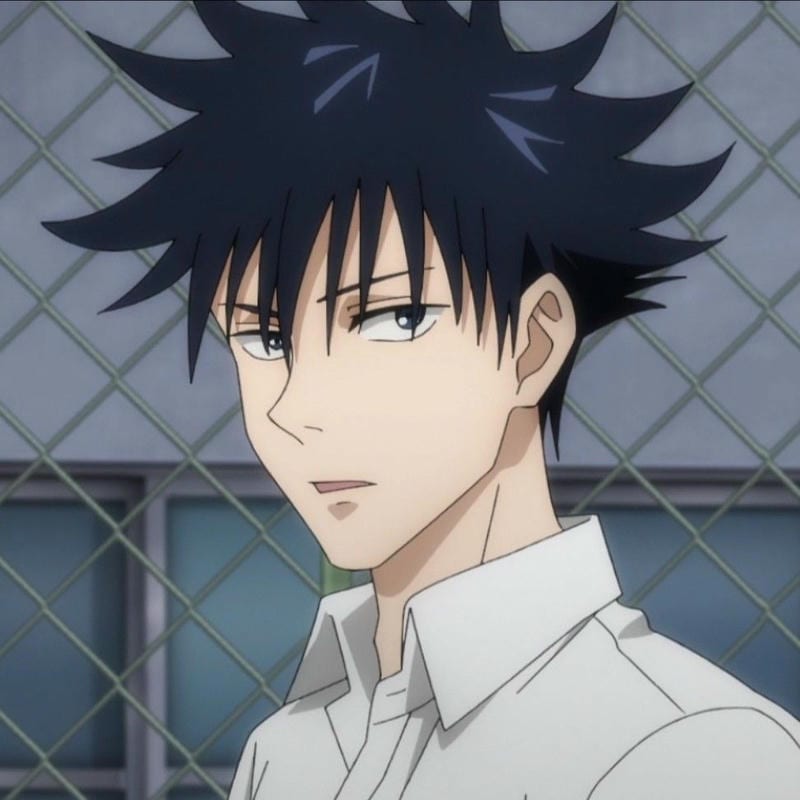
Megumi Fushiguro Aesthetic PFP

Yuji Itadori Aesthetic PFP
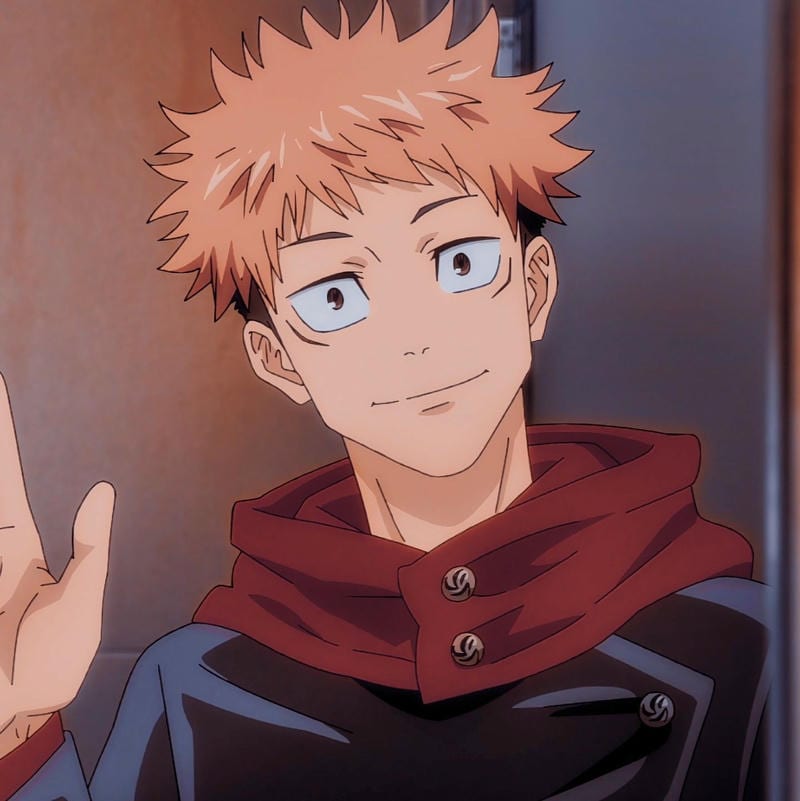
Yuji Itadori Aesthetic PFP
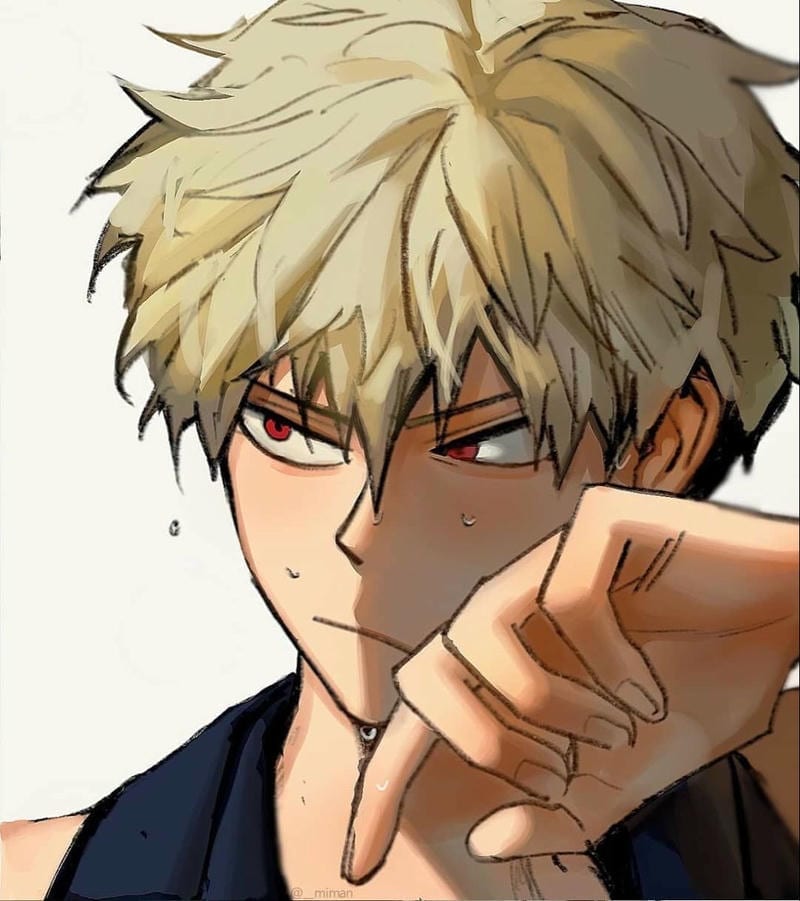
Katsuki Bakugo Aesthetic PFP
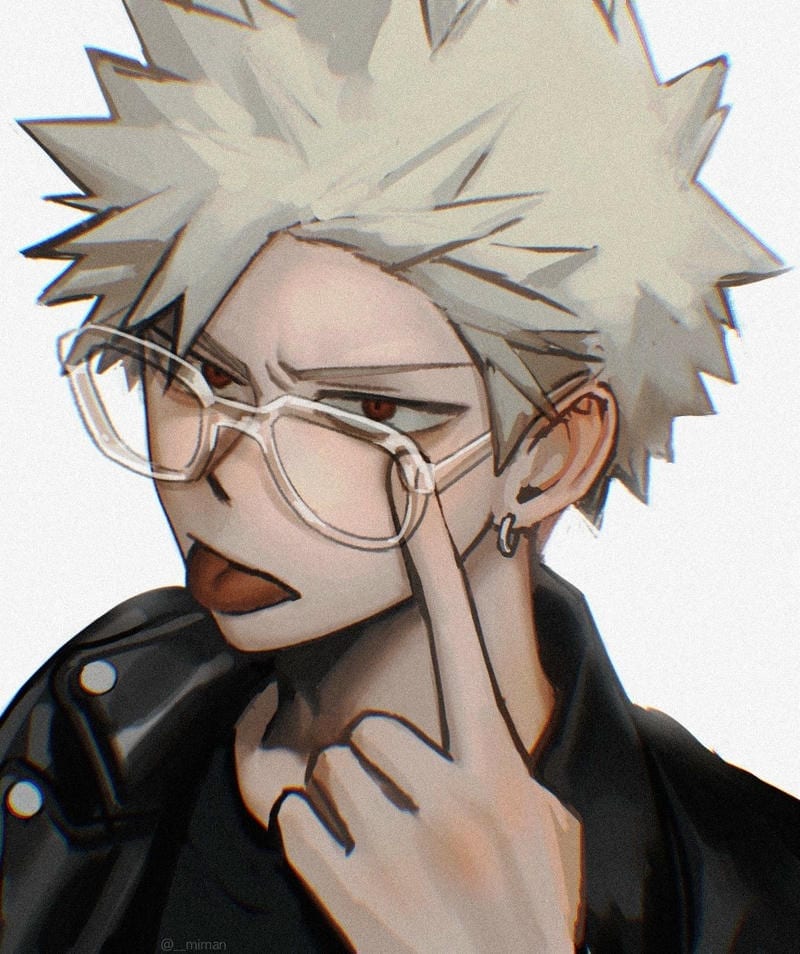
Katsuki Bakugo Aesthetic PFP
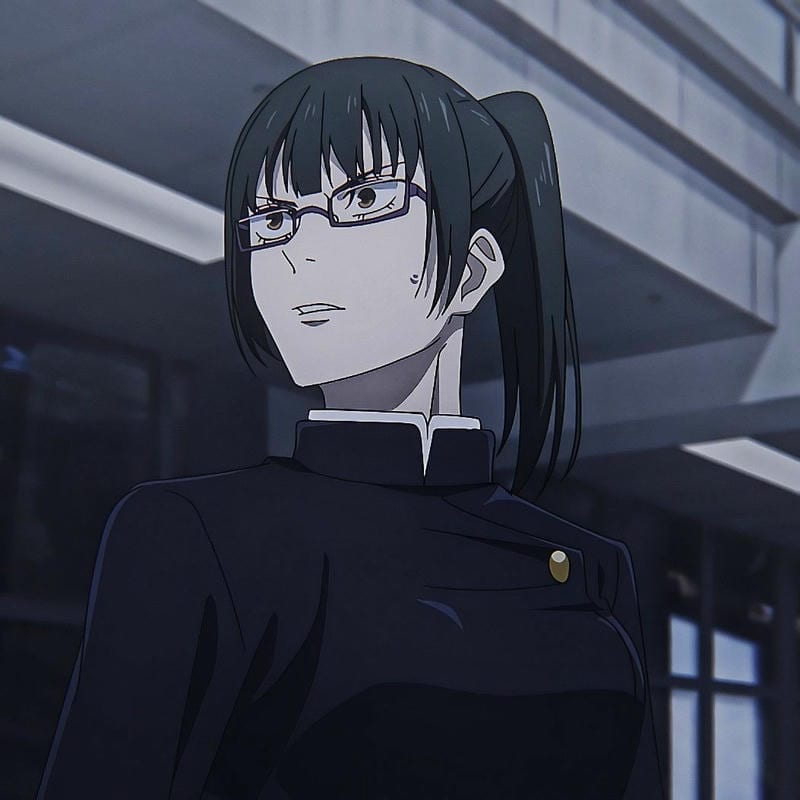
Maki Zenin Aesthetic PFP
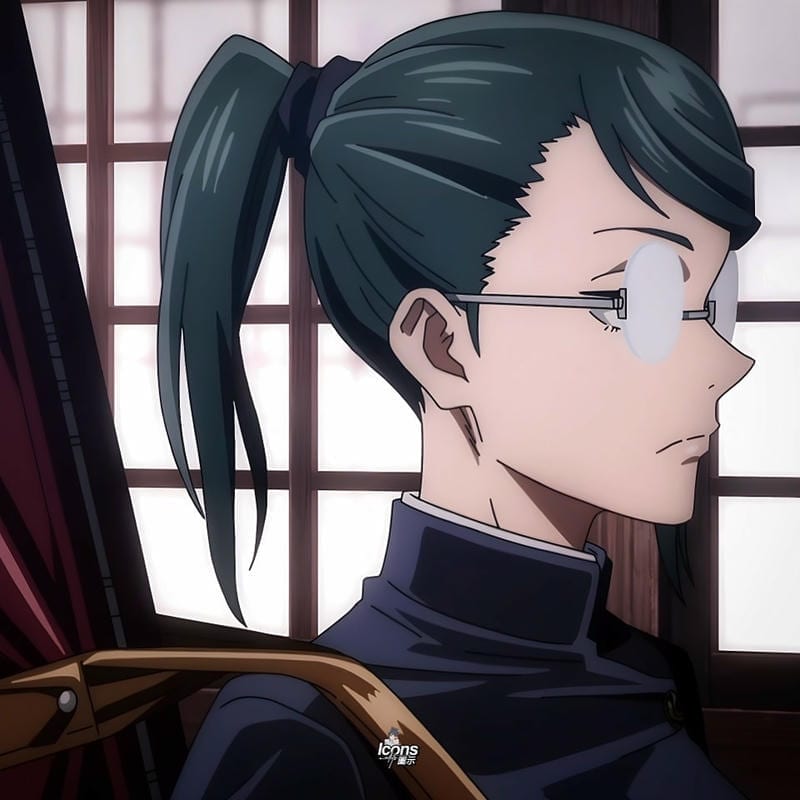
Maki Zenin Aesthetic PFP
A strong anime PFP on Pinterest starts with a face crop, not a full-body scene. The photo is small, so eyes, hair shape, and one clear color story need to do the work. A close-up also fits the pin grid better because it stays readable beside busy board covers. When you search Pinterest for an anime PFP and want a clean result, skip tiny props and crowded backgrounds; let the expression carry the circle.
Pastel edits look at home on Pinterest because the surrounding pins are already soft, styled, and cover-heavy. An aesthetic anime PFP mood works best on Pinterest with low-contrast color, simple line art, and one focal point. Keep the crop square before uploading so the circle doesn’t cut off the chin or hair. If the original art is wide, zoom in on the face and let the background blur into a flat tone.
Pinterest PFP size and crop guide
Pinterest gives the photo a small circular window, so crop for the circle first and add detail second. A square file keeps the face centered when the site scales it down.
| Setting | Value |
|---|---|
| Upload size | Square image of 400×400 or larger |
| Displayed size | 165×165 |
| File type | JPG or PNG |
| Animated avatars | Not supported |
How to change your Pinterest PFP
- Open your Pinterest profile and tap Edit profile.
- Click or tap Profile photo.
- Choose a square image that is at least 400×400, then adjust the crop so the face sits inside the circle.
- Save the change and check your profile from the board grid to make sure the avatar still reads small.
Which anime styles work best on Pinterest
On Pinterest, styles that survive the small circle are bold and simple. A cool or dark pick can hold its shape with sharp hair and high contrast, while a cute pick needs a clean face crop. For an anime girl PFP on Pinterest, lean pastel and keep accessories minimal so the expression stays clear.
A search for anime profile pictures on Pinterest usually rewards edits that feel like part of a board, not a poster. Match the avatar to your pins with soft backgrounds, pastel borders, or one repeated color. Avoid text and extra characters because they vanish at 165×165. That keeps the focus on the face when the page is crowded.
- Cool anime PFPs - sharp color and clean edges that stay readable.
- Dark anime PFPs - high contrast faces for moody boards.
- Aesthetic anime PFPs - pastel washes and soft crops that match pin grids.
- Cute anime PFPs - simple expressions with uncluttered backgrounds.
Pinterest PFP FAQ
Use a square image of 400×400 or larger, because Pinterest displays the profile photo at 165×165. Crop tight on the face first instead of a full-body scene so the circle view keeps the eyes, hair shape, and expression clear.
Yes, you can use free anime art or your own edit for a personal Pinterest profile picture. Check the artist’s usage rules before uploading and keep a square 400×400 or larger file ready so the small avatar stays sharp and crisp.
Crop to a square with the face centered and the top of the hair inside the frame, then upload a 400×400 or larger file. That keeps the 165×165 circle from cutting off the chin or chopping the eyes when Pinterest scales it down.
Pinterest profile photos are still images, so animated or GIF files will not play as your avatar. Save a square 400×400 or larger still frame so the picture stays clean and sharp at 165×165.
Pick a character or style that matches your current boards and reads clearly as a simple face crop. Change it whenever your boards change mood or the tiny avatar starts blending into the page. There is no fixed schedule to follow.